Remote Work Home Network Guest Access Audit Plan for 2026
A remote-worker checklist for guest Wi-Fi, router access, smart-home devices, client data separation, and safe household connectivity.

This 2026 guide is written for readers who need a practical plan today, not a generic reminder. It uses official consumer, safety, housing, workplace, or security sources as a baseline and then turns them into a household workflow. The as-of date is 2026-06-24; because local rules, platform settings, employer policies, veterinary needs, and lease terms can change, use the linked sources and your qualified professional or account owner for case-specific decisions.
Why guest access matters more when home is also an office
A guest network is not only for visitors. In a remote-work household it becomes a boundary between client work, family devices, smart speakers, cameras, game consoles, rental guests, contractors, and visiting relatives. The risk is rarely a cinematic hack. It is a shared password copied into a group chat, an old tablet still connected, a camera or plug that never receives updates, or a visitor device that brings noisy traffic onto the same network where confidential files sync. A useful audit turns that messy reality into a small number of decisions.

Access decision table
| Device or person | Put on main network? | Put on guest network? | Extra step |
|---|---|---|---|
| Work laptop managed by employer | Yes, if required by policy | Sometimes no | Follow employer VPN/MDM instructions |
| Personal laptop used for side admin | Prefer no for client work | Yes for browsing | Use separate browser profiles and MFA |
| Smart TV, speaker, plug, camera | No | Yes | Disable features you do not use |
| House guest or contractor | No | Yes | Time-bound password, no router admin access |
| Printer or NAS | Only if needed | Maybe isolated | Avoid exposing private shares to guest devices |

Start with router admin, not the Wi-Fi name
Before changing guest Wi-Fi, check router admin access. Use a unique admin password, update firmware, disable remote administration unless you have a documented need, and save the recovery process in a password manager. If the router app allows multiple administrators, remove old household phones or former roommates. The guest network loses value if the router itself is still protected by a reused password or an abandoned cloud account.
Create a household access map
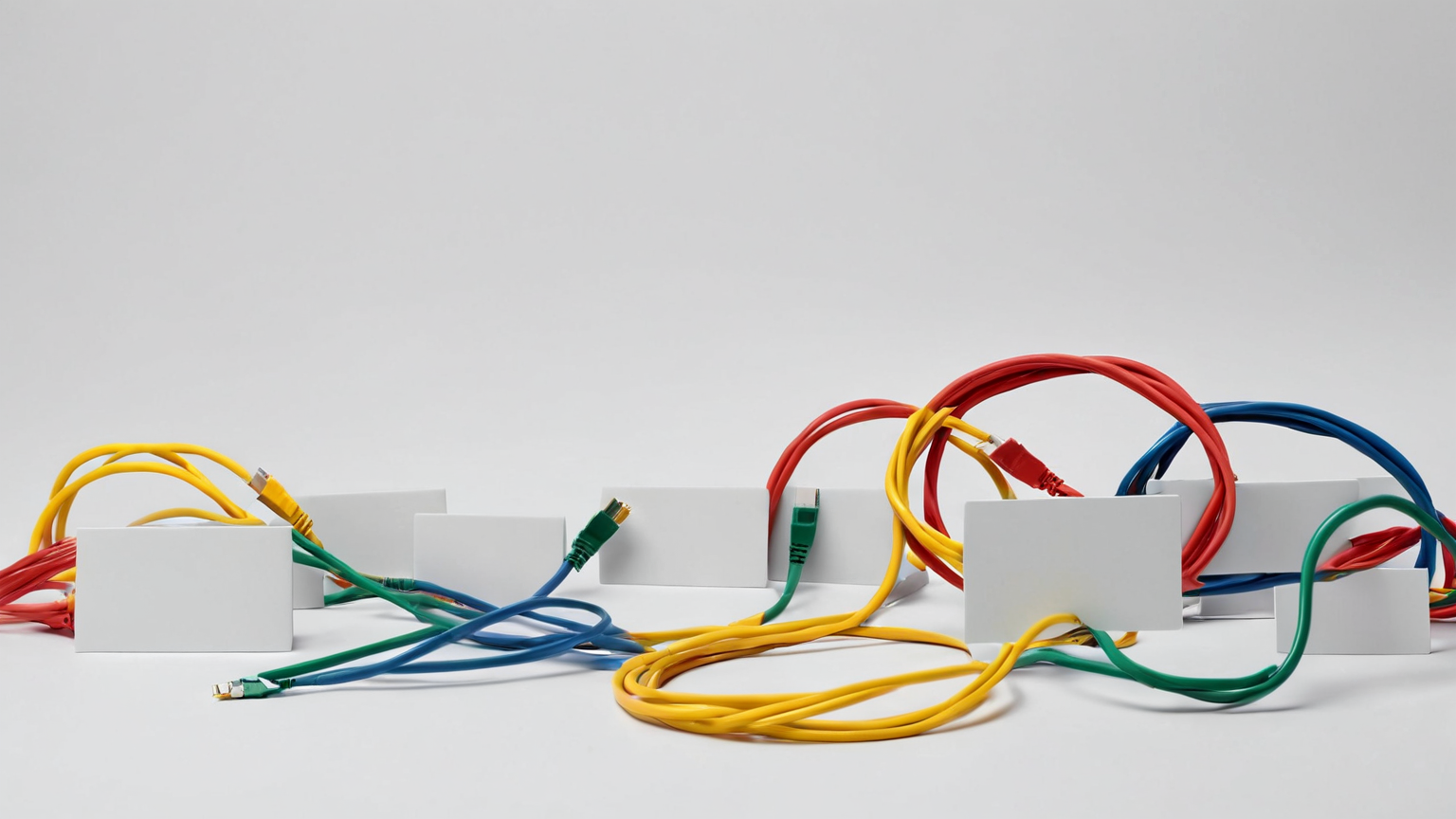
List four groups: work devices, personal trusted devices, smart-home devices, and temporary guests. For each group, write the network name, who knows the password, whether the device can see local network devices, and when the password was last changed. This map is more useful than a vague promise to “secure Wi-Fi” because it reveals hidden dependencies: a printer may need local discovery, while a smart bulb does not need access to the folder where client invoices sync.
Practical audit checklist
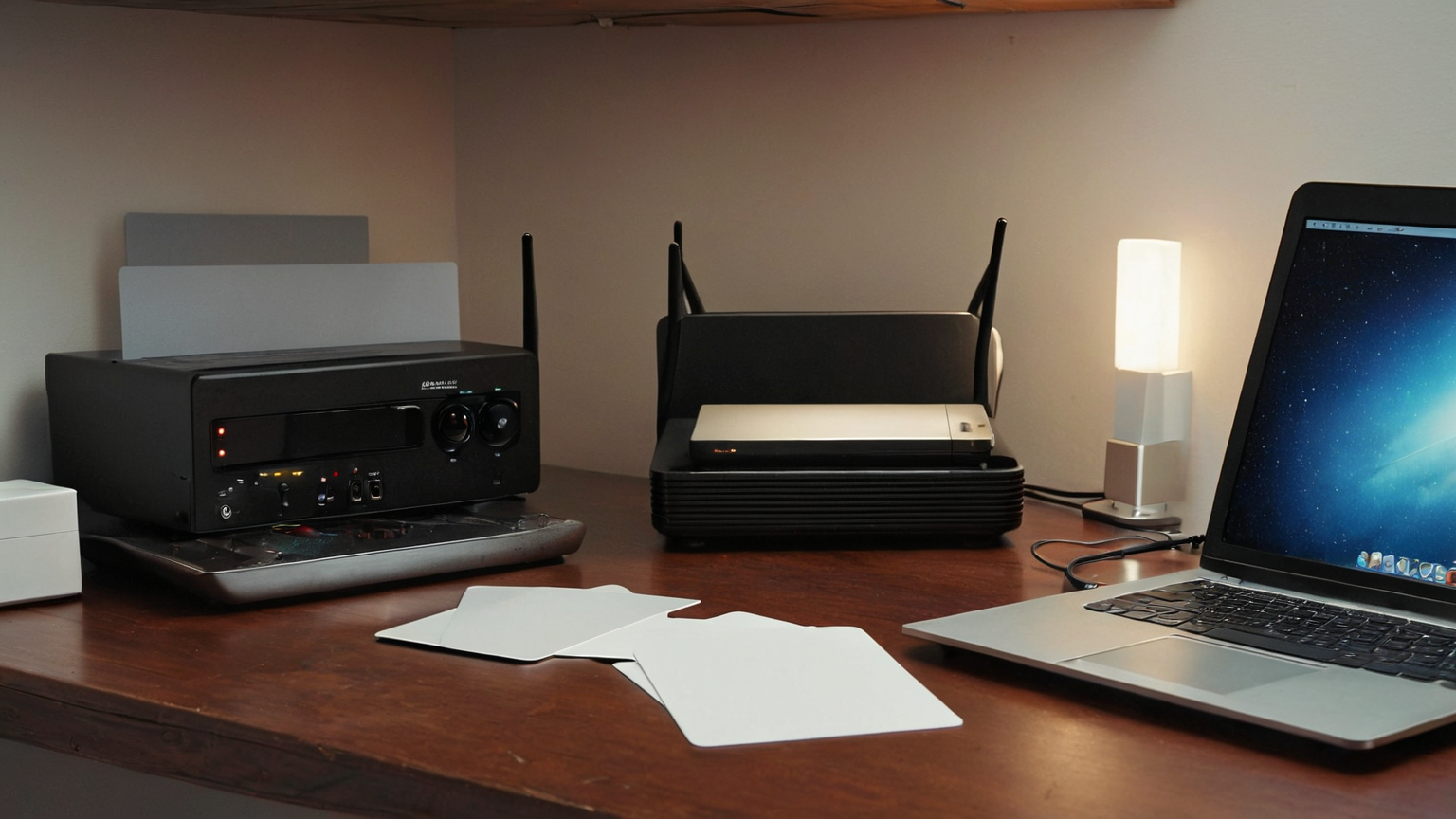
- Change the guest password after a large gathering, contractor visit, short-term rental stay, or roommate change.
- Keep router firmware current and document the update date.
- Put smart-home gadgets on guest or IoT isolation when the router supports it.
- Turn off WPS if available.
- Avoid putting client files on a network share that all household devices can browse.
- Keep employer VPN and device-management rules above personal convenience.
- Screenshot or export router settings only to a private location, never to a shared support thread.
Remote-work handoff for family members
Write a short household rule: the work network password is not shared with visitors, guests use the guest code, and no one resets the router during meetings unless there is an outage plan. If family members need to troubleshoot, give them a safe path: power-cycle modem and router, wait, then contact the ISP or the household owner. Do not ask a child or guest to log into the router app.
What to do after suspicious activity
If devices appear that nobody recognizes, first preserve facts: router model, date, device name, MAC address if shown, and whether the device reappears after password changes. Change the guest password, remove unknown admin sessions, update firmware, and review cloud-router account security. If client data may have been exposed, follow the contract or manager escalation path rather than trying to quietly fix everything alone.
Reader trust and scope note
This guide supports helpful-content quality because it gives a realistic home-office workflow, not scare tactics or product hype. It names security authorities, keeps client-data boundaries explicit, and tells readers when employer, ISP, or security-owner rules should override generic advice.
Guest-network audit table
| Access group | Network choice | Review evidence | Next action |
|---|---|---|---|
| Employer-managed laptop | Main or employer-required network | Employer policy and VPN status | Do not override managed controls |
| Smart-home devices | Guest or isolated IoT network | Router client list | Remove stale devices and update firmware |
| Visitors and contractors | Guest network only | Password change date | Rotate after high-turnover visits |
| Printer or local storage | Trusted network only if needed | Share permissions | Disable broad guest discovery |
| Router administrators | Small named list | Admin account list | Remove old phones and reused accounts |
Quick implementation checklist
- Save the official source links that apply to your situation.
- Write the decision owner: veterinarian, manager, landlord, security owner, financial counselor, or local authority as appropriate.
- Keep sensitive documents private; share only what the process requires.
- Set one calendar reminder to revisit the plan before the next renewal, trip, move, or account change.
- If a professional rule conflicts with this article, follow the professional or official rule.
FAQ
Do I need a business router?
Not always. Start with unique passwords, firmware updates, guest isolation, and clear household rules. Upgrade only when those controls are missing or unreliable.
Should printers be on guest Wi-Fi?
Only if printing from guest devices is intentional. Many households keep the printer with trusted devices and avoid exposing storage or scan folders broadly.
How often should I change the guest password?
After high-turnover events or when the password has been shared widely. A scheduled quarterly check is enough for many quiet households.
Source notes
The source list in the frontmatter favors official agencies, platform documentation, and established nonprofit or professional organizations. It is intentionally conservative: if a reader needs legal, veterinary, financial, workplace, or security approval, the article points them to the appropriate authority instead of pretending a blog post can certify the outcome.
Extra planning worksheet
Use a three-column worksheet: fact, decision, evidence. In the fact column, write the exact rule, symptom, setting, or cost that you can verify. In the decision column, write the action you will take now and the person who owns it. In the evidence column, save the official page, receipt, veterinary note, lease clause, employer policy, or platform setting that proves the decision later. This prevents a stressful situation from becoming a memory contest. Repeat the worksheet for the top five risks in this guide and schedule a short review after the first real use. Use a three-column worksheet: fact, decision, evidence. In the fact column, write the exact rule, symptom, setting, or cost that you can verify. In the decision column, write the action you will take now and the person who owns it. In the evidence column, save the official page, receipt, veterinary note, lease clause, employer policy, or platform setting that proves the decision later. This prevents a stressful situation from becoming a memory contest. Repeat the worksheet for the top five risks in this guide and schedule a short review after the first real use. Use a three-column worksheet: fact, decision, evidence. In the fact column, write the exact rule, symptom, setting, or cost that you can verify. In the decision column, write the action you will take now and the person who owns it. In the evidence column, save the official page, receipt, veterinary note, lease clause, employer policy, or platform setting that proves the decision later. This prevents a stressful situation from becoming a memory contest. Repeat the worksheet for the top five risks in this guide and schedule a short review after the first real use.
Maintenance review cadence
For the network audit, keep a change log with router firmware date, guest password change date, known smart devices, and the person who can approve changes during work hours. A household router often fails socially before it fails technically: someone shares a password, resets a device during a client call, or plugs in a storage device without thinking about file exposure. The log creates a practical boundary. Review it after visitors, a new smart device, ISP equipment replacement, or a job change that adds stricter client-data obligations. If a client, employer, or security owner has a written rule, that rule is the authority and this checklist becomes supporting evidence, not a substitute. For the network audit, keep a change log with router firmware date, guest password change date, known smart devices, and the person who can approve changes during work hours. A household router often fails socially before it fails technically: someone shares a password, resets a device during a client call, or plugs in a storage device without thinking about file exposure. The log creates a practical boundary. Review it after visitors, a new smart device, ISP equipment replacement, or a job change that adds stricter client-data obligations. If a client, employer, or security owner has a written rule, that rule is the authority and this checklist becomes supporting evidence, not a substitute. For the network audit, keep a change log with router firmware date, guest password change date, known smart devices, and the person who can approve changes during work hours. A household router often fails socially before it fails technically: someone shares a password, resets a device during a client call, or plugs in a storage device without thinking about file exposure. The log creates a practical boundary. Review it after visitors, a new smart device, ISP equipment replacement, or a job change that adds stricter client-data obligations. If a client, employer, or security owner has a written rule, that rule is the authority and this checklist becomes supporting evidence, not a substitute.