Remote Work Client Data Retention Cleanup and Handoff Plan for 2026
A remote-worker checklist for client files, retention windows, offboarding, local device cleanup, secure transfer, and privacy-safe handoff evidence.

Updated June 23, 2026. Remote work creates invisible leftovers: downloaded client files, meeting recordings, screenshots, exports, local caches, browser profiles, draft folders, contractor drives, and shared links that keep living after a project ends. This plan helps freelancers, employees, and small teams close a client engagement without hoarding private data or deleting records that policy requires. It is an operational checklist, not legal advice; contracts, employer policy, and regulated-data rules come first.
Employment/privacy disclaimer: follow employer policy, client contracts, data-processing terms, legal holds, and regulated-data requirements over this general checklist.
Client-data cleanup decision table
| Decision point | Use this test | Safer next step | Evidence to keep |
|---|---|---|---|
| Project ending | Deliverables accepted or access changing | Freeze a file inventory before cleanup | Handoff date and owner |
| Unknown retention rule | Contract/policy is silent or confusing | Ask the client/manager before deleting | Written instruction |
| Local copies exist | Files were downloaded for offline work | Return, archive, or securely remove per policy | Folder list |
| Shared links active | External links or guest access remain | Transfer ownership or revoke | Link audit |
| Device returning | Laptop/drive/account offboarding | Use IT-approved wipe/return steps | Receipt or ticket |
Inventory before deleting anything
Start with a plain inventory: local folders, cloud drives, shared documents, exports, recordings, screenshots, code repos, design files, credentials, analytics reports, and communication threads. The goal is not to keep everything forever. The goal is to know what exists before deciding what must be returned, retained, archived, or removed. A quick inventory also prevents the common mistake of deleting the final working copy before the client confirms receipt.

Separate records from convenience copies
A signed agreement, invoice, tax record, final deliverable, or approved project archive may need a different retention path than a temporary CSV export or local screenshot. Tag each item as record, deliverable, working copy, duplicate, or sensitive temporary file. If the category is unclear, ask the client, manager, data owner, or legal/operations contact before acting.

Close shared access deliberately
Shared links are easy to forget because they do not sit on your desktop. Review cloud folders, document permissions, external guests, repo collaborators, calendar attachments, whiteboards, and file-transfer portals. Transfer ownership where required, then revoke access you no longer need. Do not rely on a password change alone if the real issue is an open public or external link.

Clean local devices without breaking evidence
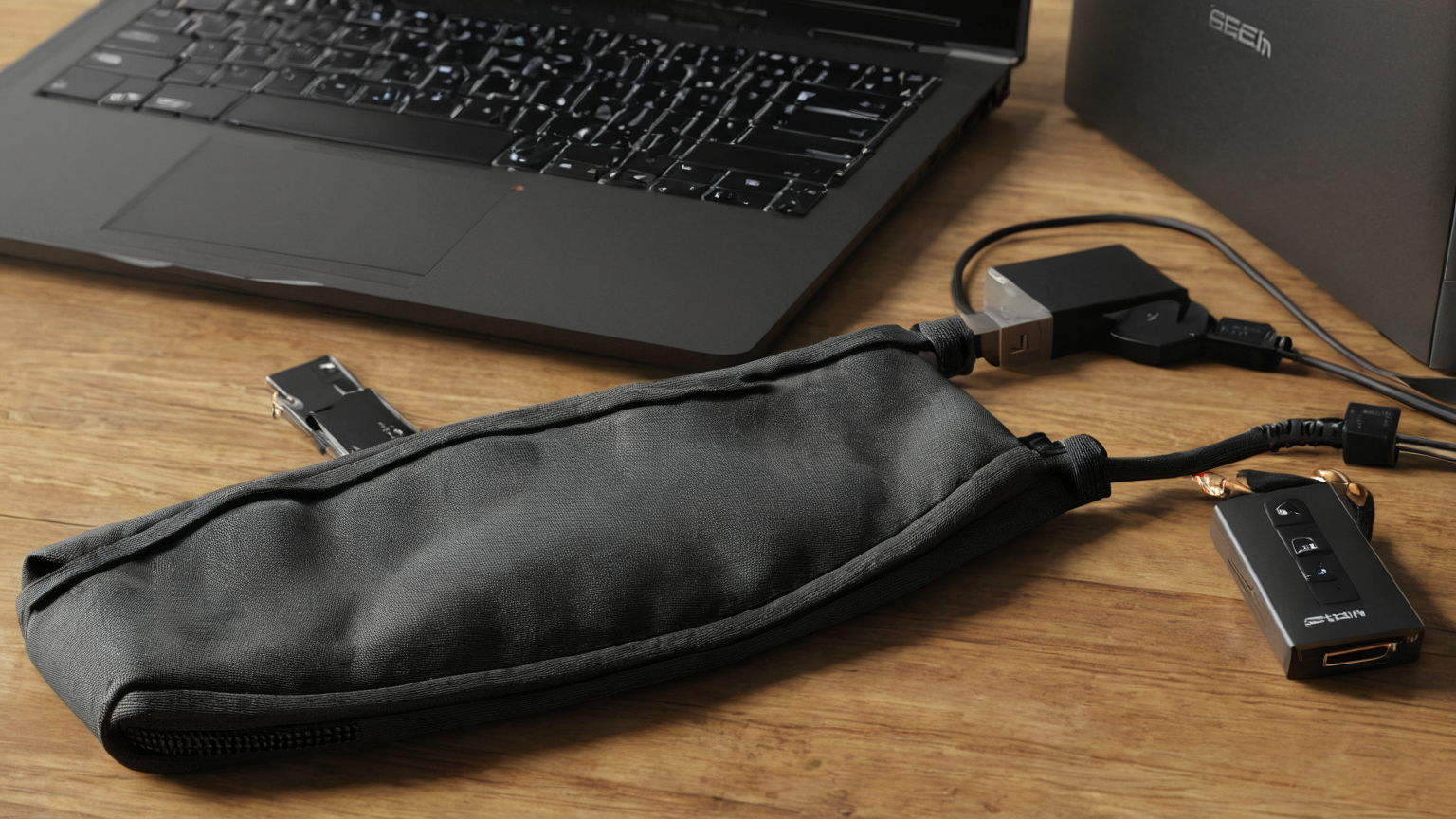
For company-managed devices, use IT instructions rather than personal wiping tools. For personally owned devices used with permission, remove synced folders, local caches, temporary exports, and browser profiles according to the agreed retention plan. Keep proof of handoff, not extra private copies. If a breach or dispute is suspected, pause deletion and escalate so evidence is preserved correctly.
Make the handoff boring and auditable
A strong handoff states what was delivered, where it lives, who owns it, which access remains, which access was removed, and what unresolved decisions need approval. Keep the wording factual and privacy-safe. Do not paste secrets, customer data, or private screenshots into the handoff note just to prove diligence.

Practical checklist
- Inventory local, cloud, repo, recording, export, and link locations.
- Classify each item as record, deliverable, working copy, duplicate, or sensitive temporary file.
- Confirm retention rules before deleting ambiguous material.
- Transfer ownership before revoking your own access.
- Remove local convenience copies after handoff approval.
- Keep a short handoff receipt without embedding private data.
Common mistakes to avoid
| Mistake | Why it hurts | Better habit |
|---|---|---|
| Deleting first, asking later | Records or deliverables may vanish | Inventory and confirm retention |
| Keeping everything “just in case” | Privacy and breach exposure grow | Keep only approved records |
| Forgetting shared links | Former collaborators can still access data | Audit links and guests |
| Proving cleanup with screenshots of private data | Creates a new sensitive artifact | Use counts, paths, and ticket IDs |
FAQ
Should I delete client files as soon as a project ends?
Not automatically. First check contract, policy, legal/tax needs, and client instructions. Then remove convenience copies that no longer have a valid purpose.
What if the client never replies?
Escalate through the agreed contact path and keep data secured. Do not invent a retention rule for regulated or sensitive data.
What is the fastest first step?
Create a one-page inventory of where client data exists before touching permissions or files.
AdSense and trust note
This remote-work guide avoids product pushing and keeps recommendations practical, source-backed, and reader-first. It links to privacy, security, and records-retention context, names limits clearly, and tells readers to follow client contracts, employer policy, legal holds, IT/security owners, and qualified legal or compliance advice before deleting or transferring sensitive client data.