Home Office Eye Strain and Microbreak Ergonomics Plan for 2026
A remote-work plan for reducing digital eye strain with monitor placement, lighting, blink breaks, task rotation, workload boundaries, and escalation signs that need eye-care advice.

Updated 2026-06-19. This guide is written for practical, low-risk decisions a reader can use today. It prioritizes current official or expert sources, clear escalation points, privacy boundaries, and non-promotional guidance so the post improves AdSense readiness rather than merely adding volume.
Eye-strain and microbreak decision table
| Question | Safer default | Why it matters |
|---|---|---|
| What is time-sensitive? | New vision changes, severe dryness, headaches, or pain that persists after setup changes. | Escalation signs should not be buried inside productivity advice. |
| What source controls the decision? | Use OSHA workstation guidance, eye-care organization guidance, and your employer ergonomics process. | Keeps desk setup and workload changes tied to reliable sources. |
| What record is needed? | Keep monitor height, glare source, break cadence, symptom trigger, and next review date. | Makes the next adjustment specific instead of vague. |
| What should not be shared? | Do not post work screens, client data, health details, or private workspace photos in public channels. | Keeps ergonomics documentation privacy-safe. |
| When should a professional be called? | Escalate persistent eye pain, vision changes, headaches, or accommodation needs to eye-care, medical, HR, or manager channels. | Avoids treating health symptoms as a simple habit problem. |
1. Make the screen setup visible before changing habits
Eye strain advice fails when the desk keeps pushing the worker into glare, neck flexion, tiny text, and nonstop focus. Start with monitor height, viewing distance, brightness, contrast, and glare. A setup photo for personal use can help, but avoid sharing screens or private work material.
Record the exact workstation variable you changed—monitor distance, glare source, font size, break cadence, or meeting block—and review symptoms after a defined work period. Keep notes private and free of client screens.
2. Turn breaks into task design, not guilt
Microbreaks work best when they are attached to normal work transitions: after a meeting, before code review, when a document section ends, or before answering a message batch. The goal is to change focus distance, blink, move shoulders, and reset posture before discomfort becomes the reminder.
Record the exact workstation variable you changed—monitor distance, glare source, font size, break cadence, or meeting block—and review symptoms after a defined work period. Keep notes private and free of client screens.

3. Treat lighting as part of ergonomics
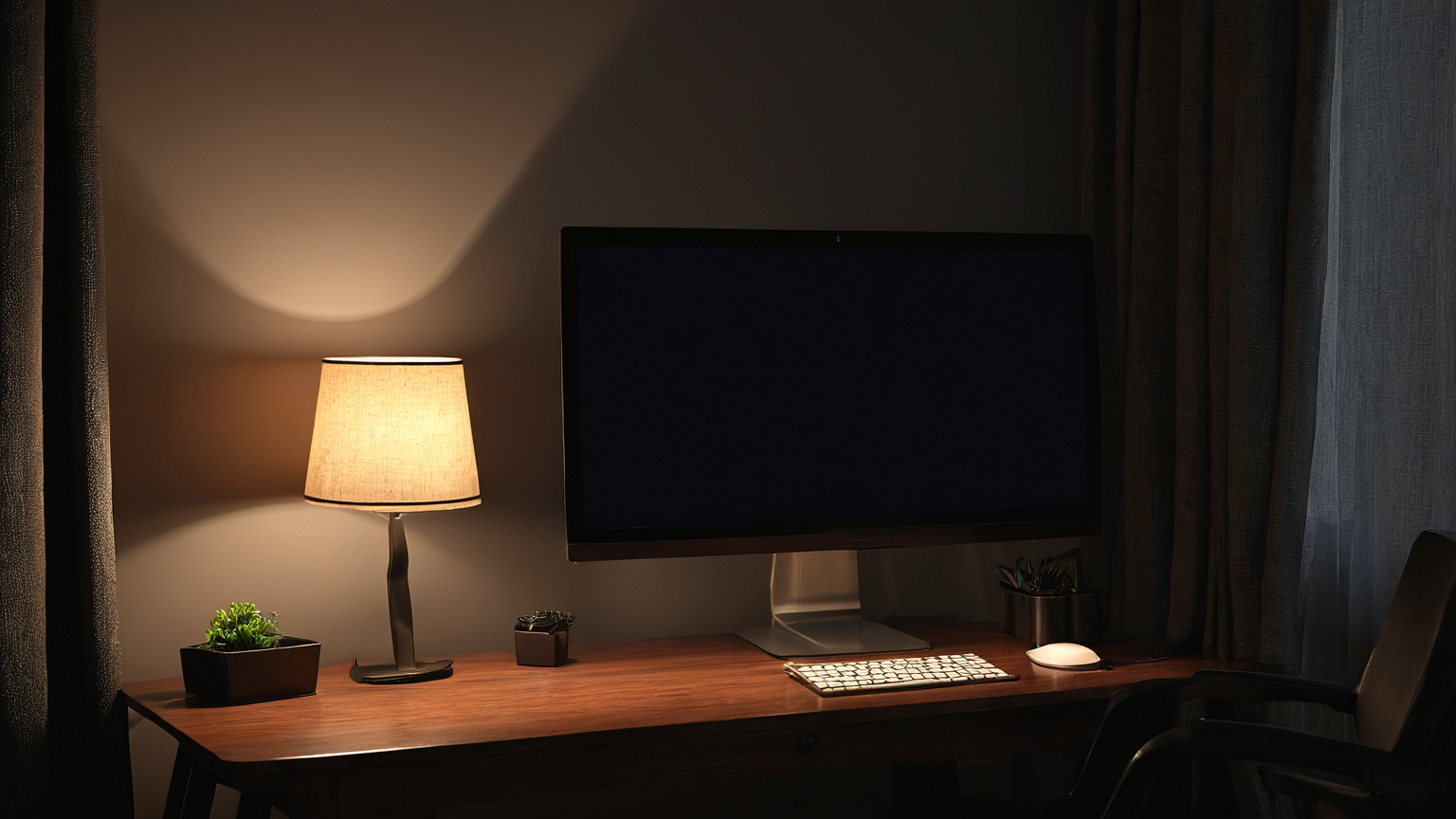
Bright windows behind or in front of the screen can create glare and squinting. Side lighting, adjustable shades, and a monitor that is not competing with a window reduce strain. Do not solve glare by working in a dark room with a bright screen all day.
Record the exact workstation variable you changed—monitor distance, glare source, font size, break cadence, or meeting block—and review symptoms after a defined work period. Keep notes private and free of client screens.
4. Balance vision, posture, and workload
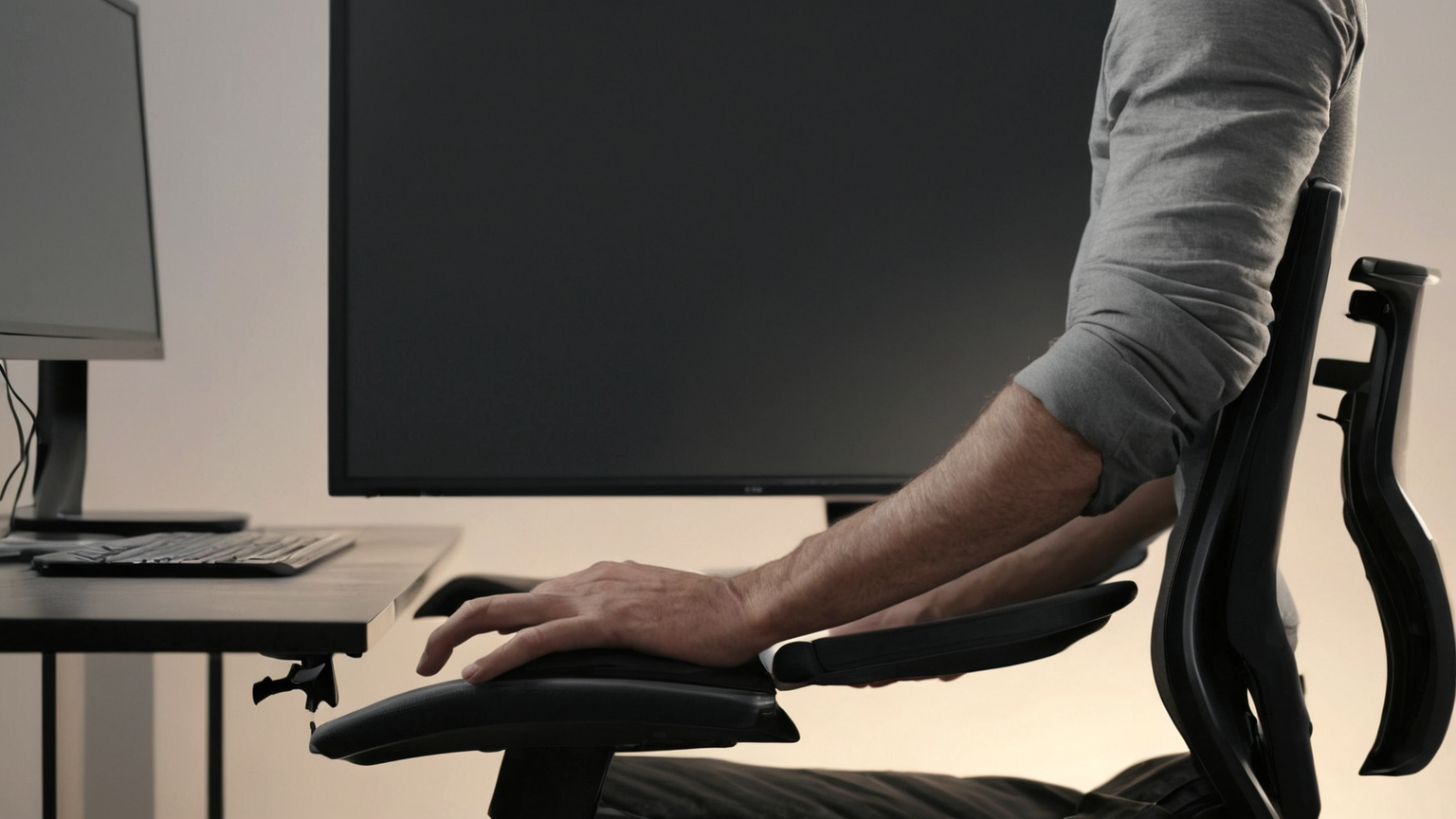
Eye strain often appears alongside neck, shoulder, hand, and fatigue symptoms. Remote workers need manager-safe boundaries: meeting density, focus blocks, task rotation, and realistic turnaround times. Presence status should not replace sustainable work design.
Record the exact workstation variable you changed—monitor distance, glare source, font size, break cadence, or meeting block—and review symptoms after a defined work period. Keep notes private and free of client screens.
5. Know when to escalate
Persistent pain, new vision changes, headaches, double vision, severe dryness, or symptoms that do not improve with setup changes deserve eye-care or medical advice. This guide is a practical planning tool, not a diagnosis.
Record the exact workstation variable you changed—monitor distance, glare source, font size, break cadence, or meeting block—and review symptoms after a defined work period. Keep notes private and free of client screens.

One-page checklist
- Confirm the current official or expert source before acting.
- Write the owner, deadline, and next review date.
- Keep private identifiers, passwords, serial numbers, payment data, medical details, and sensitive screenshots out of shared notes.
- Use a temporary workaround only if it does not create a larger safety or money risk.
- Escalate to the relevant professional when symptoms, account compromise, safety hazards, legal questions, or large financial commitments are involved.
Common mistakes to avoid
| Mistake | Why it weakens the plan | Better habit |
|---|---|---|
| Treating a checklist as a diagnosis or guarantee | The facts may be incomplete or current rules may differ. | Use the checklist to prepare for expert advice. |
| Saving everything in a public note or chat | Private details can leak or be reused. | Store sensitive records in approved private storage. |
| Waiting for the perfect tool | The immediate risk may need a simple first step. | Start with source verification, owner, and deadline. |
| Optimizing for cost or convenience only | Hidden safety, privacy, or follow-up costs can exceed the savings. | Compare total risk, not just the first price or fastest option. |
FAQ
Does this replace professional advice?
No. It is a remote-work ergonomics planning guide. Use an eye-care professional, medical clinician, HR/accommodations process, manager, or workplace ergonomics program when symptoms or job constraints are high-stakes.
Why include records and privacy limits?
Good records help the next person act, but over-sharing creates new risk. The useful middle is a private, minimal note that documents the decision without exposing credentials, account data, payment details, medical details, private footage, or serial numbers.
How this supports AdSense readiness
The article is source-backed, practical, non-affiliate, policy-safe, and reader-first. It adds original decision structure, tables, checklists, escalation cues, and privacy boundaries instead of thin filler.