Remote Work Wrist Pain Keyboard Break Ergonomics Plan
A remote-worker plan for wrist discomfort: workstation checks, microbreaks, escalation signs, documentation, and manager-safe adjustments.
Updated 2026-09-28. This guide is intentionally practical and conservative: it uses current official or expert sources, avoids affiliate pressure, and separates home planning from professional advice. Use it to decide what to document, when to escalate, and how to keep the next review simple.
Wrist-pain workday decision table
| Workday signal | Safer default | Evidence to keep | Escalate when |
|---|---|---|---|
| Wrist discomfort starts during typing | Shorten the next typing block and add a neutral-position break | Time of day, task type, keyboard/mouse setup | Pain, numbness, tingling, weakness, or night symptoms continue |
| New keyboard or shortcut routine conflicts | Test one change for a week instead of changing everything | Before/after notes and meeting-heavy days | The change increases pain or blocks required work |
| Manager or team expectations are unclear | Document a small break cadence and output plan | Agreed break pattern and deliverable timing | Accommodation, medical, or HR guidance may be needed |
| Follow-up needed | Review symptom trend and workstation fit every Friday | Pain scale, break adherence, and tasks that triggered flare-ups | Symptoms repeat despite lighter load and ergonomic changes |
Treat discomfort as a workflow signal
Wrist discomfort during remote work often comes from the whole setup: chair height, desk edge, mouse reach, laptop angle, typing bursts, and lack of recovery. Do not solve it with one gadget before checking the work pattern.
Check neutral positions first
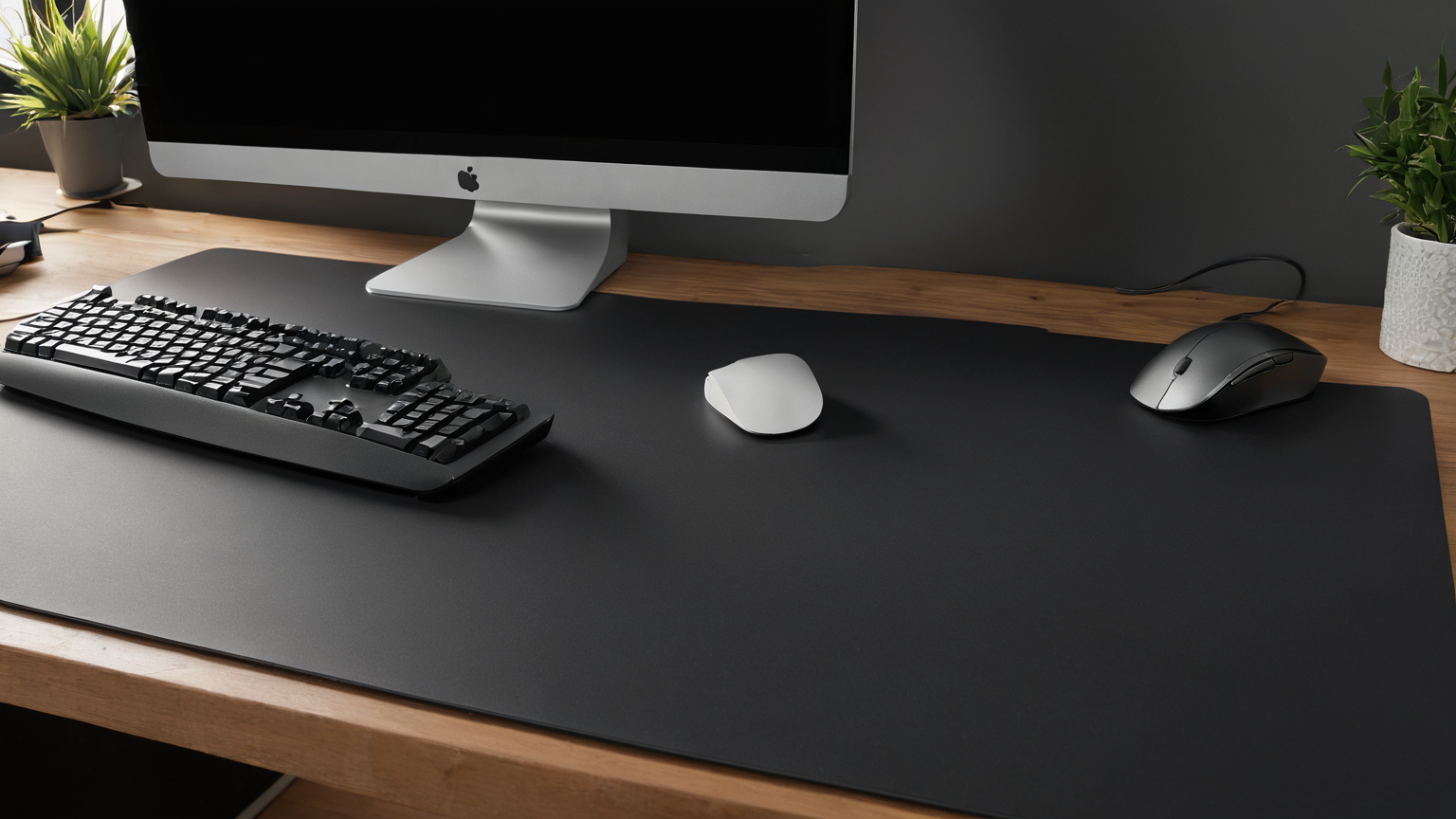
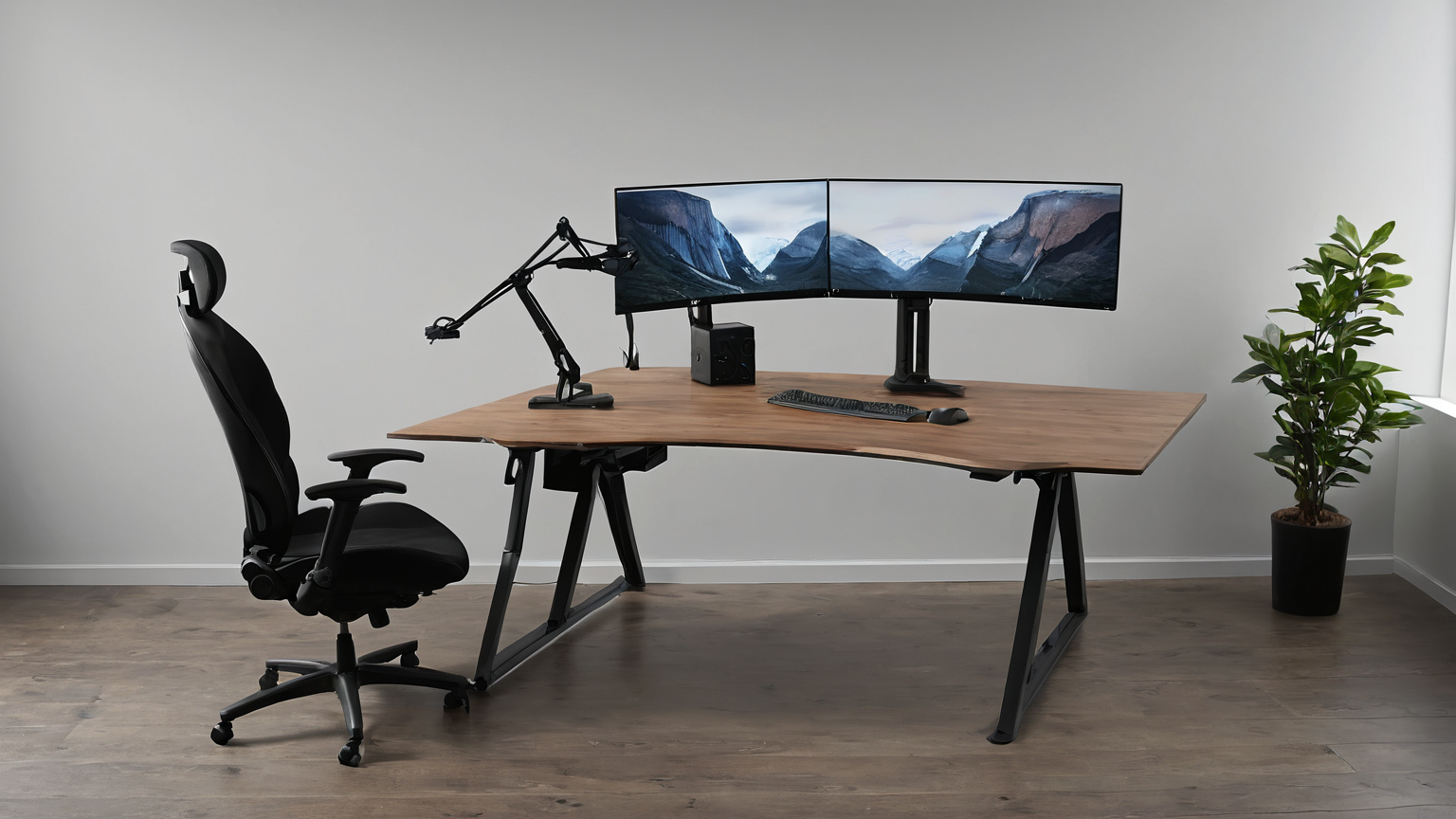
Keep wrists relaxed rather than bent sharply, bring the keyboard and mouse close enough that shoulders stay loose, and raise the screen so the neck is not pulling the arms forward. A laptop alone is rarely ideal for long sessions.
Use breaks that actually interrupt loading
Microbreaks should change posture and hand use, not simply switch from typing to phone scrolling. Pair break reminders with natural workflow boundaries: before meetings, after code reviews, or after each support queue batch.
Document patterns for manager conversations
If pain affects work, record task, duration, symptoms, setup, and what improves it. This turns the conversation from vague discomfort into a practical accommodation or equipment request without oversharing medical details.

Know escalation signs
Numbness, weakness, night pain, swelling, persistent symptoms, or loss of normal function deserves professional evaluation. Remote workers should know the employer process for health, safety, ergonomic assessment, or medical leave questions.

Keep privacy and productivity aligned
Do not send photos of medical details or private home areas unnecessarily. Share only what the employer needs to evaluate the workstation, equipment request, or schedule adjustment.

Run a seven-day load map before buying equipment
Use a private note with one row per work block. Record the task, minutes of continuous keyboard or mouse use, which hand handled the pointing device, symptom location, and whether a two-minute change of activity helped. Do not record a diagnosis. The goal is to find a repeatable work pattern: for example, discomfort after ninety minutes of spreadsheet work but not after short writing sessions, or symptoms that increase when the mouse sits beyond the keyboard.
Change only one variable at a time for at least several comparable work blocks. Start with free changes: move input devices closer, remove a thick wrist rest that forces extension while typing, reduce unnecessary mouse travel with shortcuts, or divide one long batch into smaller blocks. Then compare the same type of task. If five changes happen at once, the notes cannot show which one helped.
| Test | Keep constant | Evidence of improvement | Stop the test when |
|---|---|---|---|
| Move the mouse closer | Same task and work duration | Less reaching without new shoulder tension | Pain or weakness increases |
| Lower keyboard angle | Same chair and desk | Wrists stay nearer neutral while typing | Keys become hard to control |
| Add short task changes | Same daily workload | Symptoms start later or recover sooner | Breaks do not interrupt loading or symptoms persist |
| Alternate input method briefly | Same application | One hand gets recovery without slower, strained technique | New discomfort appears |
Equipment requests should name a function, not a product
A manager can evaluate “a keyboard position that permits neutral wrists at this desk” more reliably than a request for a particular premium keyboard. Describe the barrier, the work affected, the adjustment already tried, and the outcome you need. Employer ergonomic programs may provide an assessment or approved equipment list. Formal accommodation and medical questions belong in the employer’s established process; this article cannot determine eligibility.
If equipment is approved, keep the first week conservative. Match the old key layout where possible, avoid a sudden increase in shortcut practice, and retain a fallback input device. A new split keyboard, vertical mouse, or trackball can change loading rather than eliminate it. The useful comparison is whether required work becomes more sustainable without moving discomfort elsewhere.
Separate typing load from pointing load
“Computer work” is not one exposure. A writing block may involve continuous keystrokes with little mouse movement; a design review may involve sustained clicking, dragging, and fine pointer corrections; a support shift may alternate rapidly between both. Record them separately. If symptoms consistently track one activity, adjust that workflow first instead of rebuilding the entire workstation.
For keyboard-heavy work, check whether the desk or armrests force the shoulders upward, whether the keyboard angle bends the wrists, and whether shortcuts reduce unnecessary pointer travel without creating awkward key combinations. For pointer-heavy work, check reach distance, grip force, device sensitivity, and whether the forearm has support without pressing the wrist into an edge. A larger cursor or adjusted pointer speed can sometimes reduce repeated precision movements, but settings should remain controllable and accurate for the task.
Voice input can reduce some keystrokes, but it may be unsuitable for confidential material, shared housing, noisy rooms, or specialized vocabulary. Likewise, switching hands may redistribute load but can add strain when the non-dominant hand is untrained. Treat each option as a bounded trial, not a universal remedy, and stop when it creates new symptoms or work errors.
Practical checklist
- Place the keyboard and pointing device inside a relaxed forearm reach.
- Avoid resting the wrist on a hard desk edge while typing or mousing.
- Use task changes that actually unload the irritated movement; phone scrolling may not.
- Keep a private seven-day pattern log and share only what the employer needs.
- Ask for qualified evaluation when symptoms persist, disturb sleep, cause weakness or numbness, follow an injury, or reduce normal function.
What not to do
| Mistake | Why it weakens the plan | Better move |
|---|---|---|
| Treating a blog post as professional advice | Your facts may differ | Use this as a prep checklist, then verify |
| Saving everything in public chat or shared drives | Private details spread | Store only what the helper actually needs |
| Waiting for a crisis | Choices become rushed | Build the note while the situation is calm |
| Buying a tool before defining the problem | Cost rises without reducing risk | Fix the process first |
FAQ
Should I use a wrist rest while typing?
A rest should not force the wrist upward or become the point where you press into a hard edge. Many workers use a palm support during pauses rather than bearing weight on the wrist while actively typing. Check the whole keyboard height and forearm position instead of treating the rest as a cure.
Is pain during computer work automatically carpal tunnel syndrome?
No. Several conditions and work patterns can produce hand or wrist symptoms, and a blog cannot diagnose the cause. Persistent numbness, weakness, night symptoms, swelling, symptoms after injury, or reduced function warrant professional evaluation.
What should I tell a manager?
Describe the work barrier and a concrete test: which tasks trigger symptoms, what low-risk adjustment you tried, and what schedule or equipment function may help. Share the minimum necessary information and use the employer’s ergonomic, safety, occupational-health, or accommodation channel.
Reader trust and scope note
This guide synthesizes OSHA, NIOSH, health-system, and display-screen guidance into a remote-work test plan. It does not diagnose injury, promise that a product will prevent pain, or replace an employer assessment or clinician.