Remote Work Laptop Battery Outage Plan: UPS, USB-C, Hotspots, and Async Work
A practical 2026 remote-work power outage guide covering laptop battery care, router UPS runtime, USB-C backup kits, meeting triage, and async workflows.

Updated May 31, 2026. Treat this as an operations plan, not electrical advice. Follow manufacturer limits for batteries, UPS devices, and chargers; replace damaged packs immediately.
A remote-work outage is rarely just a dead laptop. It is a chain failure: router loses power, phone hotspot is untested, video call drains the battery, VPN reconnects slowly, and nobody knows whether you are joining late or moving async. The fix is a rehearsed runtime plan.
Outage triage table
| Layer | Goal | Default action | Failure signal |
|---|---|---|---|
| Router/modem | Keep internet alive | UPS for network gear only | UPS alarm, modem reboot loop |
| Laptop | Preserve focused work | Battery saver, dim screen, close heavy apps | Under 35% before meeting ends |
| Phone | Backup network | Hotspot tested and charged | Weak signal, carrier throttling |
| Meetings | Avoid chaos | Decide: join audio, reschedule, or async update | Screen share/video unstable |
| Documentation | Keep trust | Post short status and ETA | Teammates ask where you are |
Step 1: separate network runtime from laptop runtime
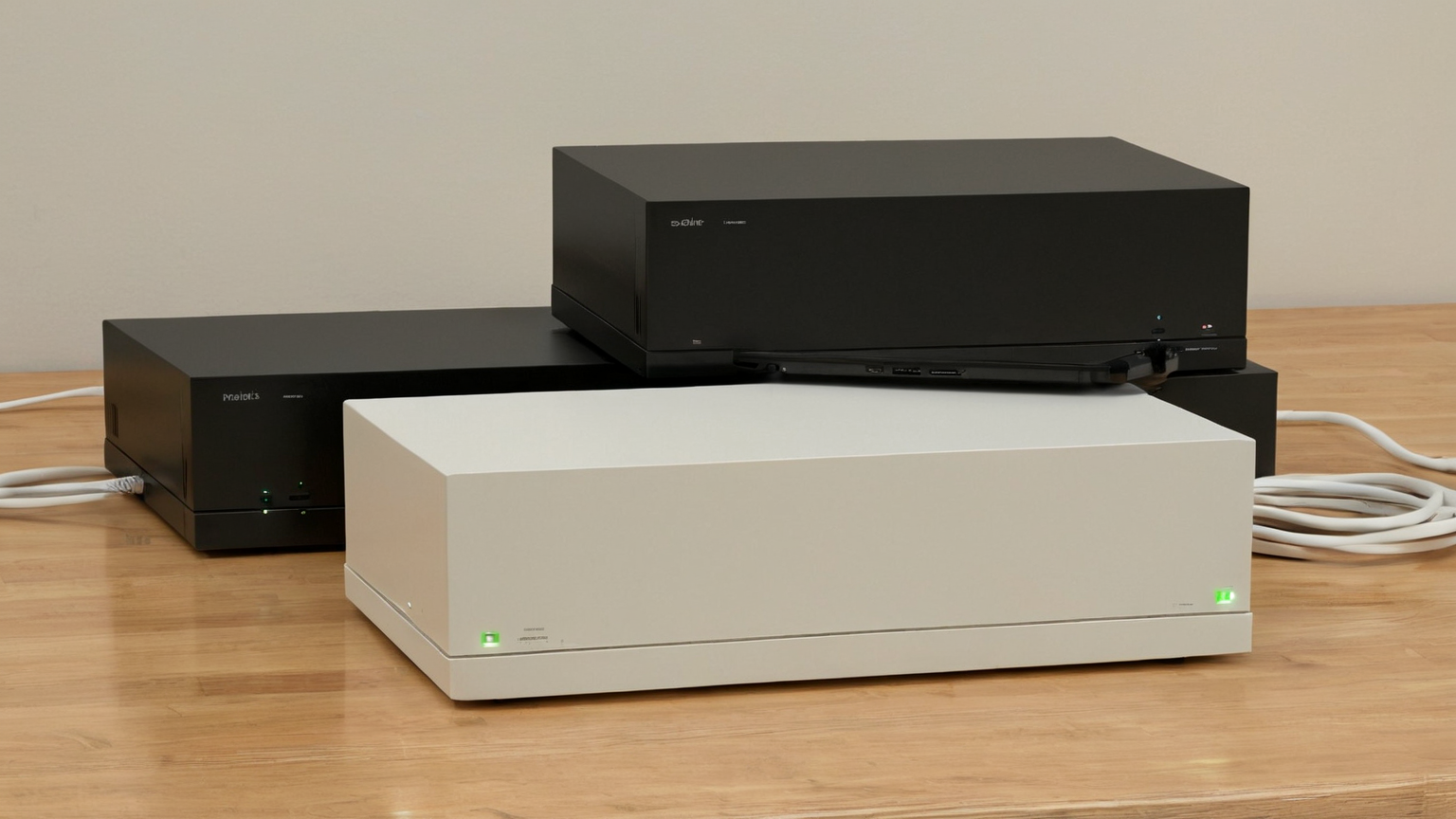
Many people plug a laptop, monitor, lamp, speakers, and router into one UPS, then wonder why it lasts minutes. For remote work, the first priority is often the modem/router. A laptop already has a battery; the network usually does not. Put only essential network gear on the UPS unless the UPS is specifically sized for more.
Label cables privately, photograph the normal wiring for yourself, and test a controlled unplug for five minutes. The test should answer: does the modem stay online, does Wi-Fi recover, does VPN stay connected, and how loud are alarms? If the UPS cannot keep the network stable long enough to send a status update, it is not a work backup—it is a surge protector with optimism.
Step 2: create a laptop survival profile

Before storms or utility work, charge to a healthy level, update apps, download key docs, and close background sync tools you do not need. During an outage, dim the display, turn off keyboard backlighting, stop external monitors, pause cloud backups, and use audio-only meetings unless video is essential. Battery health features in modern Windows and Mac laptops are useful, but they do not replace a real runtime test with your actual workload.
Step 3: build a USB-C kit that has been tested together
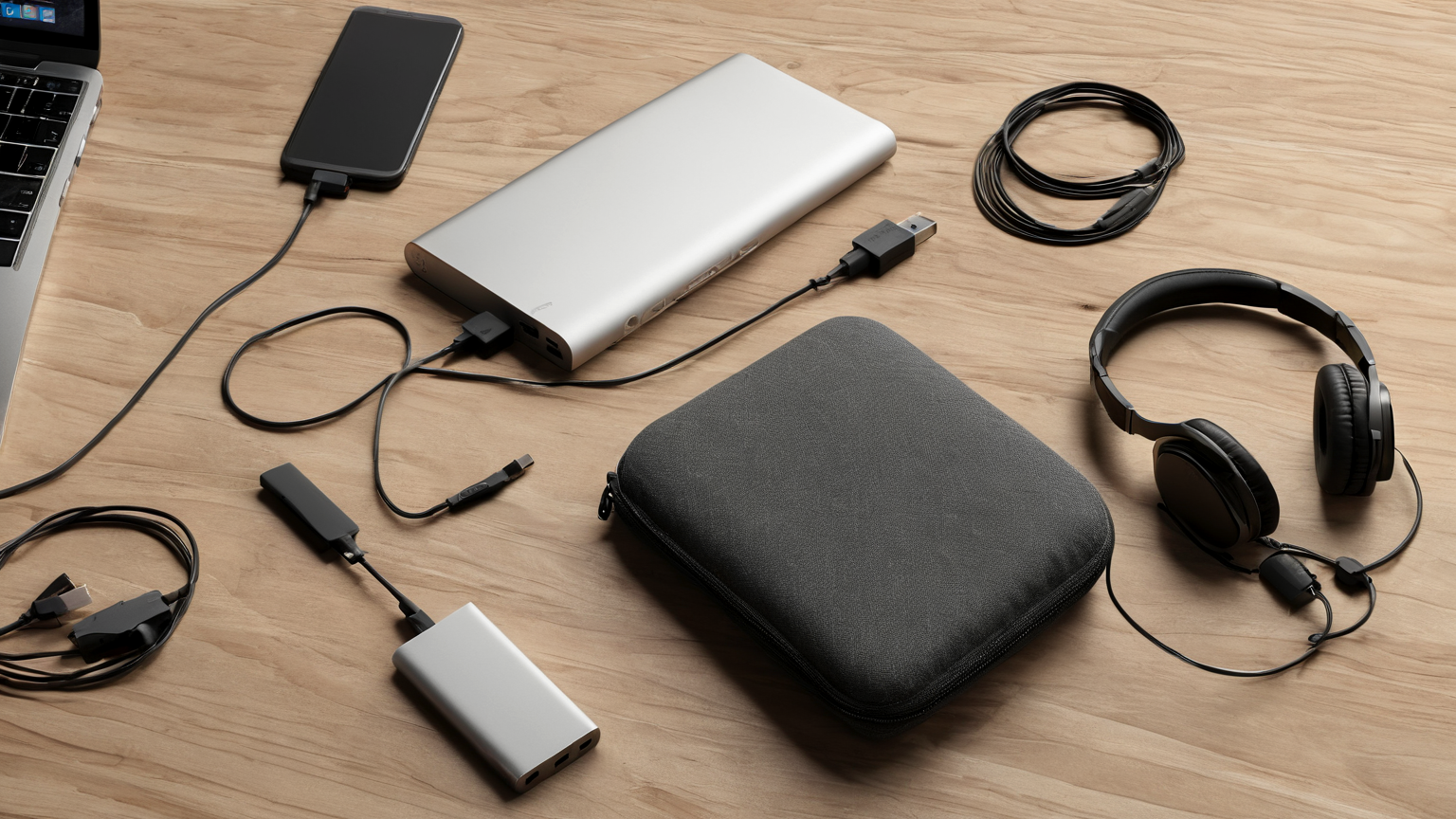
USB-C is not magic. A cable, charger, and power bank must all support the wattage your laptop needs. Test charging while the laptop is awake, not only asleep. Keep one cable reserved for work backup so it is not borrowed for travel and returned damaged. Store the kit where you can grab it in the dark.
Step 4: make meeting decisions before the meeting
If power drops ten minutes before a client call, decide from a script: join audio-only from laptop, join from phone, move to hotspot, send async notes, or reschedule. Prewrite a short status: “Power is unstable; I am switching to audio/hotspot. If screen share drops, I will post notes and next steps by __.” This protects trust better than silently fighting a failing connection.
Step 5: turn outage time into async work

Keep a local queue of tasks that do not require high bandwidth: drafting decisions, reviewing downloaded docs, writing test notes, preparing agenda items, or cleaning up backlog comments. Sync when the network returns. The best remote workers do not pretend outages never happen; they design graceful degradation.
30-minute drill
- Fully charge laptop, phone, headset, and power bank.
- Unplug router/modem from wall while UPS is connected and verify internet stays up.
- Start a test video call, then switch to audio-only and hotspot.
- Record battery percent after 15 and 30 minutes.
- Save the emergency status message in your notes app.
- Update team expectations for storms, construction, or known utility work.
FAQ
Should monitors be on the UPS?
Usually no for short outages. External monitors draw power and reduce runtime. Use the laptop screen unless your work is safety-critical and the UPS is sized accordingly.
How often should I test the kit?
Quarterly is a good default, plus before travel, storm season, or major client events. Batteries age and cables fail quietly.
What about generators?
Use only according to safety guidance and never indoors or in enclosed spaces. For knowledge work, a small electronics plan is often safer and more practical than improvising with large power equipment.