Home Office Privacy Screen Plan for Coworking, Travel, and Shared Rooms
A remote-work privacy screen plan for coworking, travel, shared rooms, shoulder-surfing, video calls, and sensitive work boundaries.
This guide is current as of 2026-06-10 and is written for helpful-content and AdSense readiness: it uses source-backed guidance, practical caveats, and no affiliate filler.
Quick decision table
| Decision point | Safer default | What to avoid | Evidence to keep |
|---|---|---|---|
| First action | Make a small repeatable plan | Rushing during the stressful moment | A dated checklist |
| Tools or supplies | Use simple items you already understand | Buying a gadget before defining the risk | Photos or notes kept privately |
| Timing | Review before the problem escalates | Waiting until the appointment, trip, incident, or bill is due | Calendar reminder |
| Escalation | Know when to ask a professional | Treating online advice as diagnosis or legal/financial certainty | Source links and contact records |
| Privacy | Share only what is needed | Publishing private records, screens, labels, or account details | Redacted summary |
Step 1: A privacy screen is only one layer of remote-work privacy
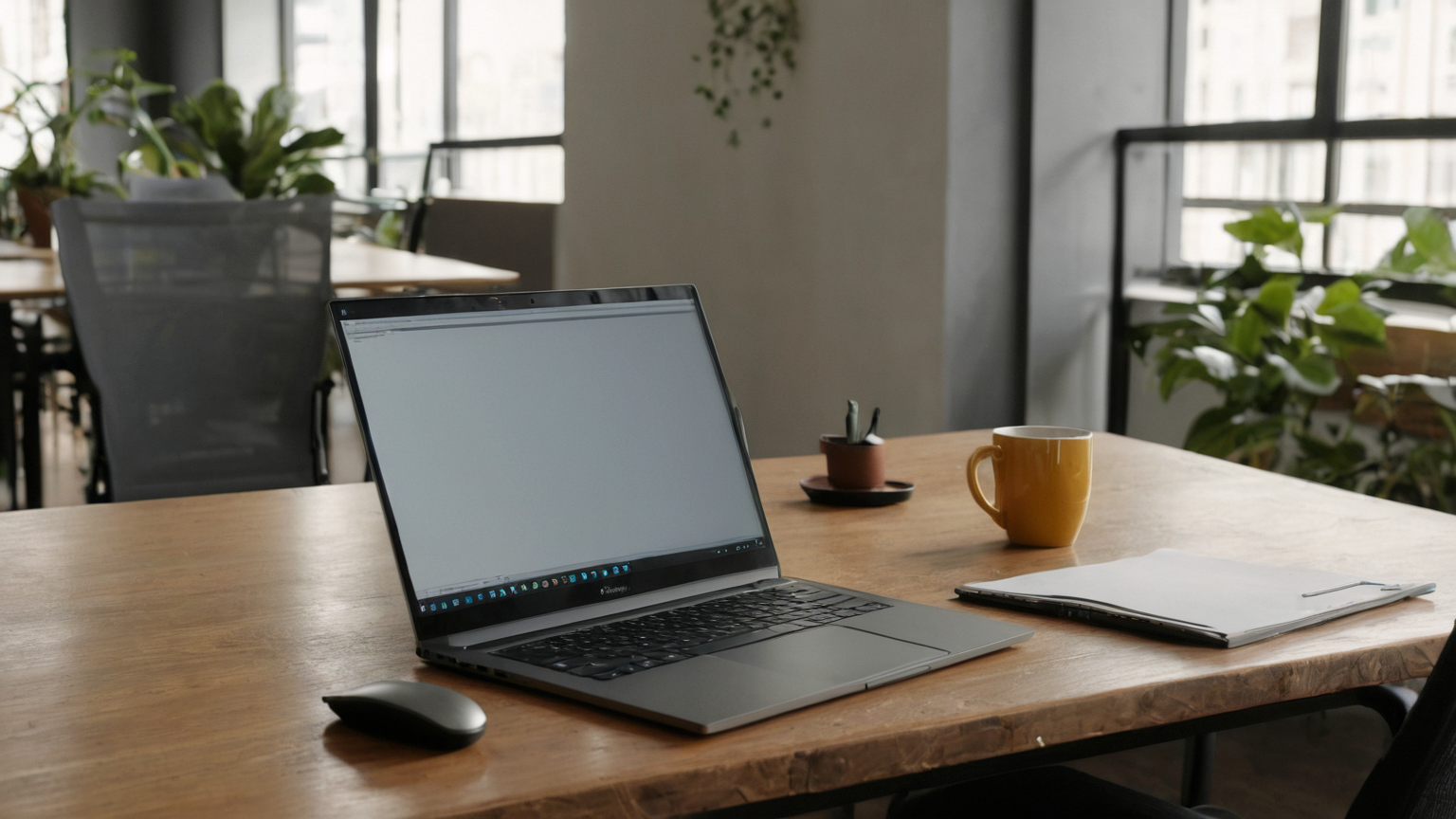
A privacy screen is only one layer of remote-work privacy. The useful plan combines screen angle, seating choice, video background hygiene, document handling, notification settings, and clear rules for work that should not be done in public. As of June 2026, the risk is not just hackers; it is shoulder-surfing, accidental disclosure on calls, visible client names, and personal data left in shared rooms.
Step 2: Start with the work classification
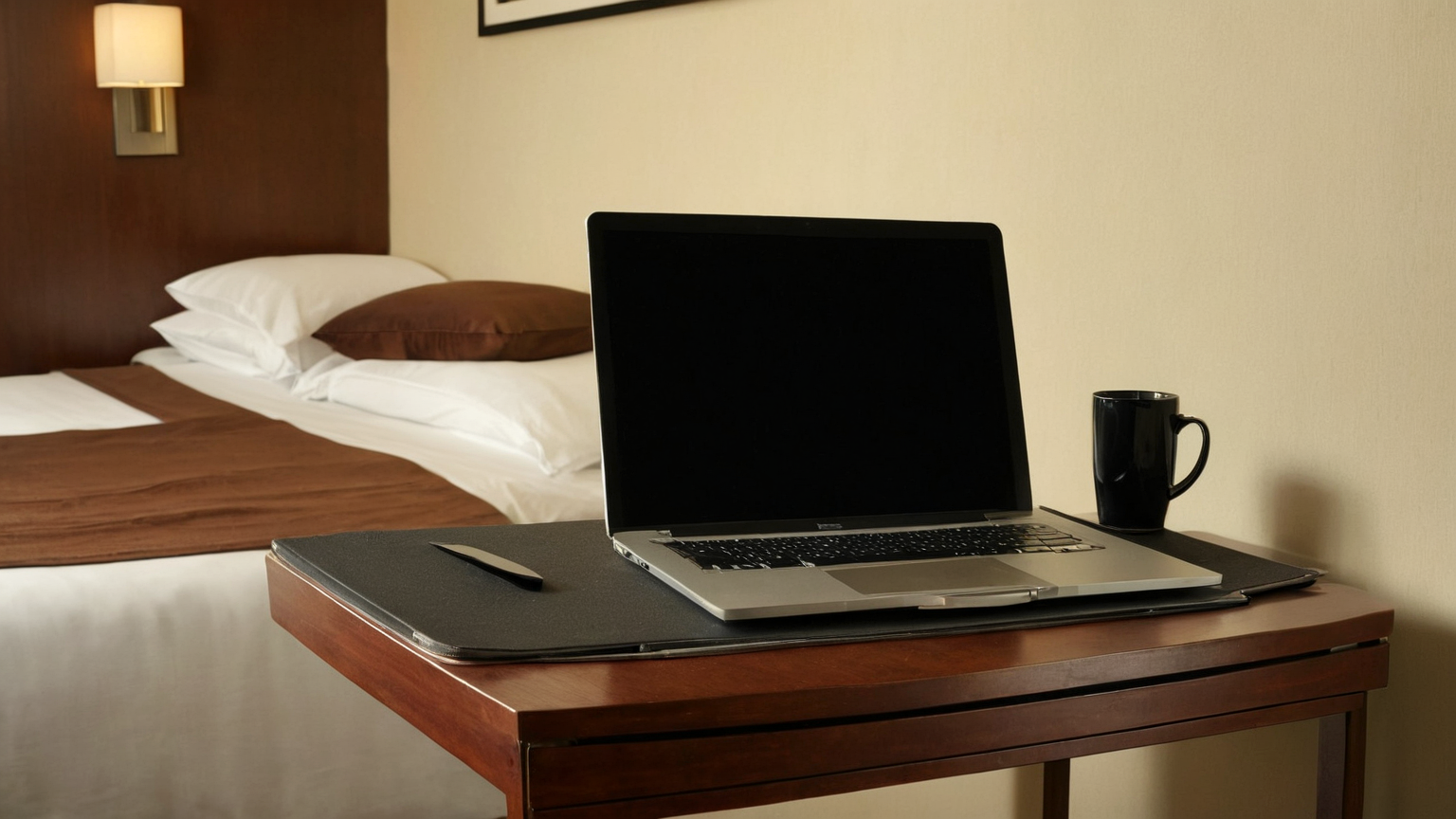
Start with the work classification. Public notes, generic training, and low-risk admin may be fine in a coworking lounge. Customer records, payroll, legal documents, unreleased launches, credentials, and incident response should move to a private room or be postponed. A filter cannot make every setting appropriate.
Step 3: Choose a seat before opening the laptop
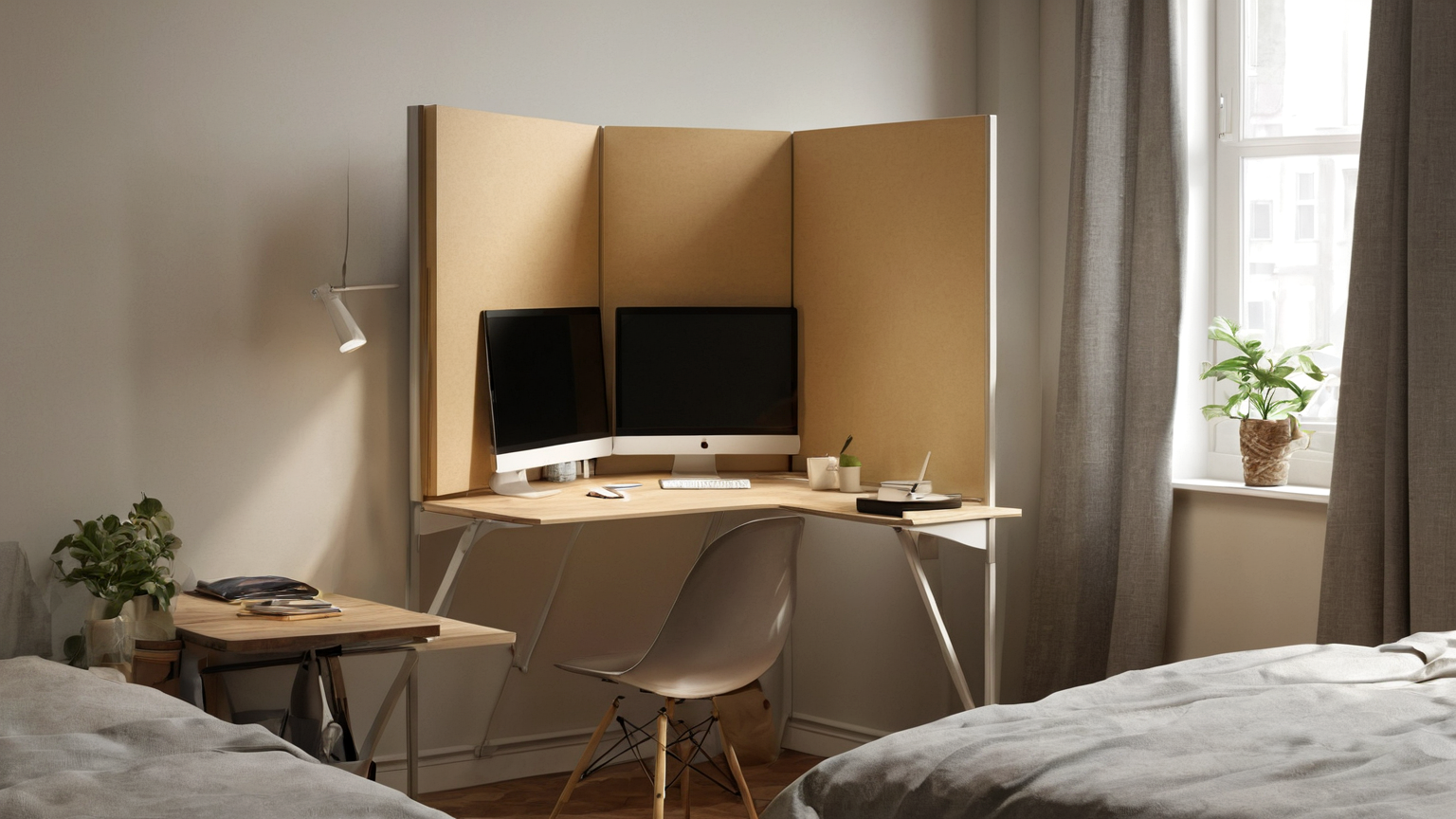
Choose a seat before opening the laptop. Put your back near a wall when possible, avoid mirrors and windows behind you, and check whether people walking past can see the screen. On trains, planes, and cafés, assume the person beside you can read large headings.
Step 4: Use a physical privacy filter for travel or shared spaces, but test brig
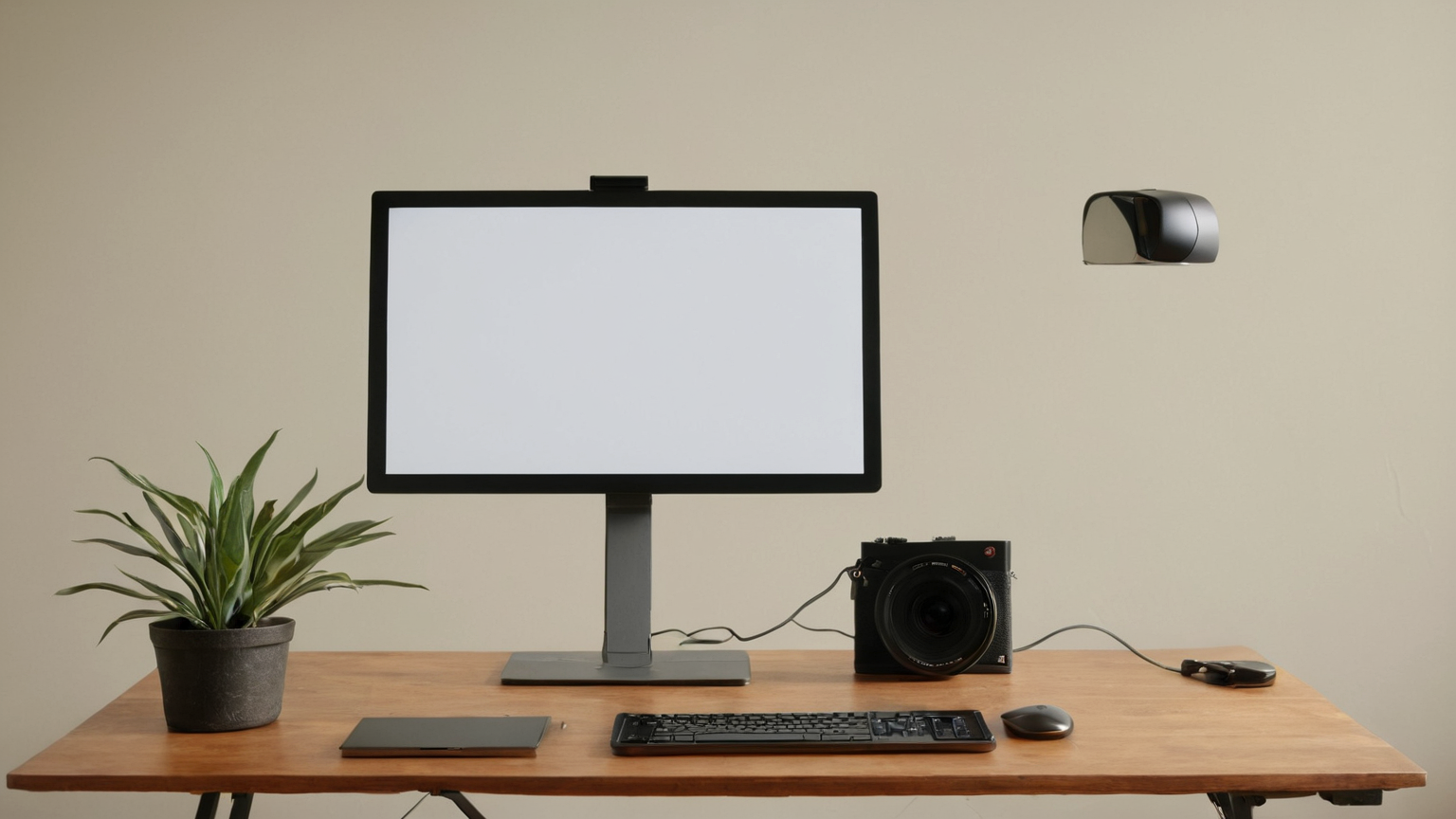
Use a physical privacy filter for travel or shared spaces, but test brightness and viewing angle at home. A filter that makes text unreadable to you encourages unsafe zooming and screenshots. Pair it with a blank lock screen, short auto-lock timer, and minimized notifications.
Step 5: Video calls need visual privacy too
Video calls need visual privacy too. Use a neutral background, keep family calendars and whiteboards out of frame, and avoid screen sharing an entire desktop. Share a single window when possible, close unrelated tabs, and disable preview popups that expose messages.
Step 6: Build a travel reset: before leaving a workspace, lock the device, clear
Build a travel reset: before leaving a workspace, lock the device, clear desk papers, put notes in a folder, remove badges or client material from view, and confirm headphones, chargers, and security keys are packed.
Step 7: For managers, privacy should be a workflow, not a blame exercise
For managers, privacy should be a workflow, not a blame exercise. Provide private-call options, written alternatives for sensitive updates, and clear guidance on which tasks are unsuitable for public spaces. That preserves trust and AdSense readiness by giving readers a practical decision system rather than a gadget pitch.
Practical checklist
- Confirm the current official or expert source before acting on stale-prone details.
- Write the plan in household language so another caregiver, teammate, or family member can follow it.
- Separate urgent red flags from ordinary maintenance tasks.
- Keep private records private; redact labels, account details, medical information, and financial numbers before sharing.
- Review the plan after the real event and improve the weakest step.
Common mistakes
| Mistake | Why it weakens the plan | Better replacement |
|---|---|---|
| Buying first | Tools do not fix unclear decisions | Define the risk and fallback first |
| Keeping no notes | Stress makes details unreliable | Keep a short dated log |
| Ignoring privacy | Helpful records can expose sensitive data | Store privately and share only with the right professional |
| Overgeneralizing | Households, teams, pets, and budgets differ | Adapt the checklist to the actual situation |
| Skipping review | Conditions change | Recheck sources and update seasonally |
Source notes
The linked sources were selected for practical authority and reader usefulness. If a vendor, government, veterinary, security, workplace, or tax rule changes after publication, verify the linked source before making a high-stakes decision.