Home Office CO2 Ventilation and Meeting Fatigue Plan for 2026
A practical remote-work guide for CO2/ventilation clues, meeting fatigue, privacy-safe air breaks, and home-office scheduling changes.
This guide is current as of 2026-06-30. A remote worker may blame afternoon brain fog on motivation when the room is actually stale, warm, visually fatiguing, and packed with back-to-back video calls. This is not a medical diagnosis or a building-code guide; it is a practical home-office workflow for noticing ventilation clues, lowering meeting load, and protecting confidential work while you improve the room.
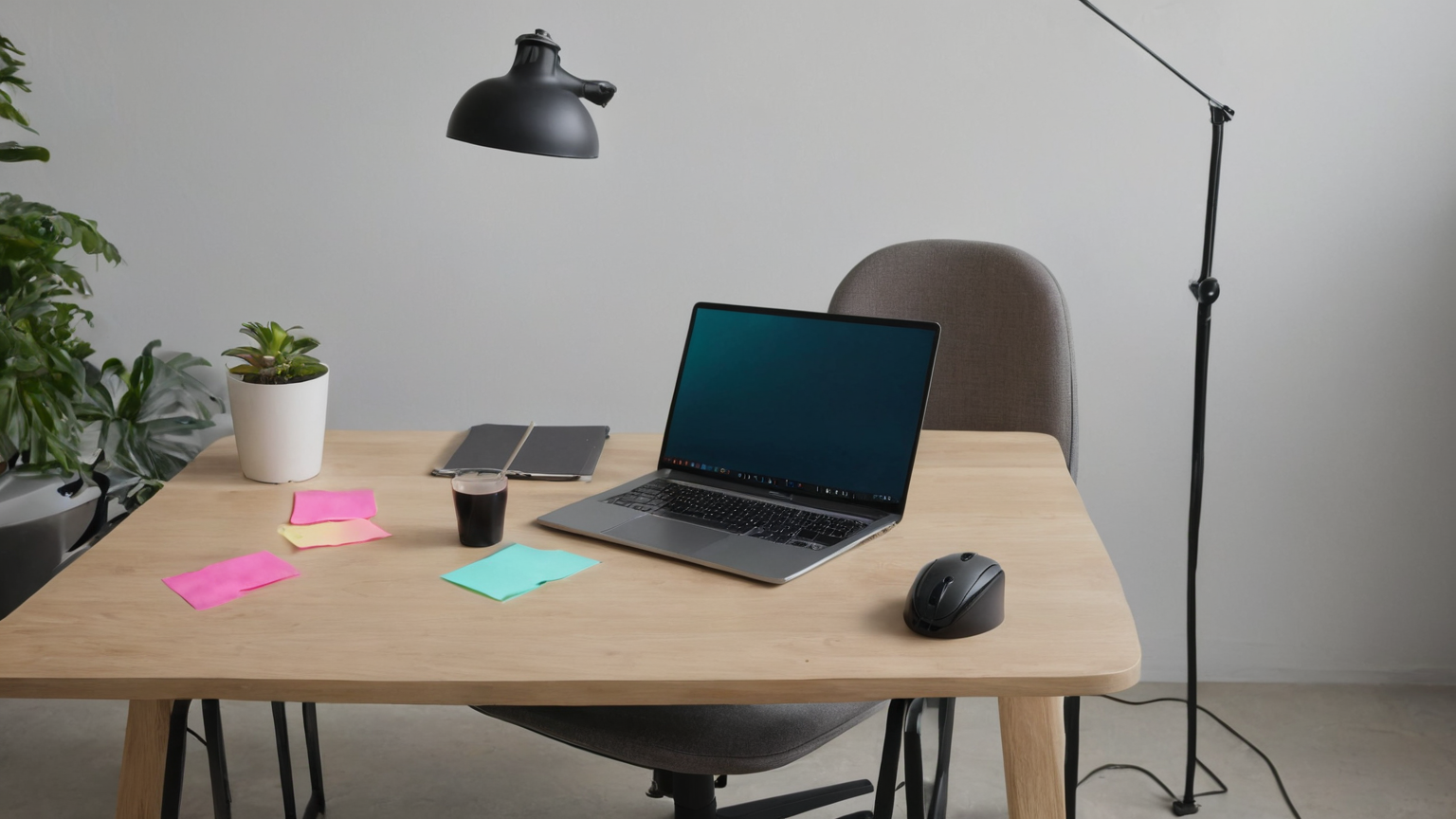
Decision table for a stuffy meeting day
| Clue | Low-risk action | Do not overclaim |
|---|---|---|
| Room feels stale after calls | Open a window briefly if outdoor air is safe, run HVAC/fan, step away between calls | A consumer CO2 meter is a ventilation clue, not a full air-quality lab |
| Headache or eye strain | Hydrate, take screen breaks, adjust glare, review ergonomics | Do not treat persistent symptoms as only a workspace issue |
| Privacy-sensitive call | Ventilate before/after, then close door or use headset during the call | Do not move confidential calls into public spaces just for fresh air |
| Repeated afternoon fatigue | Batch calls, shorten default meetings, add async updates | Do not blame the worker before checking schedule design |
Measure the pattern, not one dramatic number
If you use a CO2 monitor, place it away from your breath, vents, windows, and direct sunlight. Look for trends: does the reading climb during a two-hour call block and drop after a window break? Does the room feel worse when the door is closed for privacy? Write the time, number if available, room condition, and meeting load. The purpose is to decide whether simple ventilation and scheduling changes help, not to certify a building.
Meeting design that makes ventilation realistic
Remote work often creates a trap: privacy requires a closed door, but the closed door makes a small room feel stale. Use pre-call airing when outdoor conditions are good, a short camera-off reset between long calls, and async notes for updates that do not require live discussion. For confidential calls, prioritize privacy and then schedule recovery air breaks afterward.
A helpful team norm is the twenty-five or fifty-minute meeting default. The saved five or ten minutes can cover hydration, bathroom, window reset, and notes. Managers should model this rather than telling employees to “self-care” while calendars remain packed.
Home-office setup checklist
- Keep supply and return vents unobstructed.
- Avoid pointing a fan directly at papers, microphones, or another person.
- Use a headset so you do not need to shout over a fan.
- Pair ventilation with glare control; an open window that creates bright glare may increase eye strain.
- If outdoor smoke, pollen, heat, or security makes window opening unsafe, use HVAC and filtration options appropriate to the home.
Escalation boundaries
Persistent headaches, dizziness, breathing symptoms, suspected mold, fuel-burning appliance concerns, or workplace accommodation questions need qualified help. Renters should document conditions without tampering with building systems. Employees handling regulated data should follow employer security policy before moving calls or changing equipment.
Reader trust and scope note
The page strengthens trust by using workplace and public-health sources, avoiding medical certainty, and giving practical tables rather than affiliate-driven gadget recommendations.
A one-week experiment that does not require new gear
For one workweek, track four simple items at the start and end of each long call block: door position, window/HVAC state, room temperature impression, and energy level. If you already own a CO2 monitor, add the reading, but do not buy one just to complete the experiment. The pattern matters more than a perfect number. A room that feels fine at 9 a.m. may become stale after three camera-on calls, especially when privacy keeps the door closed.
At the end of the week, look for low-friction fixes. Could recurring status meetings become async notes? Can confidential calls be separated by ten-minute ventilation buffers? Can a manager protect no-meeting focus blocks during the hottest or stuffiest part of the day? The best solution is often calendar design plus room habits, not a gadget.
Manager and team script
Use neutral, work-centered language: “I am testing a home-office ventilation and meeting-fatigue reset this week. For long call blocks I am adding five-minute buffers and moving routine updates to async notes where possible. Confidential calls will still stay private; I will ventilate before or after them.” This avoids oversharing health details while giving the team a concrete operating change.
Managers can make this easier by publishing meeting norms: default to shorter meetings, require agendas for calls over twenty-five minutes, allow camera-off recovery when video is not essential, and avoid treating every quick question as a meeting. If several employees report fatigue at the same calendar points, investigate workload and meeting design before assuming individual time-management failure.
Privacy and equipment caveats
Do not put a CO2 monitor, camera, or smart speaker in a place that captures private client material, employee health data, or household conversations. If you work with regulated data, ask before using new connected devices on the same desk or network. Ventilation should support the work; it should not create a new security exception.
Check sources inside the room before adding equipment
Ventilation is only one layer. Keep fuel-burning appliances maintained, never use outdoor cooking or heating equipment indoors, and follow alarm and emergency instructions for combustion concerns. Move strong-smelling cleaning, hobby, or printing activities away from long call blocks when feasible, and do not block air supplies or returns with furniture. A filter may reduce some particles when it is correctly sized and maintained, but it does not replace source control and does not by itself tell you whether outdoor-air exchange is adequate.
If a rental unit has recurring dampness, odors, visible damage, or ventilation equipment that does not operate as expected, document dates and conditions without opening walls or modifying building systems. Use the landlord, building-management, local housing, or qualified inspection route appropriate to the situation. A consumer sensor reading can support a timeline, but it is not a complete investigation or a diagnosis.
Quick printable checklist
- Note the room, call-block length, door/window/HVAC state, and whether outdoor air is safe.
- Treat a consumer CO2 reading as one ventilation clue; do not label it a complete air-quality result.
- Protect confidential calls with a closed door or headset, then schedule ventilation before or after.
- Keep vents clear and use filtration or HVAC when smoke, heat, pollen, noise, or security makes window opening unsuitable.
- Shorten or batch meetings so recovery time exists on the calendar rather than only in personal intentions.
- Escalate persistent symptoms, combustion concerns, suspected mold, or rental/workplace obligations to the appropriate qualified channel.
How to use this guide
Start with the decision table, then run the one-week experiment without purchasing equipment. Compare similar call blocks rather than a quiet morning with a crowded afternoon. If the pattern improves after a repeatable room or calendar change, document that change as the default. If it does not improve, stop adding random gadgets and move to the appropriate building, employer, or health evaluation.
A team can use the guide without collecting employee health details. Discuss meeting length, buffer time, camera expectations, and room constraints at the policy level. Individuals should keep symptom notes private unless they choose to use an established occupational-health or accommodation process.
Maintenance note for readers
Ventilation guidance, outdoor-air conditions, and building systems vary by location and season. Recheck the linked official sources when adopting a new monitor, filter, or HVAC routine. Review the workflow after major weather changes, a room move, a new fuel-burning appliance, or a sustained change in call load. The durable rule is to combine source control, safe outdoor-air exchange or suitable building systems, and calendar design without sacrificing privacy or claiming that one sensor diagnoses the room.
FAQ
Should every remote worker buy a CO2 monitor?
No. A monitor can help troubleshoot patterns, but schedule design, ventilation habits, temperature, hydration, ergonomics, and privacy constraints all matter.
Is a high reading proof that my employer must change something?
Not by itself. Treat it as documentation for a conversation about meeting load, room setup, or facilities support, not as legal or medical advice.
What if opening a window is unsafe or too noisy?
Use HVAC, filtration, pre-call breaks, call batching, and manager-supported async work instead of forcing an unsafe workaround.