XLR vs USB Microphone for WFH and Podcasting — 2026 Tested
USB and XLR microphones compared for home-office video calls, podcasting, and recorded video — audio quality, room acoustics, and the upgrade path that actually pays back.
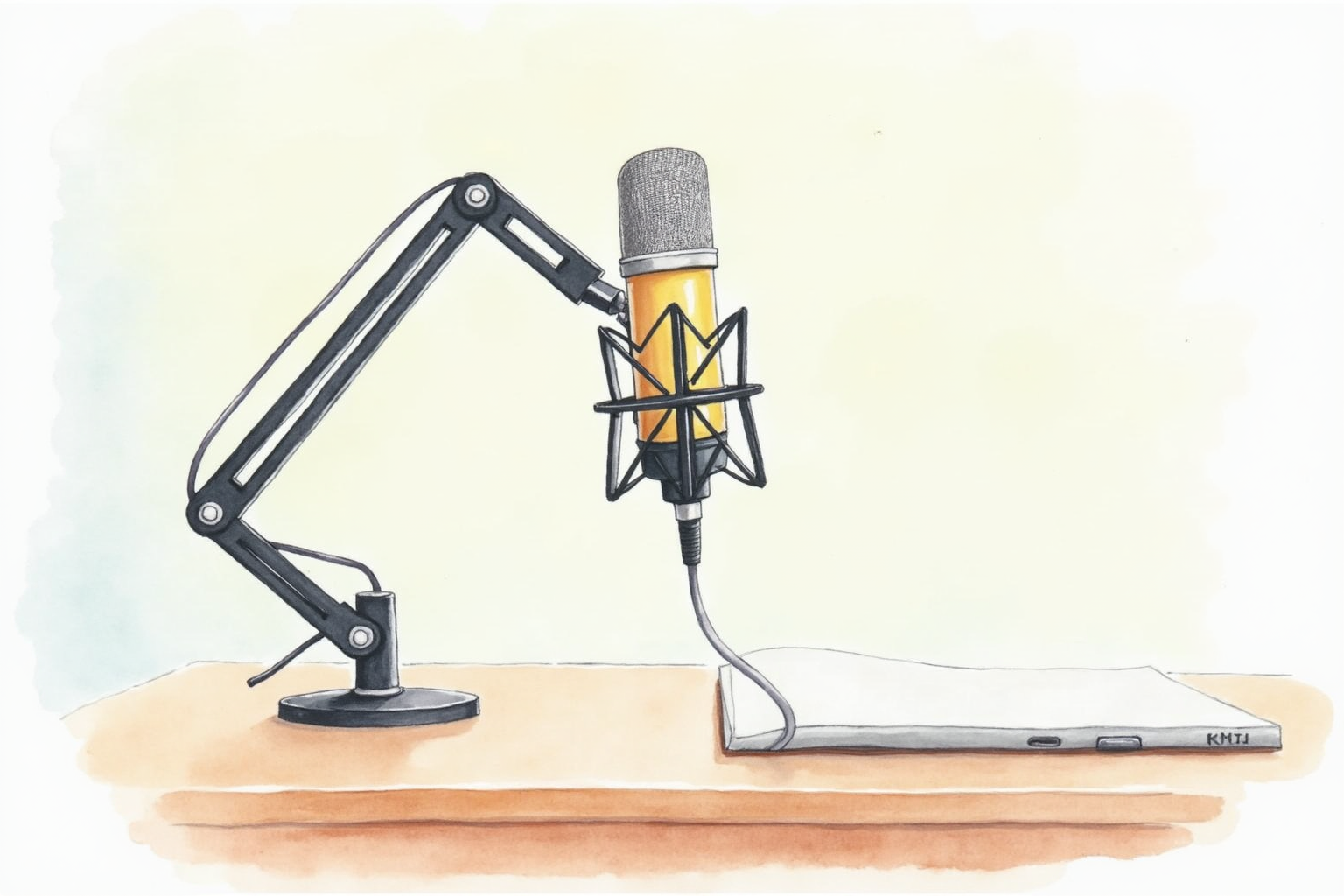
The microphone upgrade is the audio equivalent of the lighting upgrade — it makes a far bigger difference than buyers expect. The default laptop microphone and the typical webcam-built-in microphone produce audio that sounds thin, distant, and obviously not professional. A dedicated podcasting microphone at $150-300 produces audio that sounds like broadcast radio. The gap between the two is dramatic and instantly noticeable to listeners.
This article compares the two dominant microphone connection categories — USB and XLR — for home-office podcasting, recorded video, and high-stakes video calls. The conclusion has shifted significantly between 2020 and 2026: modern USB microphones at the prosumer tier match XLR sound quality, and the XLR advantage is now primarily about future-proofing through modular upgrades.
- Why modern USB microphones closed the quality gap with XLR
- When XLR is still worth the extra interface complexity
- Cardioid pattern, distance, and angle that actually work
- Acoustic treatment vs microphone selection — which matters more
- Top picks for podcasting and recorded video at $150-500 budget
Why USB closed the gap with XLR
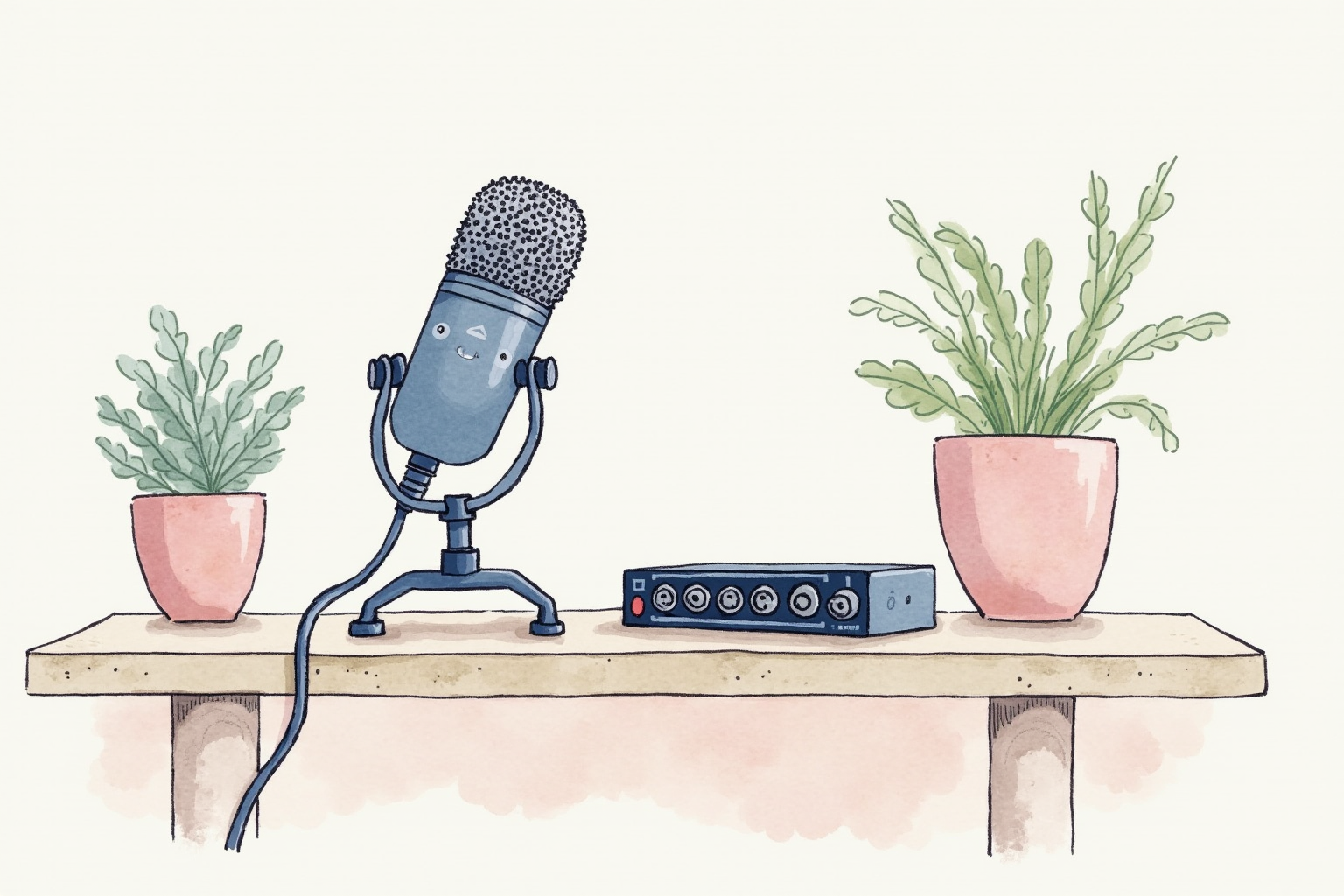
Pre-2018 USB microphones used inexpensive A/D converters, low-gain preamps, and consumer-tier capsules. The XLR alternative (Shure SM7B, Heil PR40, Electro-Voice RE320) used broadcast-quality capsules, external preamps with cleaner gain, and audio interfaces with high-resolution converters. The audible difference between the two categories was significant at the studio level and noticeable even on consumer playback.
Modern USB microphones use the same capsules as their XLR siblings (the Shure MV7+ uses a derivative of the SM7B capsule; the RODE PodMic USB shares its capsule with the XLR PodMic) plus built-in audio interfaces that match consumer-tier external interfaces on conversion quality. The gain stage is clean enough for dynamic microphones to operate without an external preamp.
The remaining XLR advantages today are:
- Modular upgrade path — you can replace the microphone, interface, or preamp independently
- Multiple-microphone setups — interfaces like the Focusrite Scarlett 4i4 handle two mics at once for interviews or co-host podcasts
- Studio-grade noise floor — high-end interfaces (Universal Audio Apollo, RME Babyface) outperform USB-built-in interfaces by 6-10 dB of noise floor
- Industry-standard XLR cabling — pro audio cables are sturdier than USB cables in studio environments
For a home-office user who will buy one microphone and use it for 3-5 years, none of these XLR advantages outweigh the simplicity of USB plug-and-play.
Cardioid pattern, distance, and angle
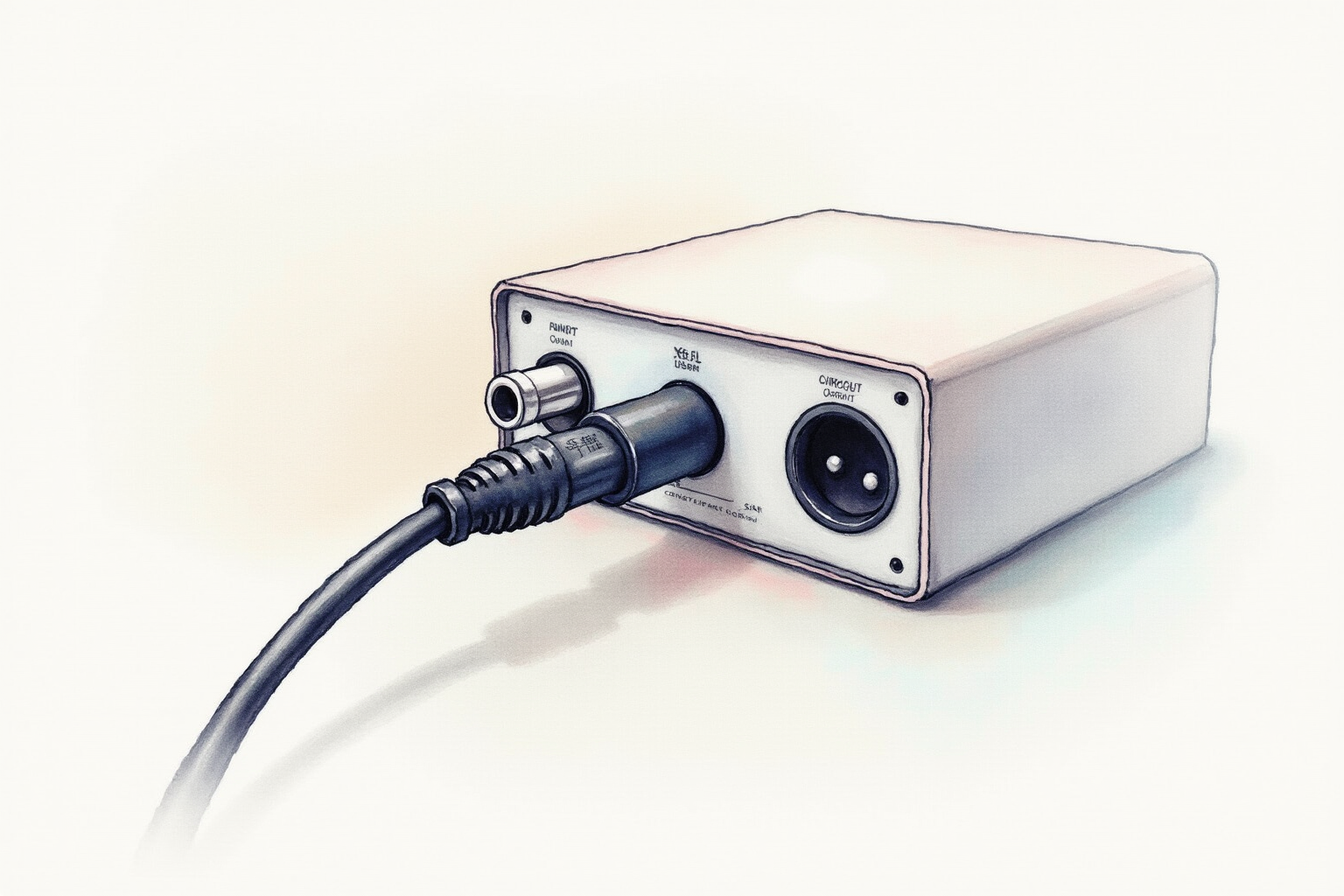
The single most important variable in home recording is not the microphone — it is the position. Three controls produce 80% of the audio quality improvement:
Cardioid polar pattern rejects sound from the rear and sides of the microphone. Speaking into the front of a cardioid mic isolates your voice from room reflections, keyboard noise, and HVAC hum behind the mic. All home-office-friendly microphones use cardioid by default — verify the pattern before buying.
Distance at 4-6 inches gives the right balance of warmth and clarity. Too close and the proximity effect boosts bass frequencies and produces a “boomy” voice. Too far and the mic picks up room reflections. The standard podcasting setup positions the mic on a boom arm so it floats 4-6 inches below your mouth.
Angle at 10-15 degrees off-axis reduces plosive bursts on “p” and “b” sounds. Speak past the microphone, not directly into it. A pop filter (foam or mesh screen 2 inches in front of the mic) further reduces plosives and is a $10-20 add that pays back immediately.
Buyers who skip these basics often blame the microphone for poor audio quality. The same microphone at 12 inches and head-on produces dramatically worse audio than at 5 inches off-axis. Position matters more than mic selection within the prosumer tier.
Top picks for home-office podcasting
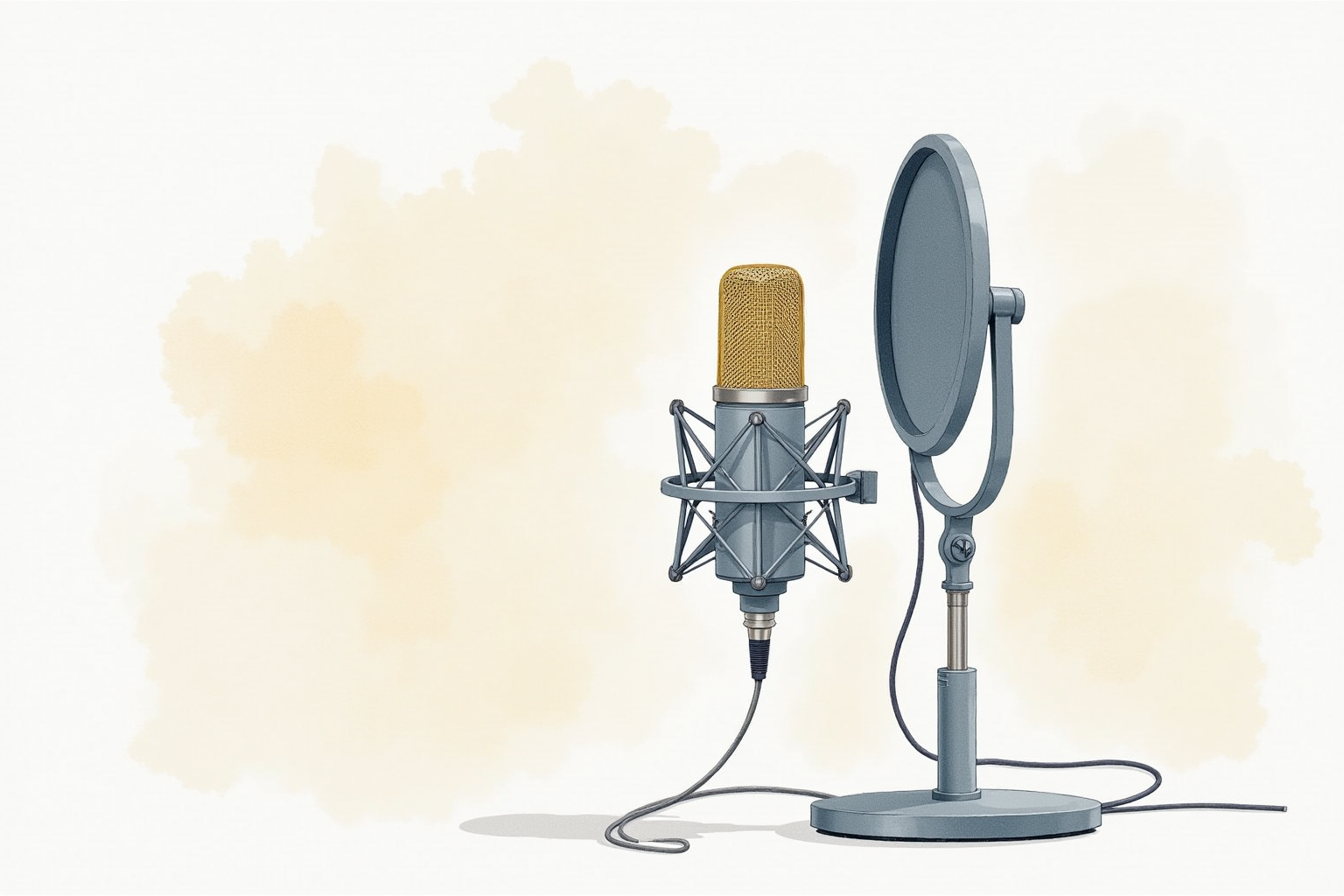
Shure MV7+ USB Dynamic Microphone
Price · $280-330 — best USB pick for podcasting and video
+ Pros
- · Broadcast-grade dynamic capsule derived from the legendary SM7B
- · USB-C output plus XLR output — future-proof if you upgrade to an interface
- · Built-in DSP for real-time noise reduction and EQ via Shure Motiv app
− Cons
- · Premium price — Wirecutter notes the value-tier gap below $200 USB picks
- · Boom arm and shock mount sold separately ($60-80 add)
Price, availability, and ratings can change; verify details on the retailer page before buying.
RØDE PodMic USB Broadcast Microphone
Price · $190-240 — best mid-range USB pick
+ Pros
- · Same broadcast capsule as the XLR PodMic at lower price than Shure
- · Integrated USB-C and XLR — dual output for hybrid setups
- · All-metal build with integrated swing mount
− Cons
- · RØDE Connect software is required for advanced features
- · Heavier than typical desktop mics — boom arm needs to support 1.5 lbs
Price, availability, and ratings can change; verify details on the retailer page before buying.
Focusrite Scarlett 2i2 (4th Gen) + Shure SM7B XLR Bundle
Price · $580-680 — premium XLR pick for serious podcasting
+ Pros
- · Classic broadcast-quality SM7B dynamic microphone with timeless reputation
- · Scarlett 2i2 (4th gen) provides up to 69 dB of clean gain for the SM7B
- · Modular setup — upgrade the microphone or interface independently later
− Cons
- · Significant up-front cost compared to the all-in-one USB picks
- · Setup complexity — phantom power switch, gain matching, cable management
Price, availability, and ratings can change; verify details on the retailer page before buying.
Acoustic treatment vs microphone selection
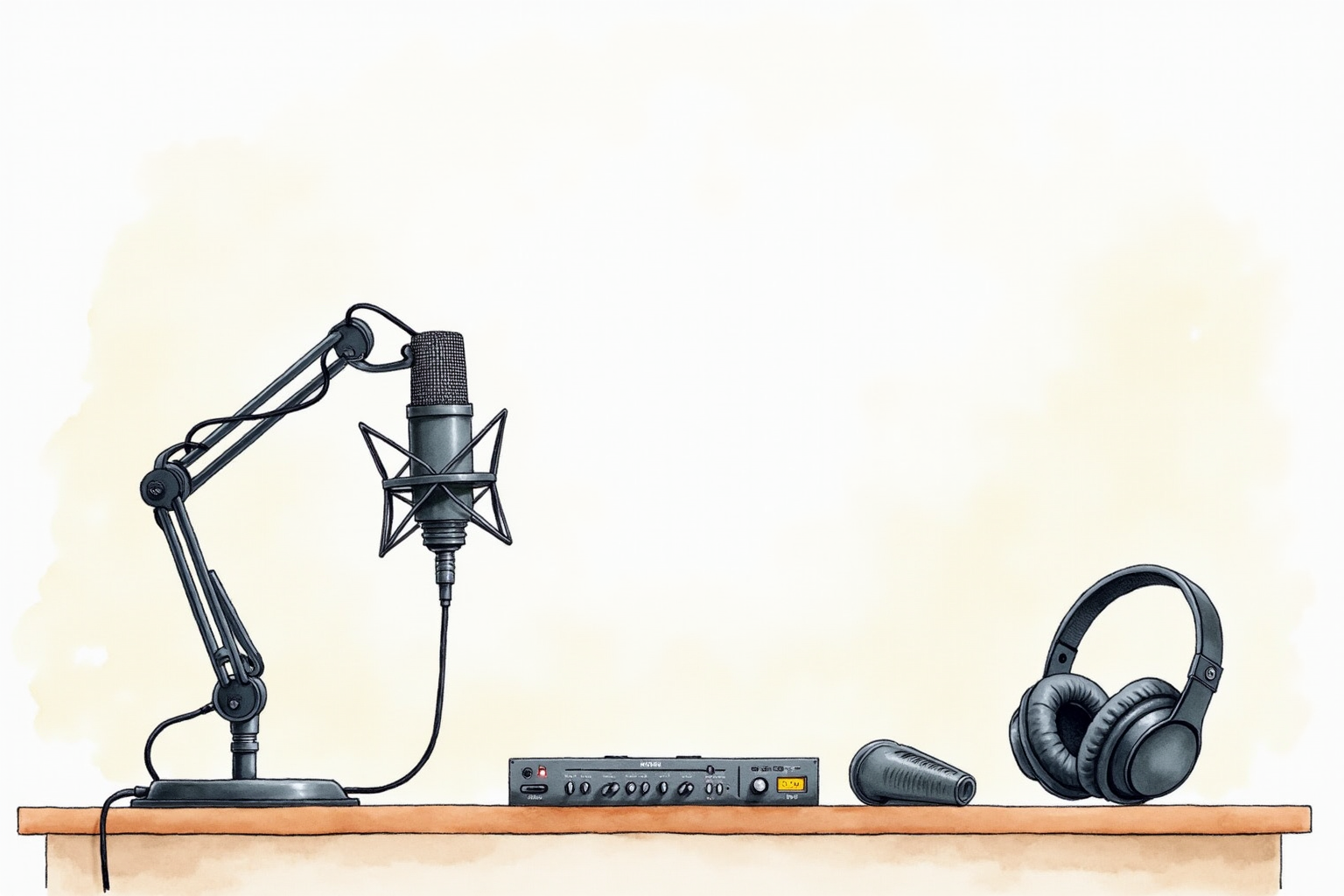
A common mistake is over-investing in microphones while ignoring the room. A $300 microphone in a tile-floor empty office sounds worse than a $100 microphone in a carpeted office with bookshelves. Room reflections are the dominant audio quality variable once the microphone is reasonable.
Two simple acoustic improvements help more than upgrading the microphone:
Soft furnishings — carpet, curtains, sofa, bookshelves with books — absorb reflections at speech frequencies. A bedroom recording space typically sounds better than a kitchen recording space for this reason.
Reflection filter — a U-shaped foam panel that wraps around the rear of the microphone, blocking room reflections from entering the microphone’s rear. The sE Reflection Filter (~$200) and budget alternatives ($40-80) provide a measurable improvement in dry, controlled-sound recordings.
For most home offices, acoustic treatment is the second upgrade after the microphone. Spend $200-300 on the microphone first, then $50-150 on a basic reflection filter if the recordings still sound roomy.
The buying decision
For home-office video calls and occasional recorded video, the Shure MV7+ at $280-330 is the best all-around pick. The broadcast capsule produces audio quality that sounds professional immediately, the USB plug-and-play eliminates interface complexity, and the dual USB/XLR output keeps the upgrade path open if needs change.
For tight budgets where USB simplicity still matters, the RØDE PodMic USB at $190-240 delivers comparable broadcast-quality audio at one-third less cost. The trade-off is the slightly heavier build and the RØDE Connect software dependency for advanced features.
For dedicated podcasters and content creators who plan to interview guests, run multi-microphone setups, or upgrade gear over years, the Focusrite Scarlett 2i2 + Shure SM7B XLR bundle at $580-680 is the right starting point. The modularity pays back when you add a second microphone or upgrade the interface in year three.
Avoid budget USB microphones under $80 — the Blue Yeti and similar fixed-capsule consumer microphones have well-documented issues with room noise and off-axis pickup that the dedicated podcasting USB microphones do not have. The $200-300 USB tier is where the audio quality plateau begins; below that, every dollar matters.
The audio quality upgrade is the most-overlooked, fastest-paying-back home office investment. A podcast-grade microphone elevates daily video calls, recorded content, and personal-brand authority in ways that the much-more-expensive webcam upgrade does not.