Teleprompter App vs Hardware in 2026 — Tested Side-by-Side
Tablet teleprompter apps and beamsplitter hardware compared for recorded video and webinars ??eye-line, latency, and the workflow that produces natural delivery.
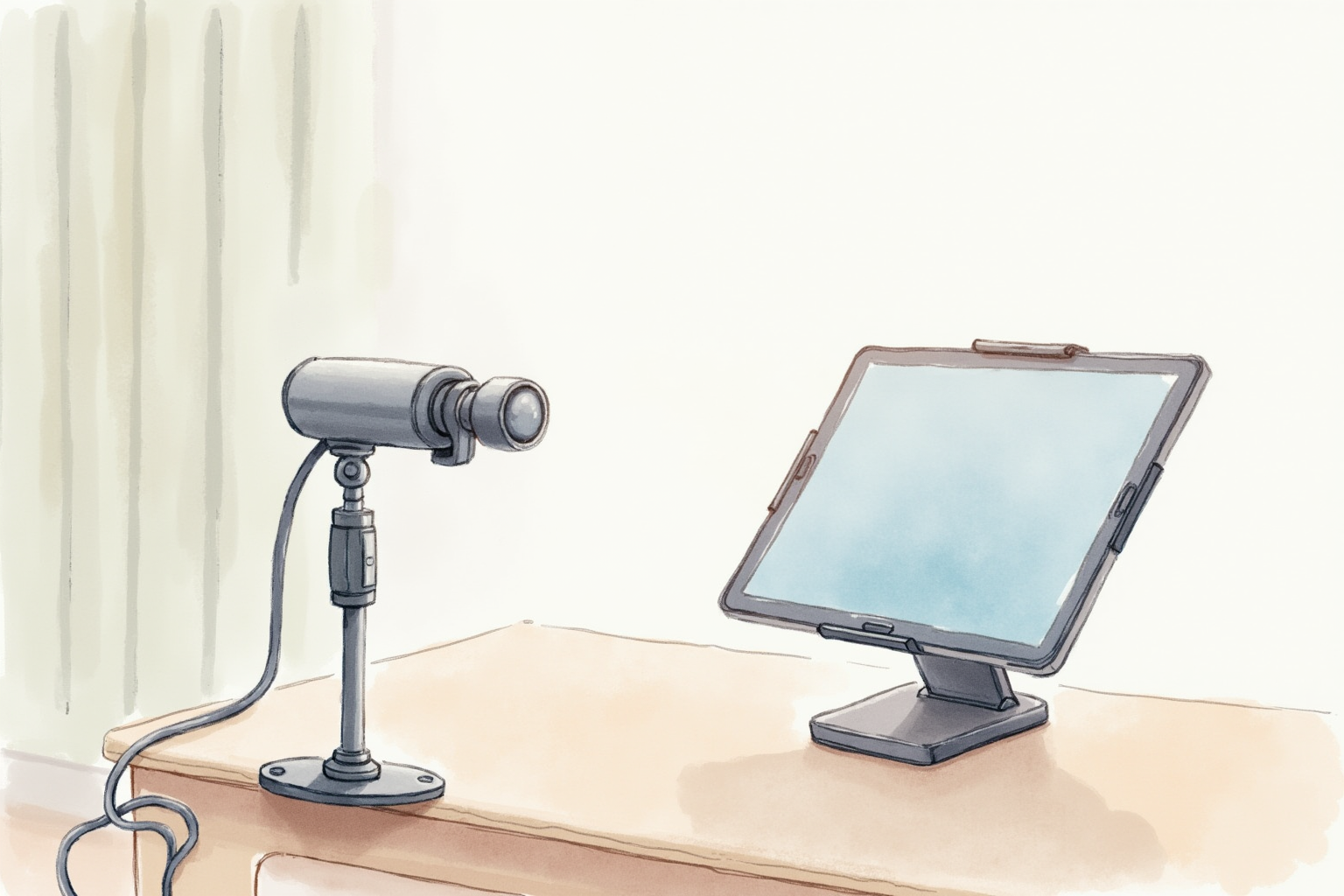
The single biggest tell that someone is reading off a teleprompter is their eye movement — the slow horizontal sweep that scans line-to-line and the brief upward flick at the end of each line. The opposite tell — reading from memory — is the more common one: the upward gaze toward the ceiling as the speaker hunts for the next phrase, the slight pause that betrays “what was the next bullet?” The teleprompter eliminates both problems when set up correctly. The script flows below the camera lens at speaking pace, and the speaker maintains direct eye contact with the lens.
This article compares the two dominant categories — app-based teleprompters on tablets and dedicated hardware teleprompters with beamsplitter glass — for home-office recorded video, webinars, and live presentations. The choice depends mostly on how often video is recorded and how strict the eye-line standard needs to be.
- When a teleprompter is worth the setup vs reading from memory
- Voice tracking vs manual scroll — which produces more natural delivery
- Eye-line offset in app-based vs hardware teleprompter setups
- Top picks for home-office video at $100-500 budget
- Workflow tips that separate amateur from professional delivery
When a teleprompter is worth using
The cost-benefit calculation rests on how often the content matters word-for-word. For free-flowing internal video updates, talking off the cuff usually produces more natural delivery. For client-facing webinars, sales pitches, course content, and recorded explainers where every sentence is part of the message, scripted-then-prompted delivery beats memorized-and-improvised by every measure that matters: pace, pauses, technical accuracy, and the absence of “umm.”
The threshold described by professional content creators is the “three bullet point rule”: if the talking points exceed three bullets, the cognitive load of remembering them disrupts delivery quality. Past that threshold, the right workflow is to write the script, rehearse it twice, then deliver it from a teleprompter.
The opposite mistake is over-scripting short content. A 30-second product update sounds robotic when read off a prompter; the same content delivered from memory feels casual and trustworthy. Use the prompter when the length and complexity justify it, not for everything.
App-based teleprompters — flexibility and voice tracking
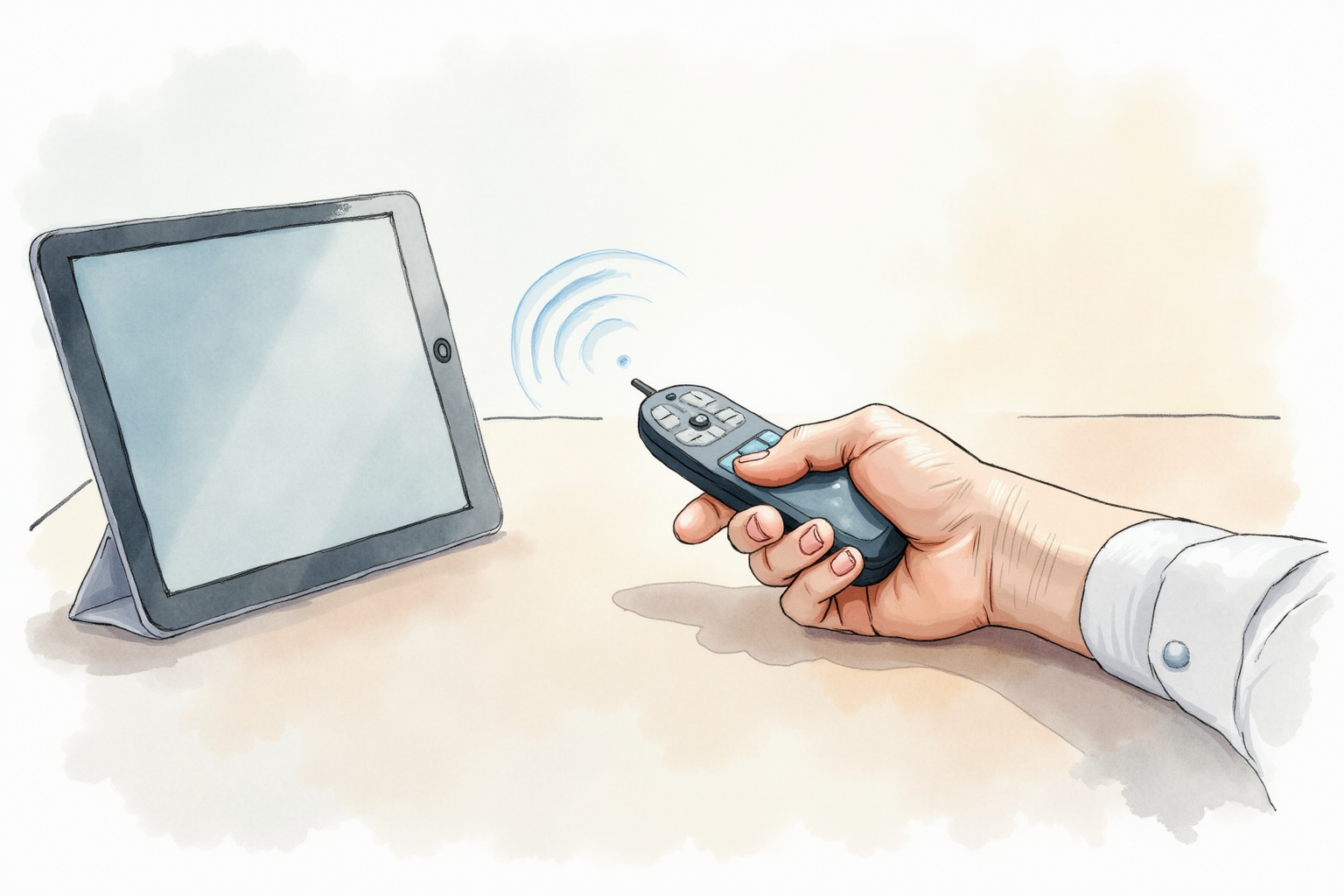
The dominant app category runs on iPads (best) or large phones (acceptable). The script lives in the cloud or on the device. The screen displays the script with adjustable scroll speed and font size. The tablet sits on a stand directly below or to the side of the camera, 24-30 inches from the speaker.
PromptSmart Pro stands out for its “VoiceTrack” feature — the app listens to the speaker via the device microphone and scrolls the script to match the spoken word. This means you can pause, restart a sentence, or take a breath without falling out of sync with the scroll. The result is closer to natural conversation than manually controlled scroll.
BIGVU offers a similar voice-tracking app with built-in recording, cloud sync, and team collaboration features. It is the better choice for content creators recording from multiple devices because the script library and recording share a cloud workspace.
The advantage of app-based teleprompters: flexibility, instant script editing, cloud sync, voice tracking, and low cost (the tablet you already own plus a $5-15/month app subscription). The downside: the eye-line offset between the tablet and the camera lens is visible. Even with the tablet placed directly below a tripod-mounted camera, the speaker’s eyes track 10-15 degrees below the lens — viewers notice the slight downward gaze.
For most home-office use cases, the offset is acceptable and outweighed by the convenience. For client-facing webinars and high-stakes recorded content, the hardware solution removes the offset entirely.
Hardware teleprompters — perfect eye-line
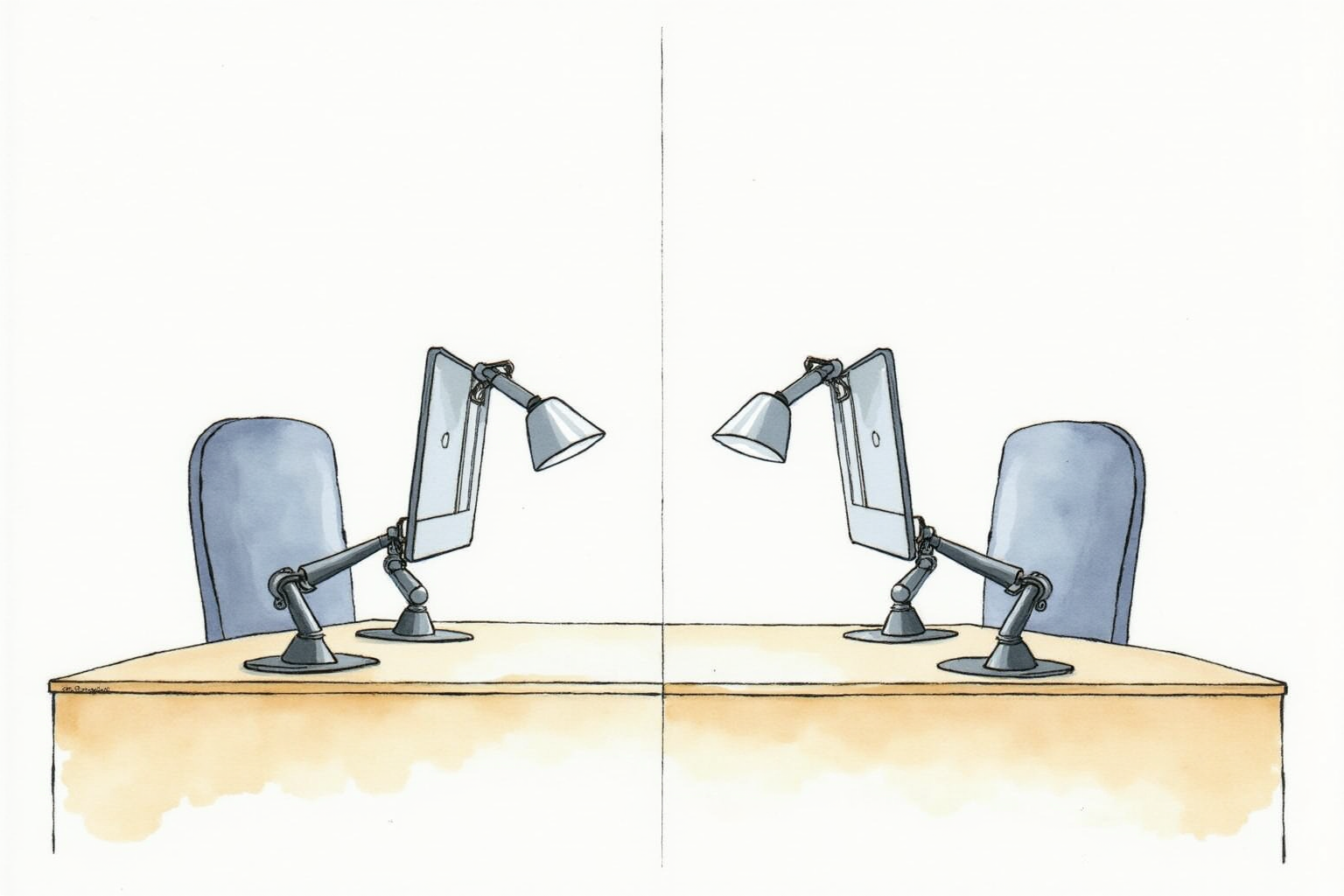
Hardware teleprompters use a beamsplitter glass — a semi-transparent angled mirror in front of the camera lens. A tablet or monitor below the camera displays the script, which reflects off the glass into the speaker’s view. The camera looks through the glass and sees only the speaker. The result: the speaker reads the script while looking directly at the camera lens.
Three home-office-friendly hardware teleprompters dominate the market:
Elgato Prompter is the desk-mounted unit. It includes a 9-inch built-in screen, mounts on a desk arm or shelf, and connects via USB-C to a computer. The script displays from the Elgato Camera Hub software. Best for home offices doing webinars and recorded video where the unit lives on the desk permanently.
Glide Gear TMP100 is the tripod-mounted unit. The beamsplitter glass clamps to any tripod-mounted camera, and the speaker’s tablet sits in a tray below the glass. Best for content creators who shoot in multiple locations and need a portable setup.
Parrot 2 by Padcaster is the most compact option. It uses a smaller iPad Mini or iPhone as the prompter screen and folds for travel. Best for journalists, traveling presenters, and creators with limited storage.
The advantage of hardware teleprompters: perfect eye-line (the speaker looks directly into the camera lens through the beamsplitter glass). The downside: cost ($300-800 for the unit itself), bulk, and the need to manage the prompter screen separately from the camera setup.
Top picks across budgets

PromptSmart Pro iOS/Android App
Price · $200 one-time or $10/month — best app pick
+ Pros
- · VoiceTrack scrolls the script as you speak — no manual control needed
- · One-time purchase option avoids subscription
- · Pause, restart, and edit on the fly during recording
− Cons
- · Tablet position creates visible eye-line offset
- · Best results require an iPad-class screen — phone is too small
Price, availability, and ratings can change; verify details on the retailer page before buying.
Elgato Prompter (USB-C Desk-Mount)
Price · $280-330 — best home-office hardware pick
+ Pros
- · Perfect eye-line through built-in 9-inch beamsplitter screen
- · USB-C plug-and-play with Elgato Camera Hub software
- · Built into a desk-arm or desk-clamp mounting system
− Cons
- · Permanent desk presence — not portable
- · Brightness lower than tablet-based screens — needs darker room
Price, availability, and ratings can change; verify details on the retailer page before buying.
Glide Gear TMP100 Tripod Teleprompter
Price · $280-400 — best portable hardware pick
+ Pros
- · Mounts to any standard tripod-mounted camera setup
- · Bring-your-own tablet for the prompter screen
- · Folds compact for travel and storage
− Cons
- · Requires a tablet (often an iPad) for the script display
- · Setup takes 5-10 minutes per session vs Elgato's plug-and-play
Price, availability, and ratings can change; verify details on the retailer page before buying.
Workflow tips for natural delivery
The teleprompter does not produce natural delivery on its own — the setup decisions and rehearsal practice do. Three habits separate amateur from professional output:
Write for speaking, not reading. Script in spoken language. Short sentences. Contractions. The same phrases you would use in conversation. Scripts written in formal essay style sound stilted when read aloud no matter how good the teleprompter is.
Rehearse the script twice before recording. The first pass identifies tongue-twister phrases and awkward transitions; rewrite those. The second pass calibrates the scroll speed and gets the pace right. Trying to record cold off a script produces choppy delivery in the final video.
Vary pace and emphasis manually. The voice-tracking apps follow your pace, but they cannot decide where you should slow down for emphasis or speed up to keep momentum. Mark the script with pace cues during rehearsal — a small ”/” for short pause, ”//” for breath, underline for emphasis word.
For hardware teleprompters, additional tips: dim the room slightly so the beamsplitter glass does not reflect competing room light, position the script display at full brightness, and align the camera position so the speaker’s eye-line falls on the center of the beamsplitter, not the edge.
The buying decision
For home offices where recorded video happens 1-2 times per week and the production value matters but is not the top priority, the app-only path (PromptSmart Pro plus an iPad and a $30 desk stand) covers the use case at $200-300 total cost. The eye-line offset is the trade-off, and it is acceptable for internal company video, course content, and most webinars.
For client-facing content where the eye-line offset would be noticed — sales videos, executive recorded messages, premium course content, paid webinars — the Elgato Prompter at $280-330 produces the perfect-eye-line look in a desk-permanent installation. The investment pays back the first time a viewer says “you look like you’re talking directly to me.”
For content creators who shoot in multiple locations or travel, the Glide Gear TMP100 tripod teleprompter is the right pick. It uses your existing iPad and works with any tripod-mounted camera setup.
Avoid budget teleprompters under $80 — the beamsplitter glass quality matters for keeping the script visible without ghosting, and the cheap units produce a faint double-image that confuses the speaker. The under-$80 segment is reliably bad enough that buying twice (cheap, then proper) is the common pattern.
A teleprompter is one of those tools that immediately separates amateur recorded video from professional output. For anyone whose career includes regular recorded content, the upgrade is worth it within the first month of consistent use.