Walking Pad Treadmills for Standing Desks — 2026 Tested
Walking pad treadmills compared for use under standing desks — speed range, noise, weight capacity, and the workflow that lets you actually walk while working without disrupting calls.
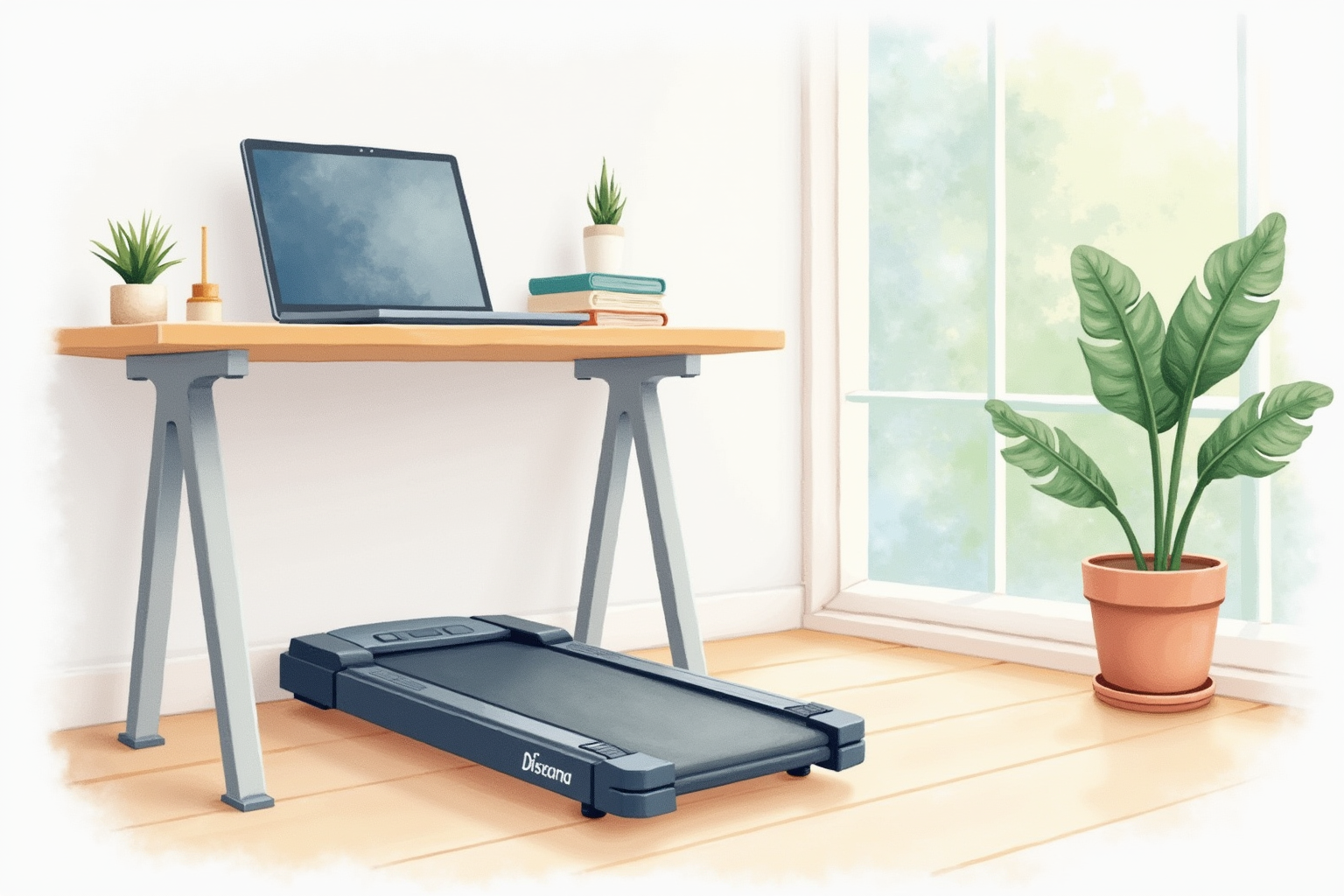
The walking pad category transformed the active-workstation conversation between 2020 and 2026. The full treadmill desks (LifeSpan, NordicTrack) had been around for 15 years but never went mainstream because they occupied a 6x3 foot footprint, cost $1500+, and required dedicated space. The walking pad — a slim, foldable belt designed to slide under a standing desk and store away — solved both problems. Models like the WalkingPad C2 brought entry pricing to $400 and folding storage to a 5-inch profile.
This article compares the current generation of under-desk walking pads for daily work use. The buying decision rests on weight capacity, noise, fold mechanism, and the workflow integration that lets you actually walk while working without disrupting calls or fine motor tasks.
- Walking pad vs full treadmill desk — which fits home office space
- Realistic walking speeds for sustained work tasks
- Noise levels and call-friendly operation
- Workflow patterns that pair walking with desk work
- Top picks across $300-700 budget range
Walking pad vs full treadmill desk
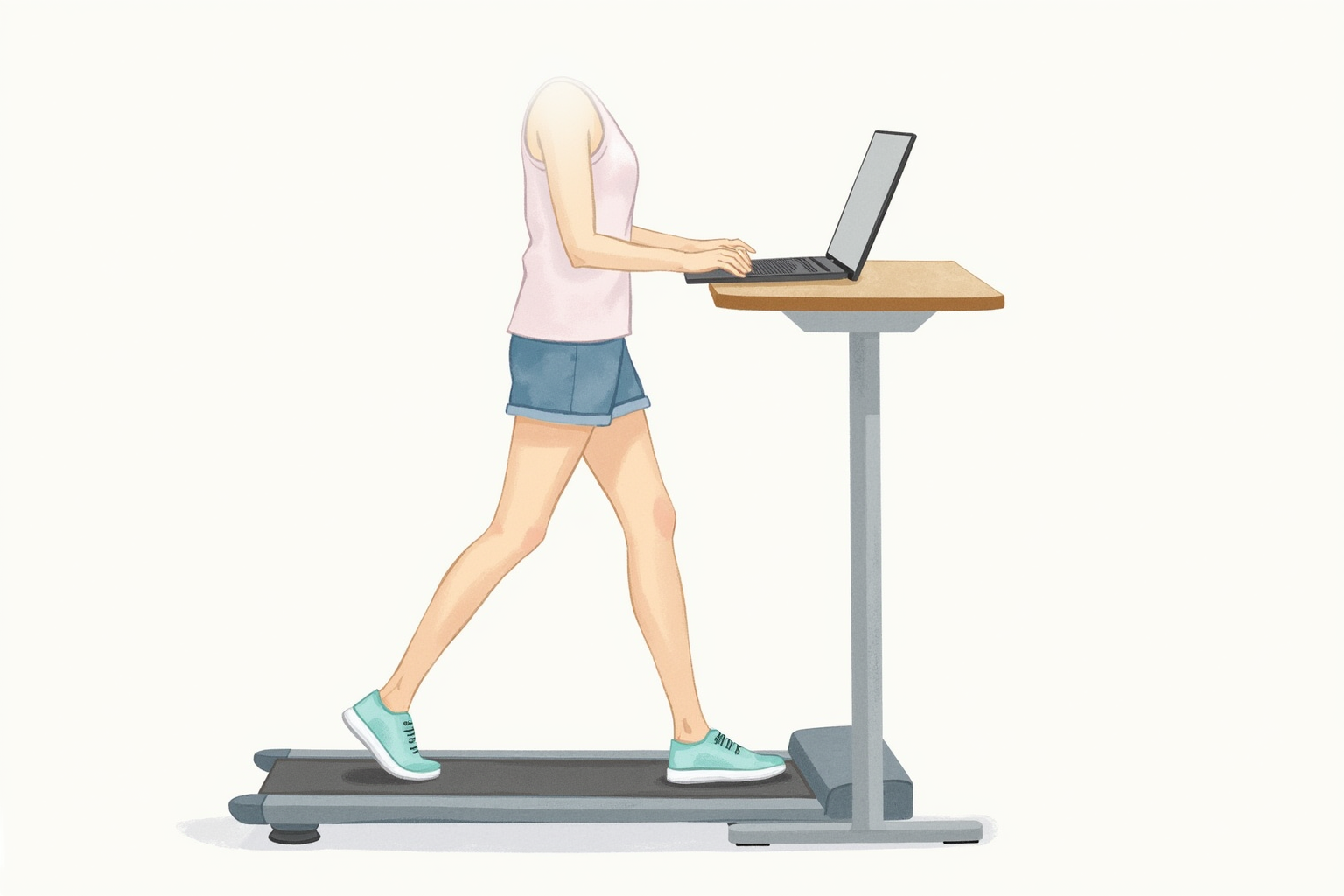
The two product categories serve overlapping but distinct use cases.
Walking pads are designed as low-speed, low-profile units that slip under a standing desk. They top out at 4 mph (some at 6 mph), fold for storage, and target sustained slow walking during desk work. WalkingPad, Goyouth, and Sperax dominate the consumer market at $300-700.
Treadmill desks are full-size treadmills with integrated desk surfaces. The treadmill portion is built for sustained running speeds (8-10 mph), the desk surface is built into the frame, and the unit cannot be moved easily. LifeSpan TR1200-DT5 and NordicTrack Desk Treadmill represent this category at $1200-2200.
For home offices, walking pads are almost always the right pick. They occupy only the floor space directly under the desk during use, fold for storage when not in use, and cost one-third of a full treadmill desk. The trade-off is the slower maximum speed (most users don’t need above 4 mph for desk work anyway) and slightly less stable belt at higher speeds.
The full treadmill desks make sense only for users who want to do moderate running (6-8 mph) at the desk, which is rare and impractical for typical knowledge work.
Realistic walking speeds for work
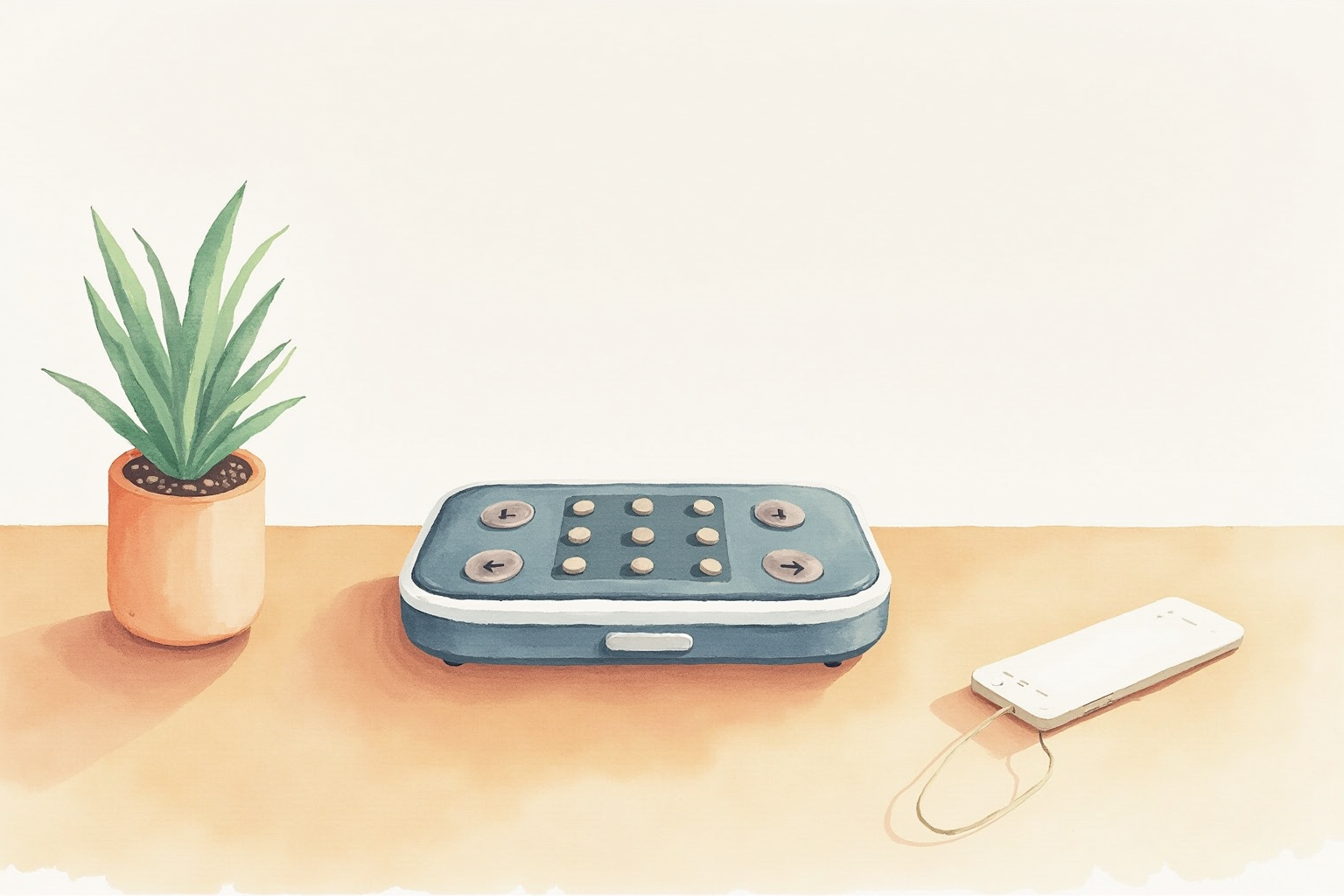
The speed-vs-task trade-off is well-documented and follows a consistent pattern across users:
Reading, watching, listening (1.5-2.5 mph): Most relaxed walking pace. Cognitive load is low, walking does not interfere. Webinars, training videos, podcasts, and routine email reading work well at this pace.
Email, light writing, casual messaging (1.0-2.0 mph): Slightly slower. Walking still works but typing accuracy decreases slightly at faster speeds. Most users settle around 1.5 mph as the sweet spot.
Detailed writing, complex analysis (0.5-1.5 mph): Slower walking maintains concentration. Some users find walking at any speed disrupts deep focus and prefer to sit for these tasks.
Video calls with speaking (1.0-1.8 mph): Walking while speaking on video can work for short responses but introduces audible breath rate change and slight verbal pace changes. For high-stakes calls, pause walking when you speak. For listening-heavy meetings, walking through the whole meeting is fine.
Detailed mouse work, design tasks, gaming (sit only): Fine motor coordination degrades at any walking speed. These tasks benefit from sitting.
Most users with sustained daily desk work report 1-3 hours of walking distributed across the day, accumulated during the right task types.
Noise levels and call-friendly operation
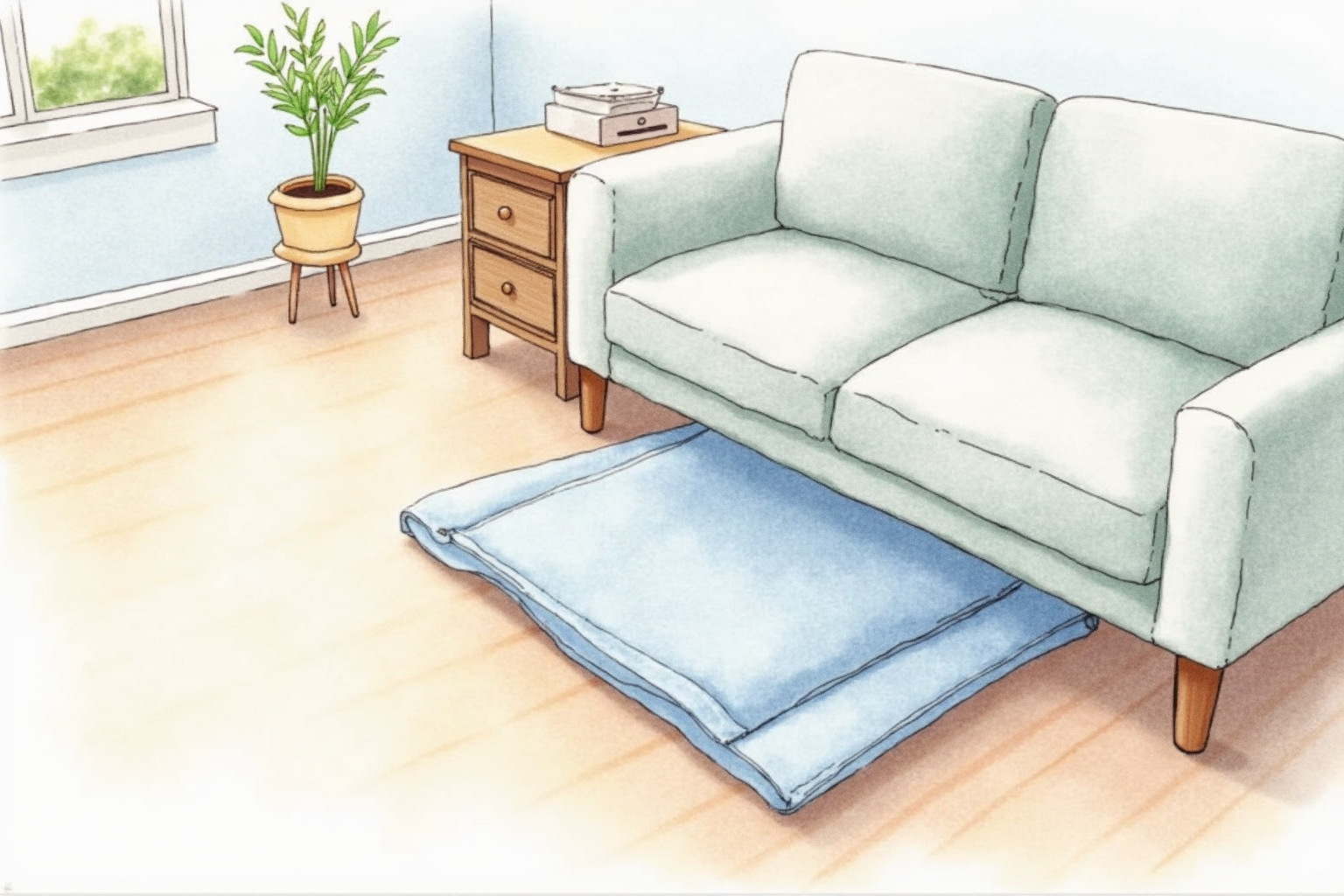
Modern walking pads operate at 45-55 dB during typical 2 mph use. For comparison: a quiet office is 40-50 dB, normal conversation is 60-65 dB, a vacuum cleaner is 70-75 dB. Walking pads sit at the quiet-office level — audible but not intrusive.
On video calls, the walking pad sound is rarely audible to remote participants because most microphone setups are within 6-18 inches of the speaker’s mouth and pick up little ambient noise. Noise pickup depends on:
- Microphone type: Dynamic mics (Shure SM7B, MV7+) reject ambient sound much better than condenser mics. Webcam built-in mics pick up more.
- Foot landing: Heavier users and harder shoes produce more footfall sound. Soft-soled shoes (sneakers, athletic shoes) help.
- Floor type: Hardwood and tile transmit sound more than carpet. A rubber mat under the walking pad damps vibration.
For all-day callers, pair the walking pad with a quality podcasting microphone — the combination produces clean audio even at moderate walking pace.
Workflow patterns that work
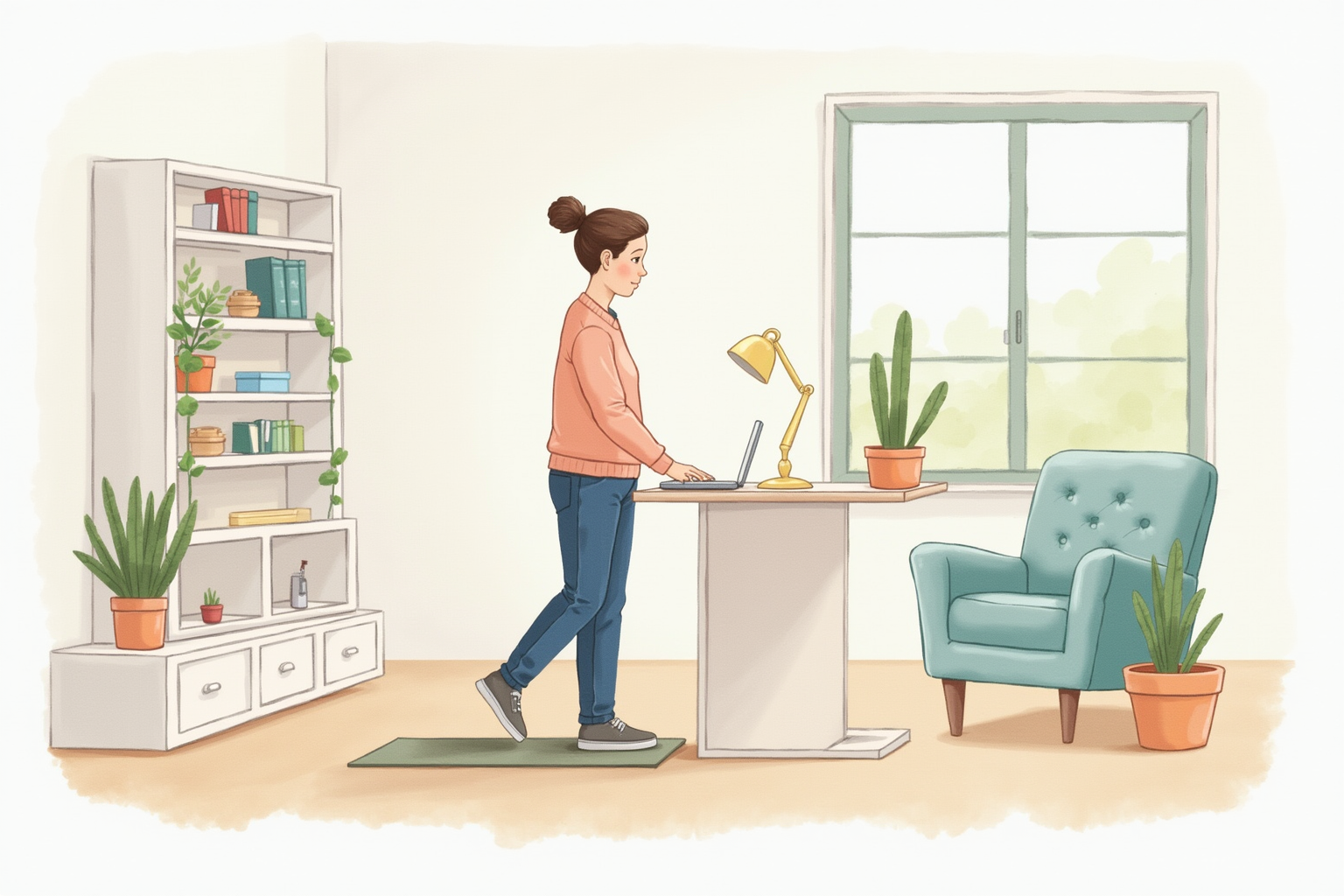
The most successful walking pad users converge on a few habits:
Block schedule by task type. Identify which calendar blocks are walking-compatible (listening-heavy meetings, reading, light email) and which require sitting (deep work, design, presentations). Walk during the compatible blocks.
Standing-desk integration. The walking pad pairs with a standing desk. The desk must be at standing height (typically 42-48 inches at the keyboard for most users) and stable enough to handle the walking motion. Avoid pairing with weak or wobbly standing desks; the walking induces vibration that magnifies any structural weakness.
Warm-up and transition. Standing on the unmoving belt and slowly increasing speed for the first 30-60 seconds is gentler on knees and feet than starting at full pace. Similarly, stepping off requires deceleration.
Footwear. Wear supportive sneakers or athletic shoes; barefoot or sock-walking on a moving belt is uncomfortable and increases joint stress.
Hydration nearby. The increased activity raises water needs slightly. Keep water on the desk; it also adds the small habit of pausing to drink, which interrupts long sustained walks.
Top picks across budgets
WalkingPad C2 Foldable Treadmill
Price · $380-480 — best foldable mid-range pick
+ Pros
- · Folds to 5-inch profile for under-bed or behind-couch storage
- · Speed up to 3.7 mph — enough for any desk walking pace
- · Smartphone app integration for speed control and step tracking
− Cons
- · 220 lb weight rating limits use for heavier users
- · Compact size means stride feels slightly cramped for tall users
Price, availability, and ratings can change; verify details on the retailer page before buying.
WalkingPad R1 Pro (Folding A-Frame)
Price · $550-680 — premium folding pick
+ Pros
- · A-frame folding mechanism — folds vertically into an even smaller footprint
- · Higher speed (up to 7.4 mph) supports occasional jogging on weekends
- · 240 lb capacity covers most users with safety buffer
− Cons
- · Premium price approaches full treadmill desk territory
- · A-frame fold adds 8-10 lbs and requires more vertical storage clearance
Price, availability, and ratings can change; verify details on the retailer page before buying.
Goyouth Under-Desk Walking Pad (Budget Pick)
Price · $220-300 — entry-level pick
+ Pros
- · Lowest entry cost into the walking pad category
- · Slim 4-inch profile fits most standing desk configurations
- · Built-in remote control eliminates app dependency
− Cons
- · Belt and motor warranty are shorter than premium brands
- · Maximum speed of 4 mph is reasonable but build quality at higher speeds is uneven
Price, availability, and ratings can change; verify details on the retailer page before buying.
The buying decision
For most home offices that have or plan a standing desk, the WalkingPad C2 at $380-480 is the right starting point. The fold mechanism converts a daily-use unit into a stowable one for guests or workout space, the 3.7 mph max speed covers any practical desk walking pace, and the smartphone app integration handles speed control cleanly.
For users above 220 lbs or who want occasional faster speeds for jogging on weekends, the WalkingPad R1 Pro at $550-680 is the upgrade pick. The A-frame folding and 7.4 mph capability justify the premium for these specific use cases.
For tight budgets where trial-use comes first, the Goyouth walking pad at $220-300 gets you into the category at low cost. The build quality and warranty are below premium brands but the basic functionality works well at 1-2 mph walking pace.
Avoid no-name walking pads under $180 — motor reliability and belt wear at low price points concentrate complaints. The walking pad category sits on a price floor around $220-300 where build quality is acceptable; below that, the false economy of cheap motors and belts plays out within months of daily use.
Pair the walking pad with the standing desk you already use — the active workstation works best when neither component compromises the other. The combined cost (standing desk + walking pad) typically lands $700-1200 for solid mid-range setups, and the daily health benefit accumulates quickly compared to the alternative of additional sitting time.