Ergonomic Office Chair — Cornell, OSHA Guidelines, and the Wirecutter Top Picks
Cornell Ergonomics Lab adjustment criteria, OSHA workstation guidance, Wirecutter testing data, and what features actually matter when picking an office chair.
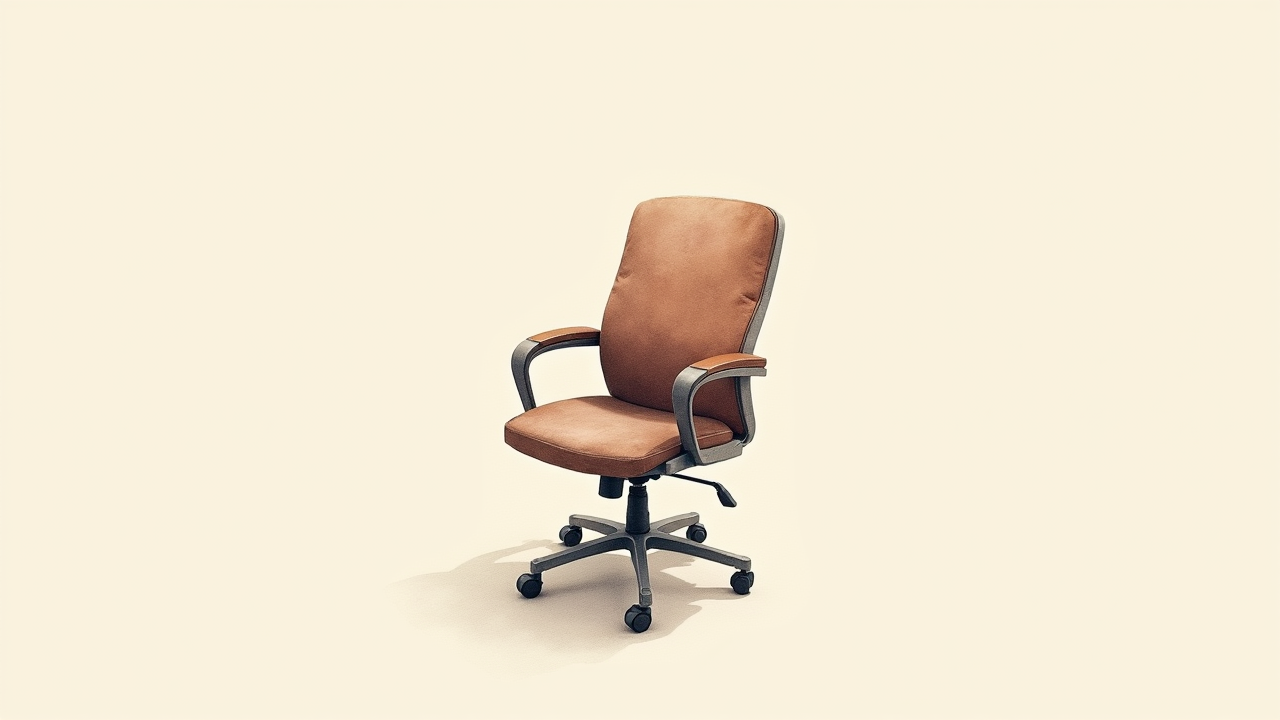
The home office chair is the single most-used piece of equipment in remote work. An 8-hour daily user spends ~2,000 hours per year in their chair — more than they spend in their car, and with health impacts that compound. Cornell Ergonomics Lab, OSHA, and Wirecutter all publish detailed selection criteria. This article walks through what features actually matter, what the testing data shows, and how to think about the price/value spectrum.
The TL;DR: six adjustments are essential (seat height, seat depth, lumbar, armrest height, recline, tilt tension). Premium chairs ($1,000+) amortize over 10+ years; mid-tier ($400-700) delivers 80% of the value for 4-6 hour daily users; budget ($200-300) typically misses 1-2 of the essential adjustments. Match your purchase to your actual hours of use.
For complementary home office content, see home office internet tested.
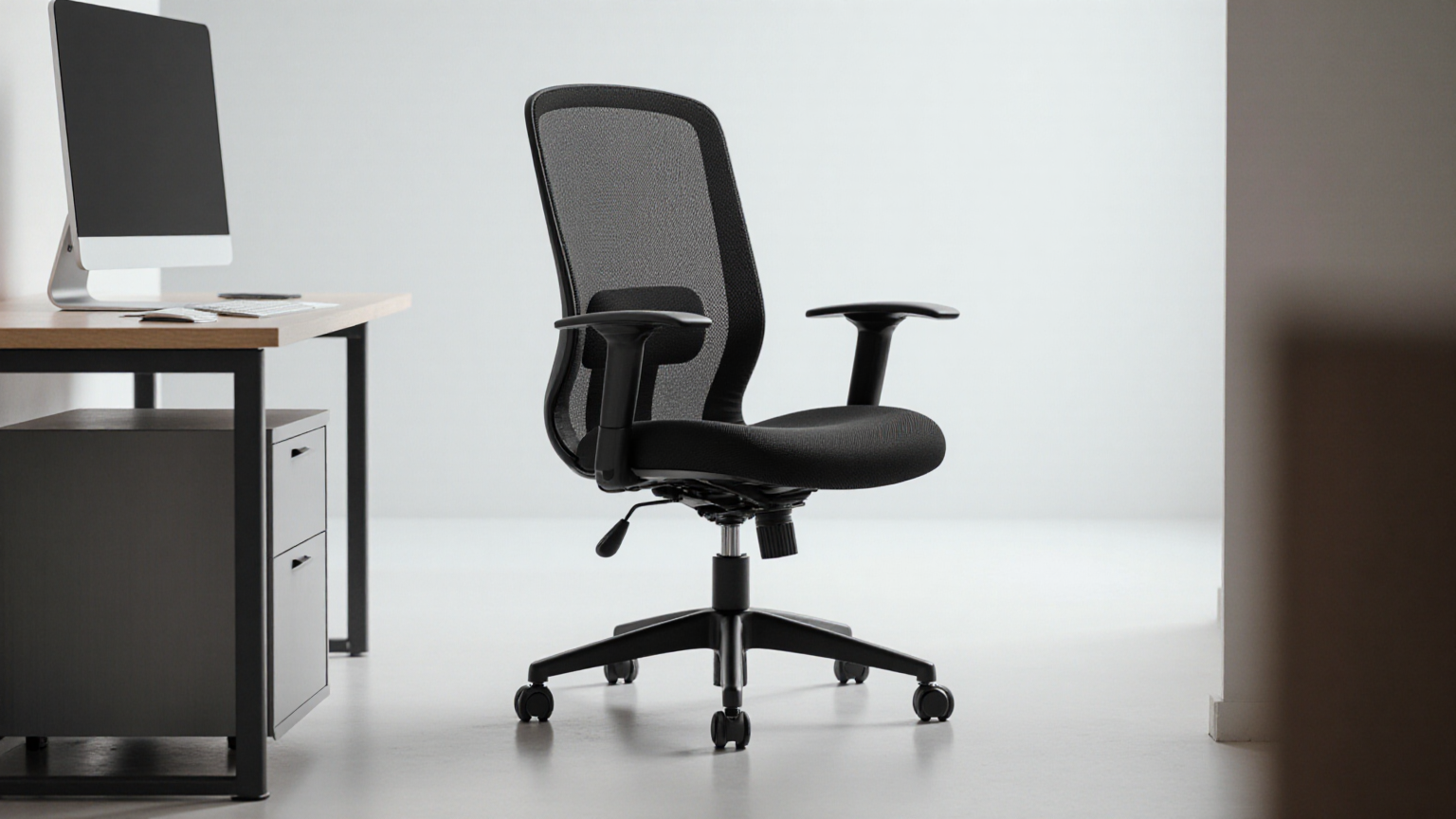
The six essential adjustments
Per Cornell Ergonomics Lab, OSHA Computer Workstations eTool, and ANSI/HFES 100-2007 standards:
1. Seat height
- Range typically 16-21 inches floor-to-seat
- Goal: feet flat on floor, knees at 90 degrees
- For users 5’2”-6’2”, standard range works
- Outside range (very short or very tall): need extended-range chair or footrest/booster
2. Seat depth (slide adjustment)
- Range typically 2-3 inches of forward/back slide
- Goal: 2-3 finger gap between back of knees and seat edge
- Without this, longer-legged users feel like the seat is too short; shorter-legged users feel pressure behind knees
3. Lumbar support
- Two sub-adjustments: height (how high on the back) and depth (how much it pushes forward)
- Goal: support the natural inward curve of your lower back
- “Fixed lumbar” (built-in foam shape) is inferior — different bodies have different lumbar curves
4. Armrest height (and ideally width and depth)
- Range typically 7-11 inches above seat
- Goal: elbows at 90 degrees, shoulders relaxed (not shrugged up or down)
- “4D” armrests adjust height, width (closer/further from chair), depth (forward/back), and angle
- Fixed armrests force compromise
5. Backrest recline with locking
- Range typically 105-130 degrees
- Multiple locking positions (often called “synchro-tilt”)
- Allows brief reclining to redistribute pressure throughout the day
6. Tilt tension
- Adjusts how easily the chair reclines under your weight
- Critical for chairs used by multiple body sizes
- Without tilt tension, lighter users can’t recline (chair too stiff) or heavier users tip too easily
A chair missing any of these forces compromise elsewhere. Cornell research consistently links missing adjustability to lower back pain, shoulder strain, and reduced productivity over multi-month studies.

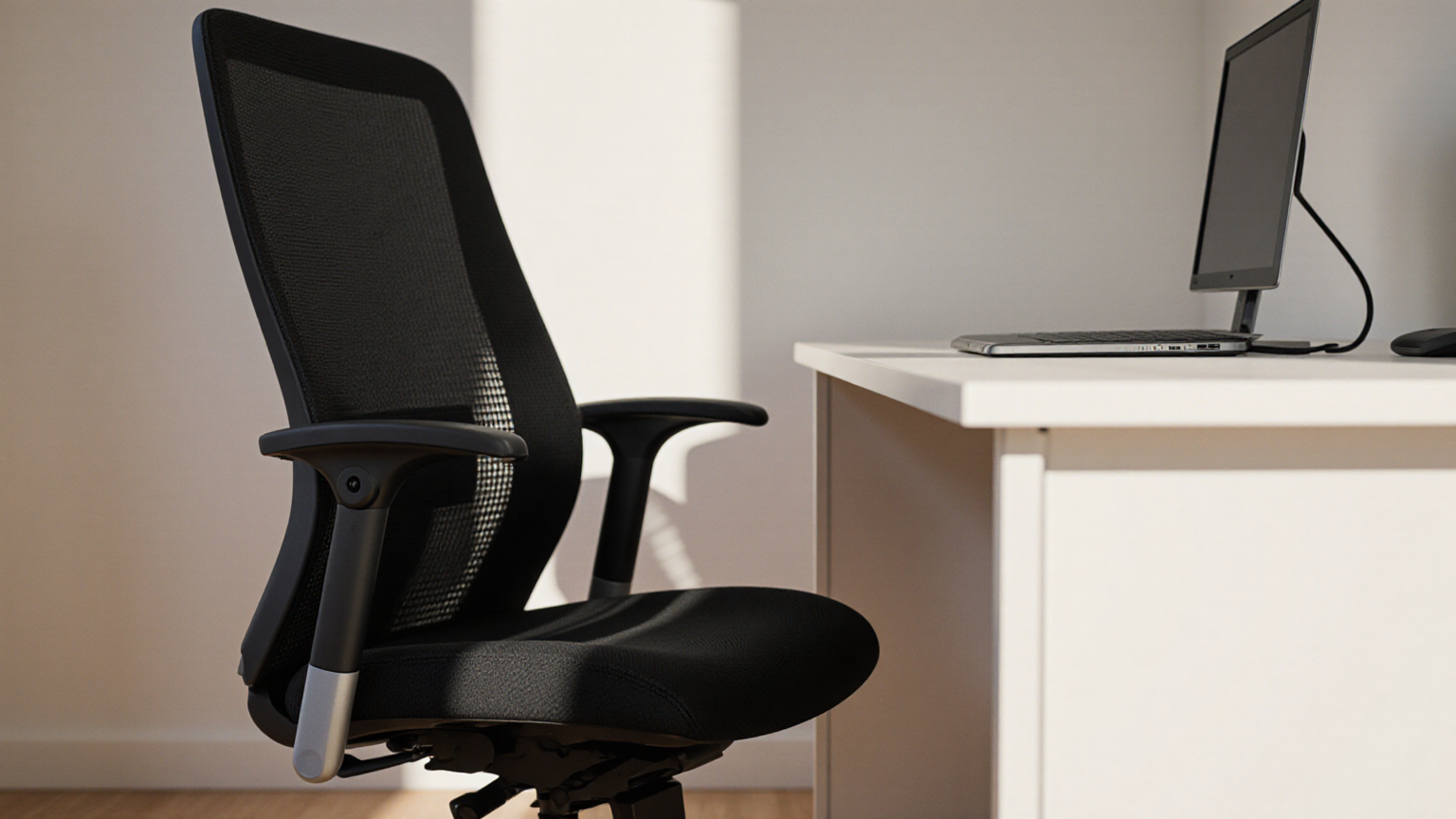
Top picks (Wirecutter + Cornell composite)
Premium tier ($1,000-1,800)
Herman Miller Aeron ($1,400-1,800)
- 12-year warranty
- Three sizes (A small, B medium, C large) for proper fit
- All six essential adjustments
- Pellicle mesh back (no foam compression)
- Wirecutter top pick for the “buy once, cry once” tier
Steelcase Leap V2 ($1,000-1,500)
- 12-year warranty
- Excellent lumbar adjustment (LiveBack technology)
- All six adjustments
- More cushioned than Aeron (preference matters)
- Steelcase’s research-backed Live design
Steelcase Gesture ($1,200-1,800)
- 12-year warranty
- Designed specifically for modern device use (phone, tablet, laptop)
- 360-degree armrests
- All six adjustments
Herman Miller Embody ($1,500-2,000)
- 12-year warranty
- Pixelated back support adapts to spine
- More forward-leaning posture (suits some workflows)
- Premium price for premium ergonomics
Mid-tier ($400-800)
Branch Ergonomic Chair ($350-450)
- 7-year warranty
- All six essential adjustments
- Wirecutter “best mid-tier” pick
- Significantly lower price than Steelcase/Herman Miller for similar feature set
Steelcase Series 1 ($500-700)
- 12-year warranty (same as premium Steelcase)
- Stripped-down version of Leap with most features
- Excellent value for the warranty alone
Autonomous ErgoChair Pro ($350-500)
- 5-year warranty
- All six adjustments at lower price point
- Build quality slightly below Branch
- Frequent sales bring under $400
HON Ignition 2.0 ($400-600)
- 5-year warranty
- Solid mid-tier from a major office furniture brand
- Less style-forward than competitors but built for office durability
Budget ($200-400)
Steelcase Karman ($350-500)
- Budget Steelcase, 12-year warranty (same as premium)
- Lighter feature set but well-built
SIHOO M57 ($200-300)
- Surprisingly capable at price point
- Has most of six adjustments (lumbar adjustability is the weak spot)
- 1-2 year warranty
- Best for users with budget under $300
IKEA Markus / Järvfjället ($200-300)
- IKEA’s best ergonomic chair
- Solid build, no fancy features
- 10-year warranty (IKEA’s longest)
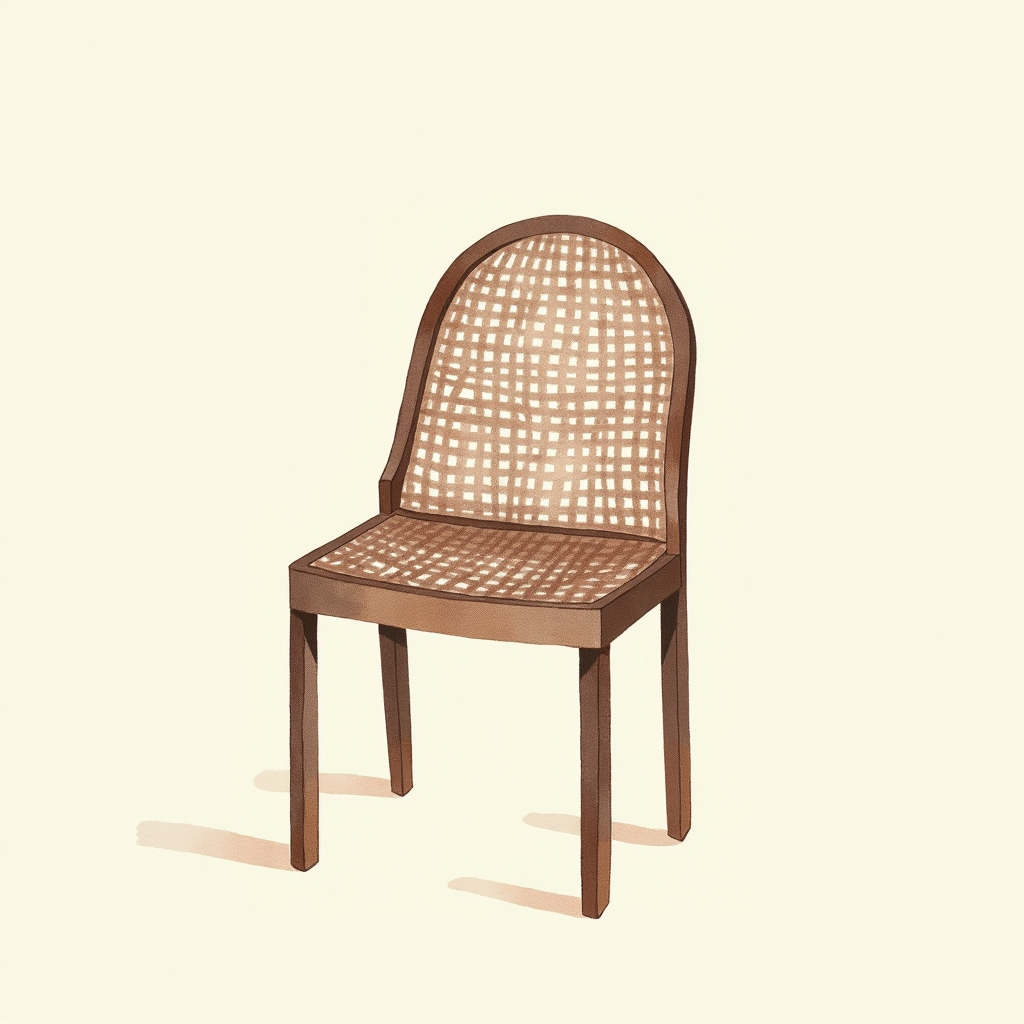
Mesh vs cushion vs leather
Three back/seat options:
Mesh
- Pros: breathable (cooler in warm climates), no foam compression over years, modern look
- Cons: harder feel, some users find too firm, doesn’t offer “soft” cushion experience
- Best for: warm climates, long sessions, users who run hot
- Examples: Aeron, ErgoChair Pro, mesh Branch
Cushion (foam)
- Pros: softer feel, traditional office look, often more affordable in budget tier
- Cons: foam compresses over years (3-7 years to noticeable), warmer
- Best for: moderate climates, users preferring softer surfaces
- Examples: Steelcase Leap, HON Ignition
Leather/leatherette
- Pros: looks formal, durable surface
- Cons: hot in summer, cold in winter, less breathable, often shows wear (cracking) over time
- Best for: formal office aesthetic preference, infrequent use
- Examples: many executive chairs, gaming chair leatherette
The choice is preference, not ergonomic priority. Adjustability matters more than material.
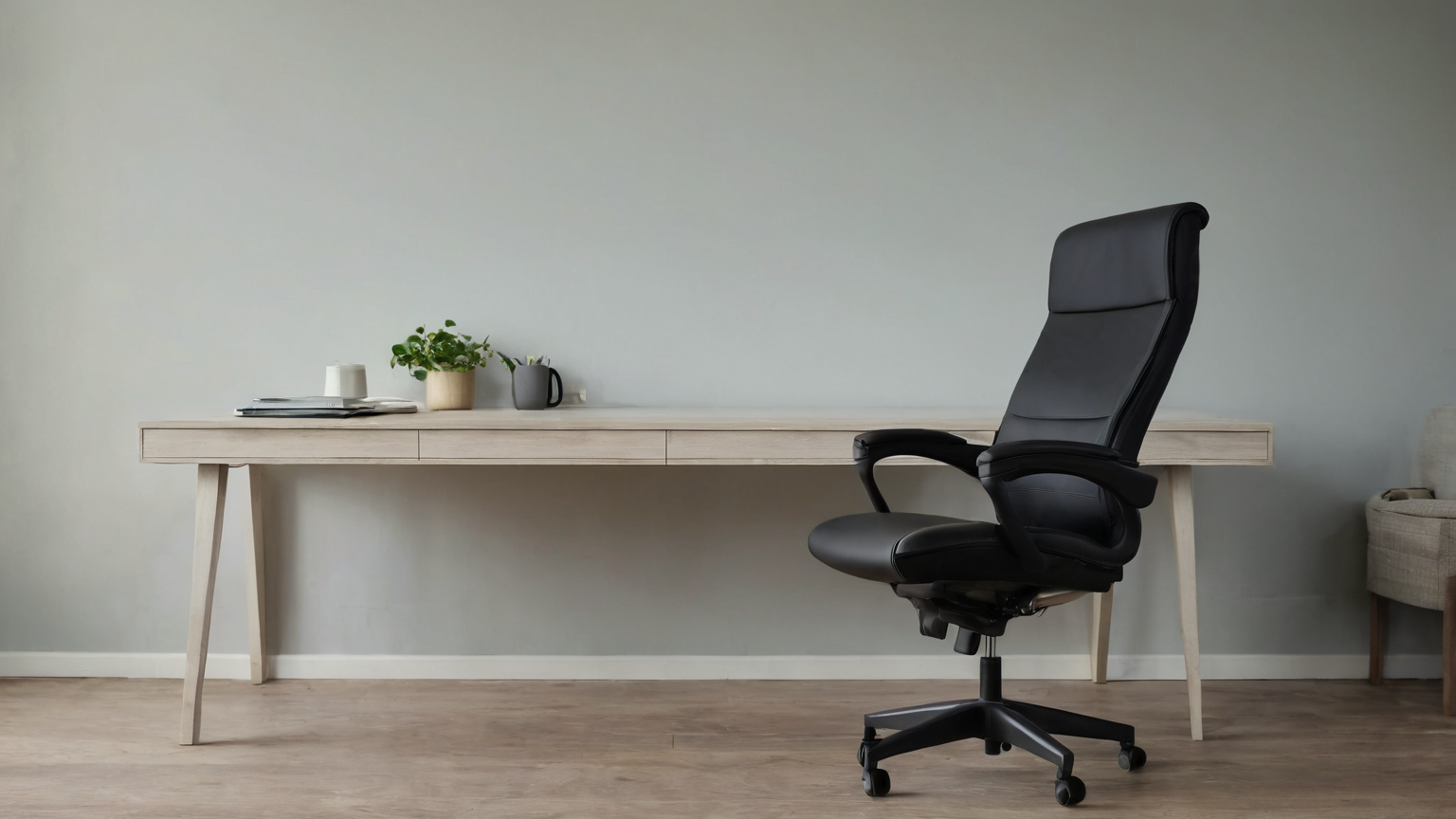
Setup — fitting the chair to your body
Even the best chair fails without proper setup. Cornell’s adjustment sequence:
1. Seat height
Sit with feet flat on floor. Adjust seat so knees are at 90 degrees. If the chair is at maximum height and feet still don’t reach floor, you need a footrest. If at minimum and knees are higher than hips, you may need a smaller chair (Aeron A) or different model.
2. Seat depth
Slide seat forward/back. Goal: 2-3 finger gap between the back of your knees and the seat edge. Too short = longer-legged users feel cramped; too long = shorter-legged users get pressure behind knees.
3. Backrest height (if adjustable)
Position backrest so the lumbar support hits the natural inward curve of your lower back (typically 4-8 inches above seat).
4. Lumbar depth
Adjust how much the lumbar pushes forward. Too little = no support; too much = forces forward arch and creates strain.
5. Armrest height
With shoulders relaxed and elbows at 90 degrees while typing, armrests should support your forearms with light contact. Too high = shoulders shrug up; too low = forearms unsupported.
6. Armrest width and angle (if adjustable)
Bring armrests close enough that your elbows rest naturally with shoulders relaxed.
7. Recline tension
Set to allow comfortable recline without falling backward.
8. Test
Sit for 30+ minutes, work normally. Note any pressure points. Re-adjust.
A 15-minute proper setup reduces day-end discomfort dramatically. Most people skip the setup and live with default settings — losing much of the chair’s value.

Gaming chairs — what Cornell actually says
Gaming chairs (DXRacer, Secretlab Titan/Omega, Razer Iskur, AKRacing) are race-bucket-seat style. They look impressive and many enjoy the aesthetic. Per Cornell Ergonomics Lab analysis:
Common ergonomic failures:
- High wing-back design forces specific seating position with less freedom
- Bucket seat with raised side bolsters limits natural lateral movement
- Many lack the six essential adjustments (especially seat depth slide)
- Faux leather often hot and uncomfortable over 4+ hours
Better gaming chair options (still office chairs would be better):
- Secretlab Titan Evo — significantly improved lumbar and armrests for a gaming chair
- Razer Iskur — added lumbar support
- AndaSeat Kaiser — better build quality
For 4+ hour daily desk work, an ergonomic office chair (Branch, Steelcase Series 1, Aeron) typically outperforms similarly-priced gaming chairs.
For 1-3 hour daily use with the rest of the day standing or away from desk, gaming chair vs office chair matters less.
Used / refurbished market
The premium chair refurb market is real and worth considering for budget-constrained buyers wanting premium ergonomics:
Sources
- Craigslist / Facebook Marketplace — local pickup, often best prices
- eBay — verified sellers, sometimes refurbished by chair shops
- OfficeChair.shop, Madison Seating — specialized refurb shops with warranty
What to inspect
- Gas cylinder — sit, leave it for 5 minutes, see if seat slowly drops. Slow drop = cylinder needs replacement ($30-80 fix)
- Mesh or foam — significant compression or sagging is hard to fix
- Armrests — should not wobble or have play
- Wheels — replaceable but $40-80 for set
- All adjustments — test each one (height, depth, lumbar, armrest, tilt)
Pricing
- Aeron 5-7 years old: $400-700 (vs $1,500 retail)
- Steelcase Leap V2 5-7 years old: $400-650 (vs $1,200 retail)
- Steelcase Gesture: $500-800 (vs $1,500)
Used premium often beats new mid-tier for similar money — and you get 5-7 more years of premium chair life.
Cost-of-ownership math
5-year cost comparison for 8-hour-daily user:
| Chair | Initial cost | Replacement (5yr) | Total 5-yr cost |
|---|---|---|---|
| Premium new (Aeron) | $1,500 | $0 | $1,500 |
| Premium used (Aeron 5-7yr) | $600 | $0 | $600 |
| Mid-tier (Branch Ergonomic) | $400 | $0 | $400 |
| Budget ($300) | $300 | Replace at year 4 ($300) | $600 |
| Cheap (under $200) | $180 | Replace at year 2-3 (twice = $360) | $540 |
The premium-used route ($600 over 5 years) is a great deal vs $1,500 new. Mid-tier at $400 is the best new value. Budget cheap chairs end up costing similar to mid-tier with worse ergonomics throughout.
What to skip
Per Cornell and Wirecutter analyses, avoid:
- Chairs without lumbar adjustability (fixed lumbar foam) — the wrong shape for many bodies
- Chairs without armrest height adjustment — forces shoulder shrugs
- Chairs without seat depth slide — wrong fit for longer- or shorter-legged users
- Cheap “ergonomic” chairs from random Amazon brands — often just marketing, build quality fails within 1-2 years
- Stools without back support for long desk work — only viable for very short sessions
- Kneeling chairs — limited research support, knee pressure issues, niche use case
Bottom line
For most home office users:
- 8+ hour daily use, 7-12 year horizon: Aeron or Leap V2, new or used premium
- 4-6 hour daily use, 5+ year horizon: Branch Ergonomic ($400-450) is the sweet spot
- 2-4 hour daily use, budget under $300: SIHOO M57 or IKEA Markus
- Used premium: best value for budget under $700
Match the chair to actual hours of daily use. Underspending on chair when you spend 2,000+ hours/year in it is poor amortization. Overspending on a chair you sit in 1-2 hours daily is poor allocation.
For complementary home office content, see home office internet tested.
Ergonomic chair picks across price tiers
Cornell ergonomics data and OSHA guidelines converge on three chair attributes that matter: adjustable lumbar, seat depth, and armrests with 4-way movement. Three chairs cover the entry-level, mid, and premium price points without compromising on those three essentials.
Herman Miller Aeron Chair (Remastered, Size B)
Price · $1,400-1,700 — premium long-term pick
+ Pros
- · 12-year warranty, parts replaceable for the life of the chair
- · PostureFit SL lumbar support — single best lumbar in the category
- · Pellicle mesh sleeps cooler than any padded chair in 8-hour blocks
− Cons
- · Premium pricing — typical 2-3 month payback only if WFH full-time
- · No headrest — Aeron is designed for forward task work, not lounging
Paid affiliate link. Price, availability, and ratings can change; verify details on the retailer page before buying.
Steelcase Series 1 Ergonomic Chair
Price · $430-550 — mid-range with full ergonomic adjustability
+ Pros
- · Live Back technology adjusts to spine curvature dynamically
- · 4D arms (height, depth, width, pivot) at half the Aeron price
- · 12-year warranty — same span as Herman Miller
− Cons
- · Mesh thinner than Aeron — slightly less cooling under heavy use
- · Some configurations don't include headrest by default
Paid affiliate link. Price, availability, and ratings can change; verify details on the retailer page before buying.
IKEA Markus Chair (Best Sub-$300 Option)
Price · $220-280 — strong budget pick
+ Pros
- · 10-year IKEA warranty, high-back design with integrated headrest
- · Tilt tension adjustment and weight-activated recline
- · Most ergonomic pick available at the sub-$300 price point
− Cons
- · Fixed lumbar position (no manual height adjustment)
- · Armrests are fixed height — not adjustable like Aeron / Steelcase
Paid affiliate link. Price, availability, and ratings can change; verify details on the retailer page before buying.
For full-time remote workers, the Aeron pays back in spinal-health terms within 2 years. If you’re under $500 budget, the Steelcase Series 1 hits 85% of Aeron’s ergonomic benefit at 1/3 the cost.