Standing Desk Converters 2026 — FlexiSpot vs Vari vs Rocelco Tested
Lift mechanism, weight capacity, and stability compared across FlexiSpot, Vari, and Rocelco standing desk converters — for renters and people who keep their existing desk.
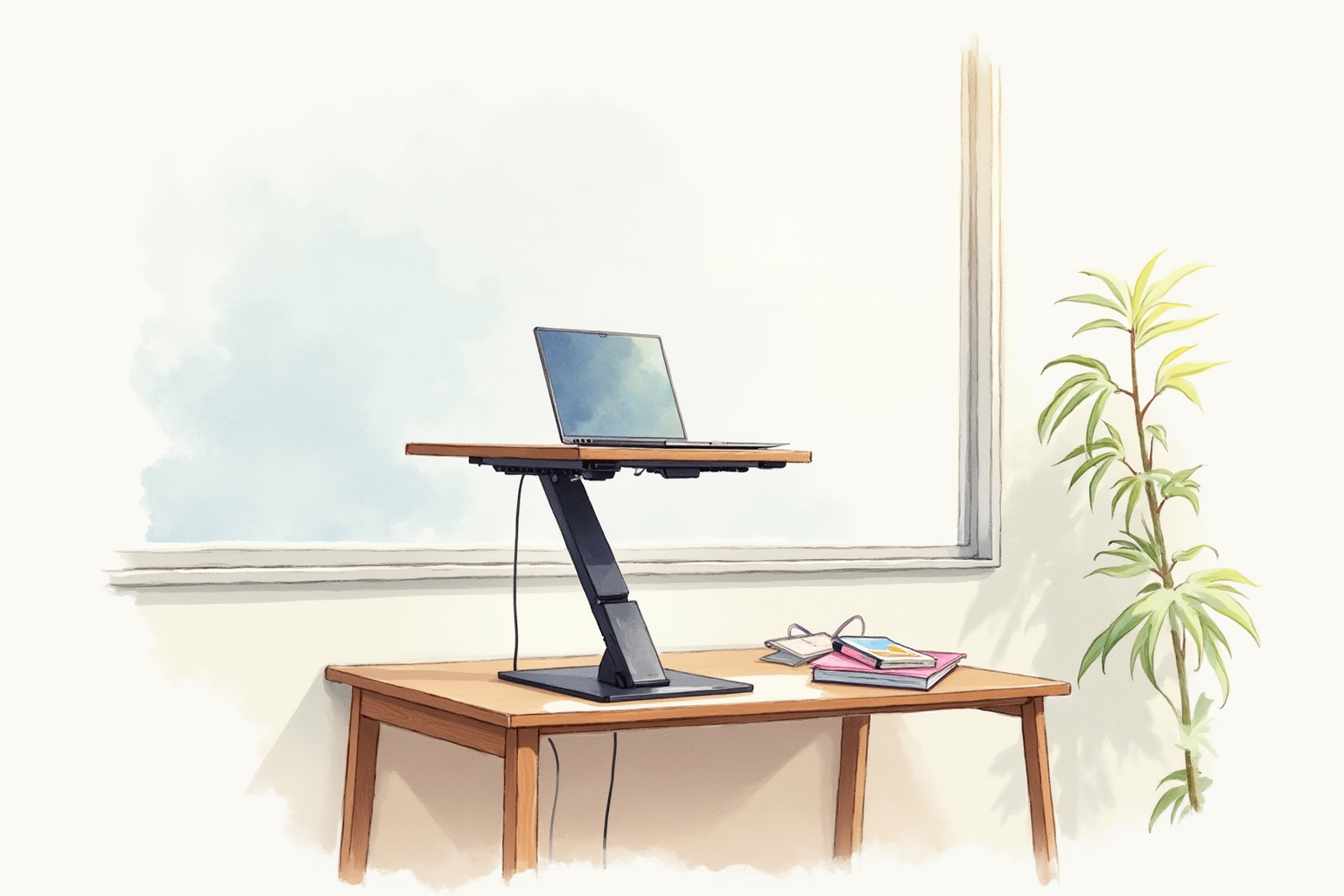
The full electric standing desk is the showroom photo. The standing desk converter is the practical reality for most WFH offices — you keep the desk you have, you spend half the money, and you get the same ergonomic benefit of switching between sit and stand throughout the day. The category has matured significantly since the original VariDesk launched the segment in 2012.
This article compares the three brands that dominate the U.S. standing desk converter market — FlexiSpot, Vari, and Rocelco — on the criteria that determine daily-use experience: lift mechanism, weight capacity, stability, and how well they accommodate the specific monitor and keyboard setup most home offices already have.
- X-lift vs Z-lift mechanisms and which is more stable
- Weight capacity matching real monitor and accessory loads
- Height range — does it actually reach standing height for your build?
- Integrated keyboard tray vs flat surface designs
- Top picks by budget and setup
What matters in a standing desk converter

The buying decision splits along three axes: lift mechanism, weight capacity, and surface configuration.
Lift mechanism determines how easily you change height and how stable the converter is at full extension. X-lift mechanisms — used by FlexiSpot’s M-series and Vari’s Pro Plus line — open like a scissor jack and provide the strongest stability at full height. Z-lift mechanisms (Rocelco’s pantograph-style designs) are quieter and have a smaller footprint when collapsed, but tend to wobble slightly more when typing aggressively at maximum extension.
Weight capacity determines what you can stack on the converter. A single 27-inch monitor (8-15 lbs), keyboard, mouse, and a small lamp add up to roughly 20-25 lbs. Dual-monitor or ultrawide setups push this to 35-45 lbs. Most converters are rated 35-50 lbs; verify the rating matches what you actually need to lift.
Surface configuration matters more than buyers usually think. Some converters have a single flat top — you place keyboard and monitor on the same surface. Others have a two-tier design — monitor on top, keyboard on a separate lower tray that sits at a more ergonomic typing height. The two-tier design is generally better for ergonomics; the single-flat design is more flexible if you swap between laptop and desktop setups.
Lift mechanisms — X-lift vs Z-lift
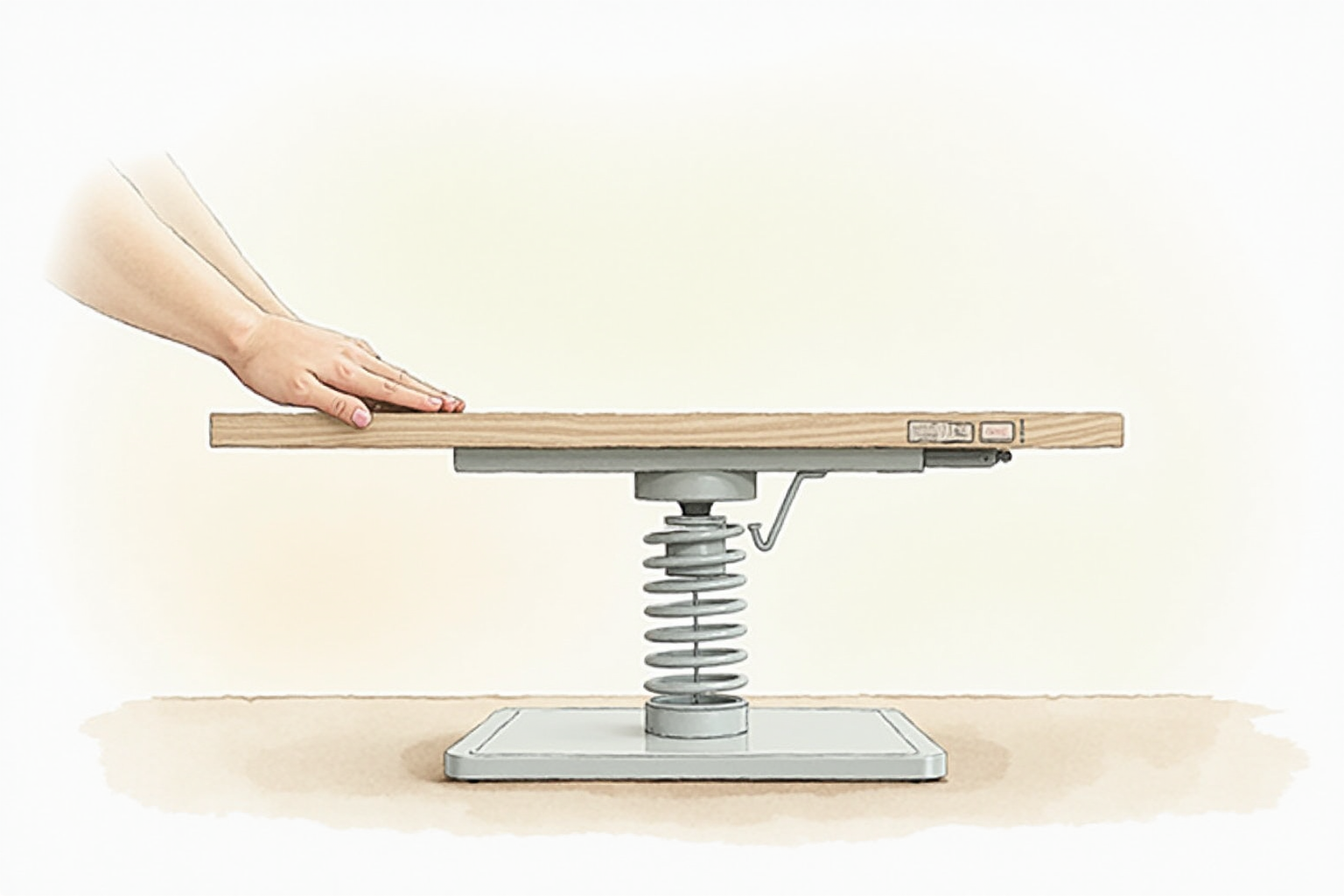
Independent reviewers (Wirecutter, Consumer Reports, CNET) consistently identify X-lift mechanisms as the more stable design under load. The advantage compounds at full extension where Z-lift designs develop more side-to-side wobble.
The trade-off is footprint: X-lift converters typically occupy more depth on your existing desk. FlexiSpot M7B is 35 inches wide and 23 inches deep; comparable Z-lift designs are about 4-5 inches shallower. For smaller desks (under 48 inches wide), the depth can matter — measure your existing desk before ordering.
Pneumatic gas-spring lifts use a counterbalanced cylinder and a single squeeze handle. The lift is smooth and takes 1-2 seconds. The gas spring eventually loses tension — typical lifespan is 5-7 years before noticeable sag. Replacement gas springs are available for most major-brand converters and are user-serviceable (a 15-minute job).
Electric lift converters exist but are rare. The standing-desk-converter category mostly sticks with pneumatic gas-spring because the electrical reliability and warranty complexity does not pay back when the manual lift works well.
Weight capacity and stability under load

Real-world stability at full extension is the practical concern most buyers underestimate. The published weight capacity is a strength test; what matters daily is whether the converter wobbles when you type vigorously at standing height.
Stability ranking by mainstream brand reviews:
- Most stable: FlexiSpot M-series (M7B, M2B) with X-lift
- Near-tie: Vari VariDesk Pro Plus 36 with X-lift
- Slightly more wobble: Rocelco DADR-46 with Z-lift
- Acceptable but noticeable wobble: budget converters under $150
Wobble is rarely a deal-breaker, but if you do video calls at standing height, monitor wobble shows up on camera. For monitor-stability-critical use, prefer X-lift designs.
Surface configuration — two-tier vs flat
Two-tier designs (FlexiSpot M2B, Vari VariDesk Pro Plus 36): monitor sits on the upper deck; keyboard rests on a lower keyboard tray about 4-5 inches below the monitor deck. This matches the ergonomic standard — monitor at eye level, keyboard at elbow height. The trade-off is the lower deck depth and width are fixed, so very wide ergonomic keyboards (Kinesis Advantage, Moonlander) may not fit.
Flat designs (FlexiSpot M7B, some Rocelco): single deck supports monitor and keyboard at the same height. Flexible — fits any keyboard width. Less ergonomic at standing height because monitor and keyboard share the same elevation.
For most users, the two-tier design wins on ergonomics. The flat design is appropriate for laptop-only setups where the screen-keyboard height difference is negligible.
Top picks by use case
FlexiSpot M7B Standing Desk Converter (35-inch)
Price · $200-260 — best all-around X-lift pick
+ Pros
- · X-lift mechanism — most stable in independent testing
- · Single-deck flat design fits any keyboard width
- · 33 lb weight capacity handles dual-monitor + laptop
− Cons
- · 23-inch depth requires reasonable desk size
- · Single-deck design less ergonomic than two-tier
Vari VariDesk Pro Plus 36 (Two-Tier)
Price · $395-450 — premium two-tier pick
+ Pros
- · Two-tier design separates monitor and keyboard at ergonomic heights
- · Solid X-lift stability and gas-spring single-handed lift
- · 5-year warranty, made-in-Vietnam construction
− Cons
- · Premium pricing reflects the brand and warranty
- · Lower keyboard tray fixed width limits keyboard choices
Rocelco DADR-46 Deluxe (46-inch wide)
Price · $240-300 — best for wider setups
+ Pros
- · 46-inch wide deck fits ultrawide monitor + side accessories
- · Mid-range pricing between FlexiSpot and Vari premium
- · Two-tier design with keyboard tray included
− Cons
- · Z-lift mechanism slightly more wobble than X-lift competitors
- · Heavier unit — desk needs to support 30+ lb baseline weight
The buyer’s path
For most home offices with a 48-60 inch wide existing desk and a single or dual monitor setup, FlexiSpot M7B at the typical $200-220 price point hits the right balance of stability, capacity, and budget. The single-deck design works well with most modern thin keyboards.
For ergonomic-first households where the two-tier monitor-and-keyboard separation matters, the Vari VariDesk Pro Plus 36 is the cleanest implementation at a premium price. The 5-year warranty and brand reputation justify the upcharge for users who keep the same converter long-term.
For ultrawide monitor users or anyone needing a wider deck (above 36 inches), the Rocelco DADR-46 is the practical pick. Its 46-inch width handles 34-inch ultrawide monitors with side space for documents.
Avoid no-name converters at the $80-130 tier. Stability complaints concentrate at that price point and the small premium for a brand-name converter pays back in years of reduced wobble and warranty support. The standing desk converter is something most users keep for 5+ years; buy once at the right level rather than re-buying after disappointment.
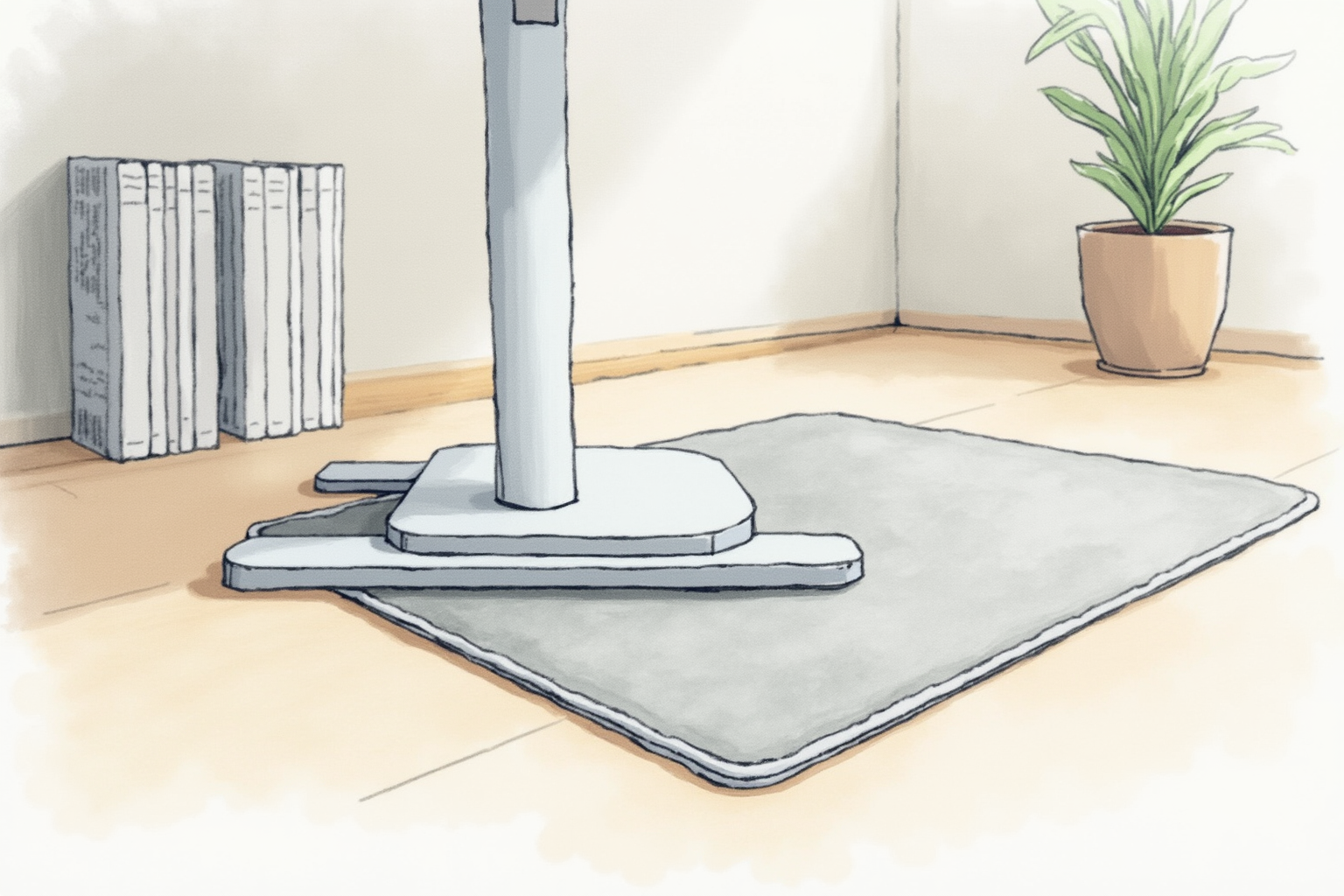
Pair the converter with an anti-fatigue mat for standing comfort and the home-office ergonomic stack reaches reasonable completeness without replacing the underlying desk.