Remote Meeting Fatigue Reset: Async Rules, Lighting, and Camera Boundaries
A practical reset system for remote meeting fatigue: meeting triage, async defaults, camera rules, lighting comfort, and ergonomic recovery blocks.

Remote meeting fatigue is not solved by buying a better webcam. A sharper camera can make a call look more professional, but it does not fix a calendar where every decision, status update, and clarification is forced into live video. The real reset is operational: decide which work deserves synchronous time, move routine updates into writing, make camera expectations explicit, and protect the body from hours of static posture and glare. This guide is for remote workers and managers who are tired but still need reliable collaboration.
Audit meetings by decision type
Start with one calendar week. Label every recurring meeting by its primary output: decision, debate, relationship, status, training, support, or habit. Meetings that produce decisions need a named decision owner, an agenda, and a written outcome. Meetings that produce status should usually become async updates. Meetings that exist because nobody trusts the project board are a system problem, not a calendar problem.
Use a simple rule: if the meeting does not require immediate back-and-forth, emotional nuance, or shared screen diagnosis, try writing first. A status update can be a short template: what changed, what is blocked, what decision is needed, and by when. A handoff can be a checklist. A brainstorm may be better if participants add ideas asynchronously before a shorter live synthesis call. This respects time zones and reduces the performative pressure of thinking out loud on camera.
Set camera rules before people burn out
Camera fatigue often comes from ambiguity. Workers do not know whether camera-off means disengaged, whether looking away is rude, or whether every one-on-one must become a performance. A healthy remote team writes norms down. Use camera-on for trust-sensitive conversations, onboarding, conflict repair, and complex collaboration where facial cues help. Use camera-optional for routine check-ins, documentation review, technical debugging, and days filled with back-to-back calls. Camera-off should be acceptable when someone is eating, stretching, walking, recovering from illness, or protecting focus.
Managers should model the norm. If leaders say camera is optional but always praise only the faces they see, the real rule is not optional. Likewise, do not require people to stare at the screen to prove attention. Taking notes, looking at a second monitor, or briefly resting the eyes can be compatible with good participation. The output matters more than webcam theater.
Fix the physical fatigue loop
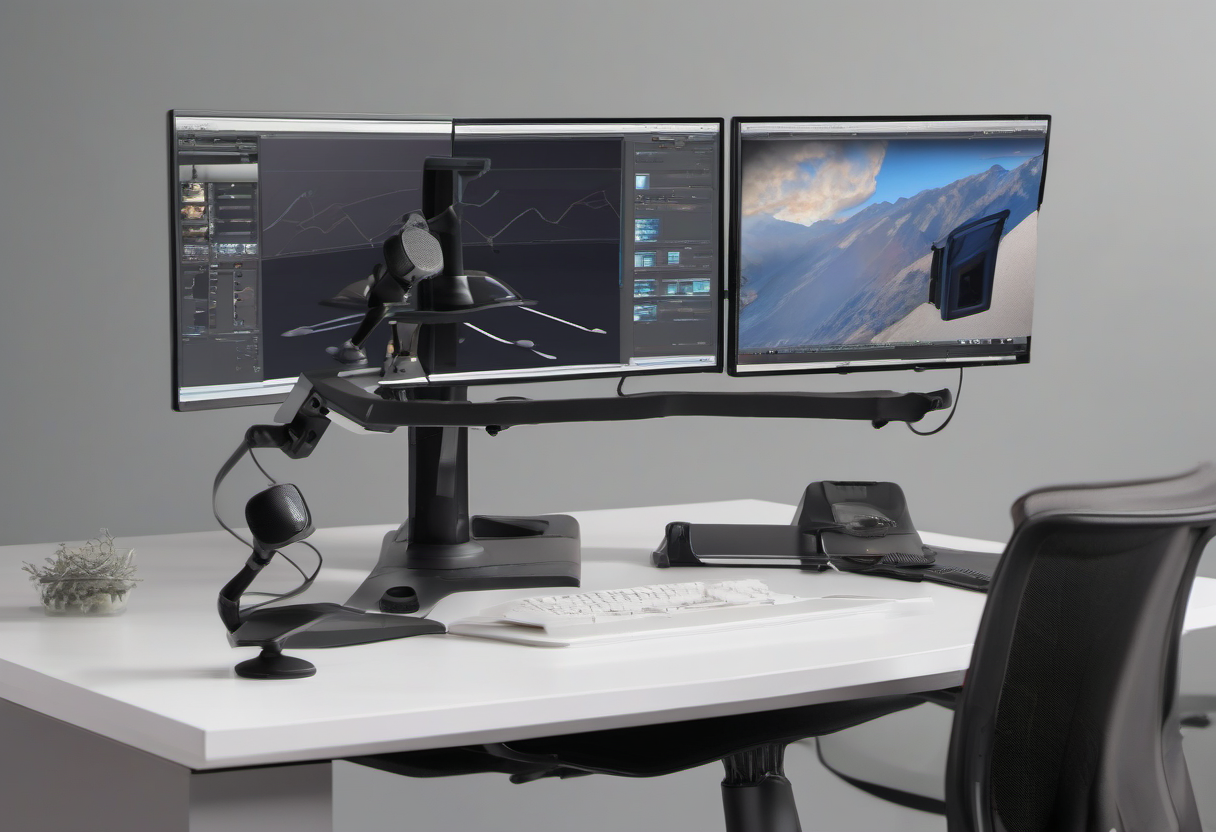
OSHA and NIOSH guidance around computer workstations is not limited to office cubicles. Remote workers still need neutral posture, reasonable monitor height, supported input devices, and breaks from static sitting. Meeting-heavy days make these basics harder because people freeze in a camera-friendly pose. The solution is to design for movement: five-minute buffers between calls, a standing or walking option for audio-only meetings, a chair that allows supported posture, and a monitor setup that does not force neck craning.
Lighting also matters. A bright window behind the monitor can cause squinting and eye strain; a bright window behind the worker can make the face dark and trigger more visual effort from others. Use soft front or side lighting, reduce glare, and keep the screen at comfortable brightness. If the meeting does not require visual presence, turn the camera off and move.
Convert recurring meetings into async systems
The best recurring-meeting reduction comes from replacing the hidden function of the meeting. If a daily standup is really a blocker detector, create a blocker channel and require blockers by a deadline. If a weekly status meeting is really an accountability ritual, build a written scorecard with owners and dates. If a project review is really a decision log, use a decision record template. Canceling the meeting without replacing its function creates chaos; replacing the function makes the cancellation stick.
A practical async template has four fields: context, update, decision needed, and deadline. The author must say whether the message is FYI, input requested, decision requested, or urgent. Readers should not need to infer the action. The team also needs response-time expectations: for example, urgent security incident immediately, customer-blocking issue within business hours, routine project input by next business day, and FYI no response required.
Protect deep work with calendar architecture
Meeting fatigue is worse when calls are scattered across the day. A single call every hour destroys focus more than a compact block of calls followed by protected work time. Teams can use meeting windows, no-meeting mornings, maker days, or office-hour blocks. The goal is not zero meetings. The goal is to make synchronous time predictable enough that people can recover and produce.
For global teams, rotate inconvenience instead of making one region absorb late-night calls forever. Record decisions in writing so people who cannot attend are not penalized. If a meeting must happen outside normal hours, it should be rare, justified, and offset with flexibility. Healthy remote operations are measured by closed loops, not by how many people endured another video call.
Personal reset checklist
If you are an individual contributor without authority to redesign the whole team, start smaller. Ask meeting owners for agendas. Decline status meetings with a written update when appropriate. Block five-minute buffers. Use camera-off when the meeting purpose allows it. Move audio-only calls to a walk. Improve lighting enough that you are not squinting. Keep a written decision log for your own projects so you can show progress without live narration.
The most sustainable remote setup combines human trust with operational clarity. Meetings remain valuable when they are the right tool. They become exhausting when they compensate for missing documentation, unclear ownership, and fear that people are not working unless they are visible. Reset the system, and the fatigue drops without pretending collaboration is optional.