Monitor Arms 2026 — Ergotron vs Vivo vs Amazon Basics Compared
VESA monitor arm comparison on weight capacity, single-bolt clamp install, gas-spring vs static, dual-monitor options across Ergotron LX, Vivo, and Amazon Basics premium picks.
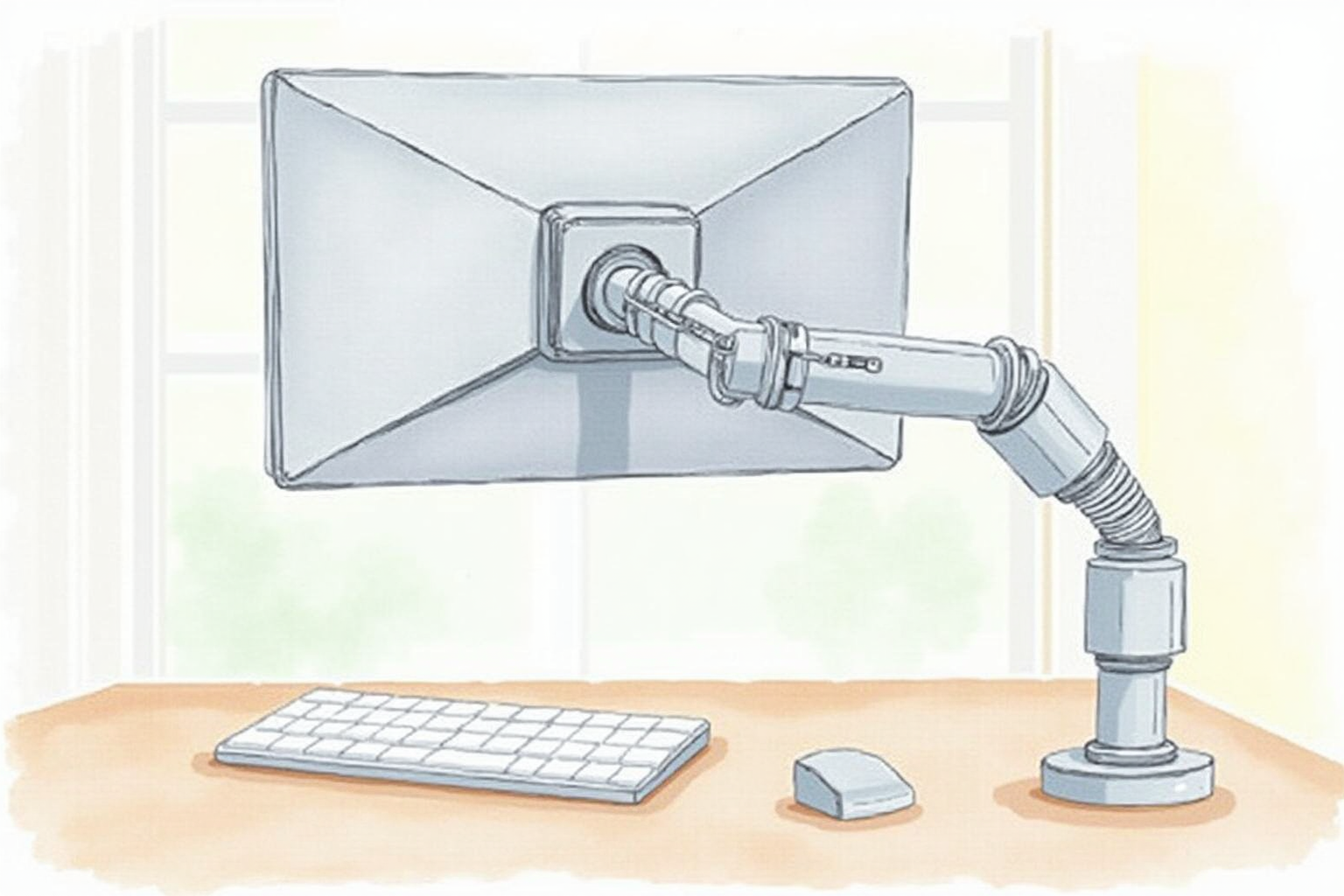
The monitor stand that ships with most monitors has one job: hold the screen at a fixed height that approximates eye level for an average user. The monitor arm does the same, but with full 3D adjustability — height, depth, swivel, and tilt. For users with non-average builds (very tall, very short, multiple monitors, ultrawide setups), the monitor arm is the difference between sustained good posture and gradual ergonomic compromise.
This article compares the three monitor arm brands that own most of the U.S. home office market — Ergotron LX (premium), Vivo (mid-tier), and Amazon Basics (budget) — on the criteria that determine 5-10 year ownership experience: weight capacity, mount stability, adjustment mechanism, and the install practicalities that catch buyers off-guard.
- VESA mounting standards and compatibility check
- Weight capacity tiers and how to match to your monitor
- Gas-spring vs static — when each makes sense
- Single bolt clamp vs grommet mounting
- Top picks by monitor size and budget
VESA standards and compatibility
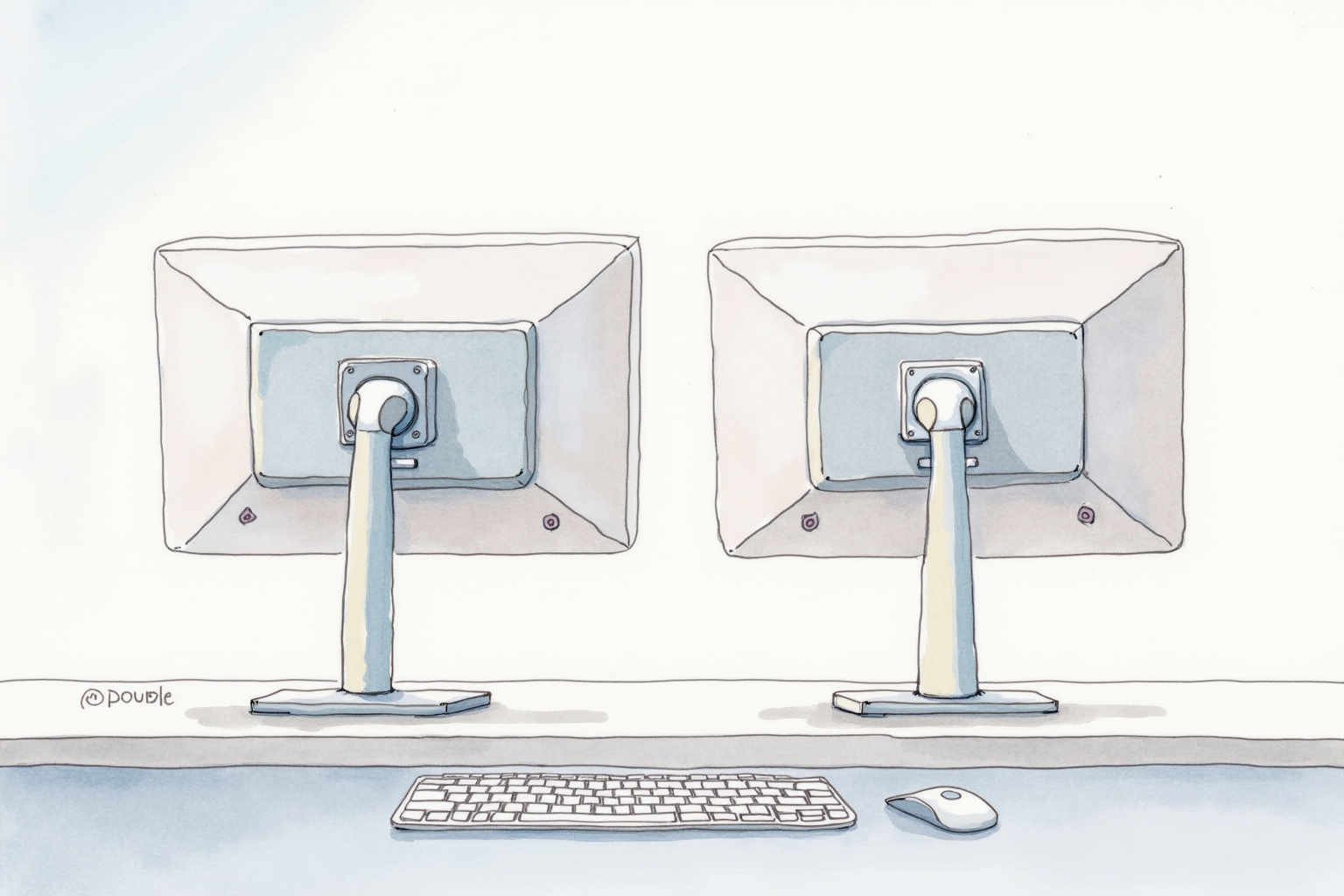
VESA (Video Electronics Standards Association) defines the mounting pattern on the back of monitors. The two patterns relevant to home office monitors:
- VESA 100×100mm — most 22-32 inch monitors
- VESA 75×75mm — many older or smaller monitors
Premium monitor arms accept both standards via included adapter plates. Cheaper arms sometimes only support one pattern; verify before ordering.
A small number of monitors (Apple Studio Display in some configurations, some all-in-one designs) do not include VESA mounts. For those, a VESA adapter plate replaces the original stand. The adapter screws into the original stand mount and provides a standard VESA pattern for the arm.
Weight capacity tiers
Monitor weight scales with size and panel technology. Approximate ranges:
| Monitor | Typical Weight |
|---|---|
| 22-24 inch standard | 6-10 lbs |
| 27 inch standard | 8-15 lbs |
| 27 inch 4K + USB-C hub | 12-18 lbs |
| 32 inch curved | 15-22 lbs |
| 34 inch ultrawide | 18-25 lbs |
| 38-43 inch ultrawide | 22-35 lbs |
Match arm capacity to actual monitor weight with at least 5 lb headroom. Underloaded gas-spring arms tend to drift up; overloaded arms sag down. Most arms have a tension adjustment screw to fine-tune.
The Ergotron LX is rated for 7-25 lbs — the sweet spot for most home office monitors. The Vivo dual-arm typically rates 14-22 lbs per arm. Amazon Basics Premium rates 4.4-14.3 lbs — limited for heavier 27-inch USB-C monitors and most ultrawides.
Gas-spring vs static positioning

Gas-spring (counterbalanced) arms float at any height. Move the monitor with one hand, release, it stays. The pneumatic cylinder counterbalances the monitor weight.
Static (fixed-positionable) arms hold a set position but require both hands and tools to reposition. Lower price but limited daily-use flexibility.
For sit-stand desk users who change monitor height frequently, gas-spring is essentially required. For fixed-position office setups where the monitor stays at one height for months, static arms work fine and save 30-40% of the cost.
Ergotron LX and Vivo gas-spring arms both use proven mechanisms. Gas spring eventually loses tension (5-7 year typical lifespan); both brands sell replacement gas cartridges as user-serviceable parts.
Mount type — clamp vs grommet

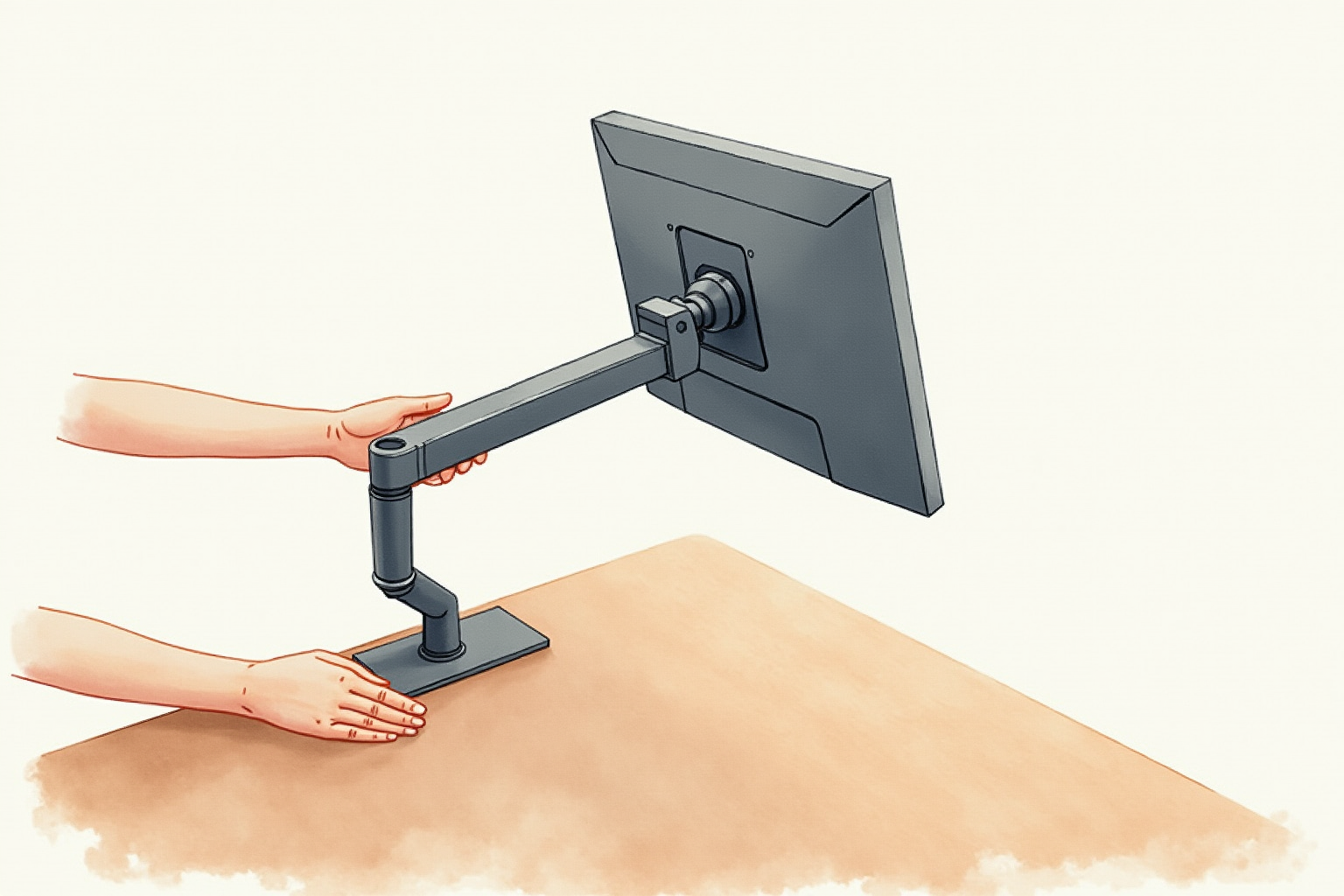
Clamp mount (most common): the arm’s base clamps onto the desk edge via a single bolt with C-shaped clamp jaw. Installation takes 5 minutes, no drilling, fully reversible. The clamp accommodates desks 0.5-3 inches thick.
Grommet mount (less common for home): bolts through a pre-drilled hole in the desk surface. Cleaner look (no clamp jaw visible), more stable for very heavy monitors, but requires drilling. For most home offices, the clamp option is sufficient.
For thin or cheap particleboard desks, the clamp force can deform the desk over time. A rubber pad or small steel reinforcement plate under the clamp distributes the pressure. Premium desks (solid wood, thick veneer) handle the clamp without issue.
Top picks by configuration
Ergotron LX Desk Mount LCD Arm
Price · $170-220 — best universal pick
+ Pros
- · 7-25 lb capacity covers virtually all home office monitors
- · Premium gas-spring float — adjusts smoothly with one hand
- · 10-year warranty and proven track record
− Cons
- · Premium pricing vs budget alternatives
- · Single-monitor only — dual setup needs two arms
Vivo Dual Monitor Arm (V002)
Price · $70-100 — best dual-monitor pick
+ Pros
- · Single base supports two monitors — saves desk edge space
- · 14-22 lb per arm capacity covers most office monitors
- · Significantly cheaper than two single Ergotron LX arms
− Cons
- · Less premium build than Ergotron
- · Both monitors share one mounting point — less repositioning flexibility
Amazon Basics Premium Single Monitor Arm
Price · $80-110 — budget pick
+ Pros
- · Significantly cheaper than Ergotron at similar feature set
- · Gas-spring float (not static) at this price tier
- · VESA 75×75 and 100×100 both included
− Cons
- · 4.4-14.3 lb capacity — limited for heavier 27-inch USB-C monitors
- · Build quality lighter than premium picks
The buyer’s path
For most single-monitor home office setups with a standard 24-27 inch monitor, the Amazon Basics Premium at the budget tier handles the job for the lowest price. The gas-spring at this price point is a genuine surprise — most $40-60 arms use static positioning.
For users with heavier 4K monitors or USB-C docking hubs built into the monitor (Dell U-series, BenQ docking monitors), the Ergotron LX is the right tier. The 7-25 lb capacity and 10-year warranty justify the premium for monitors used 8+ hours daily.
For dual-monitor setups, the Vivo dual arm is the pragmatic pick. The cost savings versus two Ergotron LX arms is significant; the trade-off is less flexibility in repositioning. Heavy users prefer two single arms; budget-conscious users accept the dual base.
Avoid no-name monitor arms under $40. The gas-spring quality is unreliable, the clamp threads strip out under load, and the warranty support is nonexistent. The arm holds expensive monitors — buying the right tier matters even at the budget level.
Combined with the standing desk converter and properly-positioned chair, the monitor arm completes the ergonomic positioning stack — eye level monitor height regardless of sit-stand transitions or hot-desking.