Split Ergonomic Keyboards 2026 — Kinesis vs Moonlander vs Ergodox Compared
Mechanical key feel, tenting angle, programmability, and learning curve compared across Kinesis Advantage 360, ZSA Moonlander, and Ergodox EZ for RSI-prevention typing.
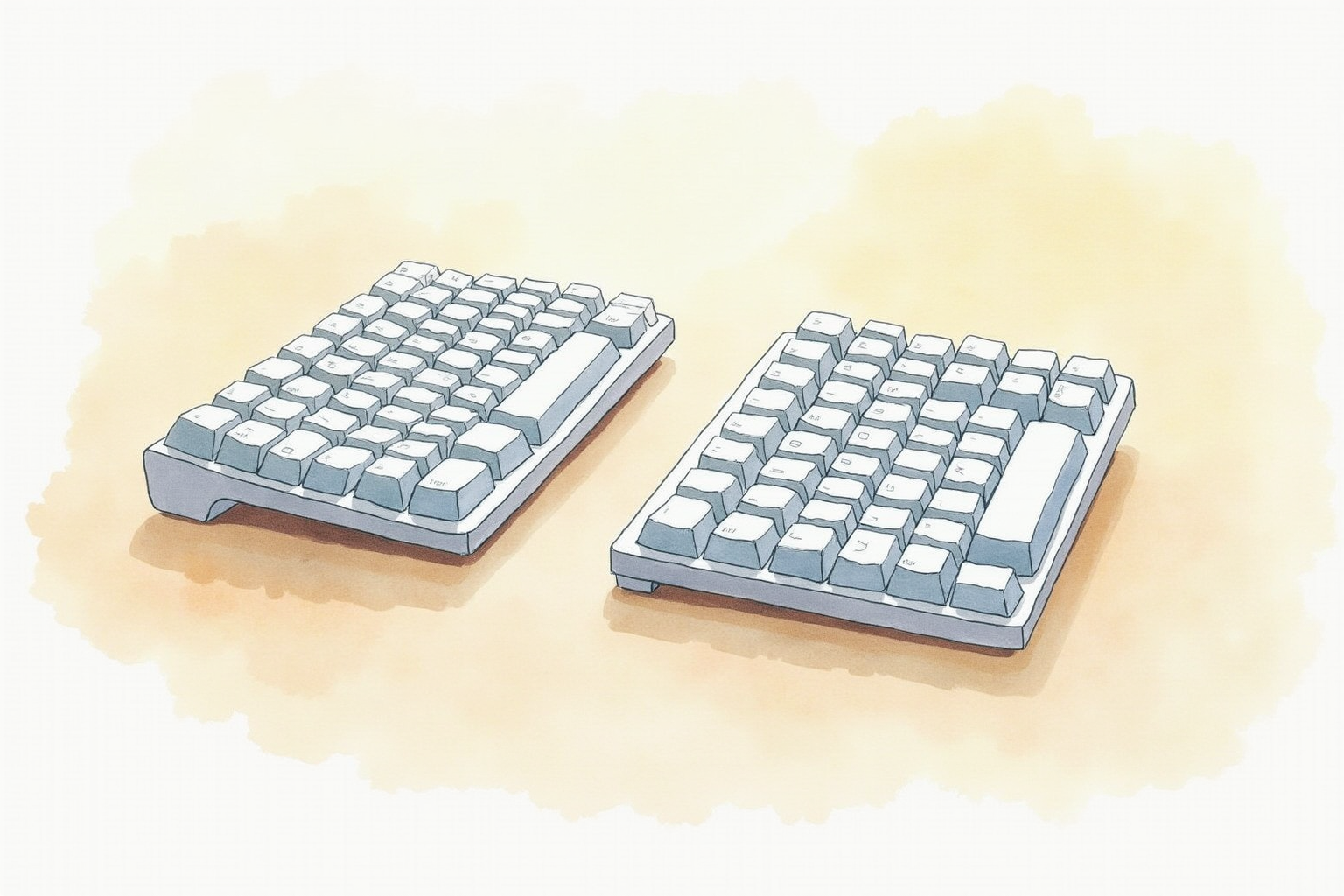
The standard staggered keyboard layout is an artifact of mechanical typewriter design — keys were offset to prevent typebar collisions, not because the layout suits human hands. After 150 years, the staggered keyboard remains the default, but full-time typists with early repetitive strain injury symptoms increasingly switch to split ergonomic keyboards. The change is significant: the physical layout, the columnar key arrangement, and the programmability all shift simultaneously.
This article compares the three brands most associated with the split ergonomic category — Kinesis Advantage, ZSA Moonlander, and Ergodox EZ — on the criteria that determine whether the transition pays back: typing comfort, programmability, learning curve, and the support ecosystem.
- The ergonomic case — what changes when you split
- Concave wells vs flat ortholinear designs
- Tenting angle and why it matters for wrist health
- QMK firmware and programmability practicalities
- Top picks by typing style and budget
The ergonomic case for splitting
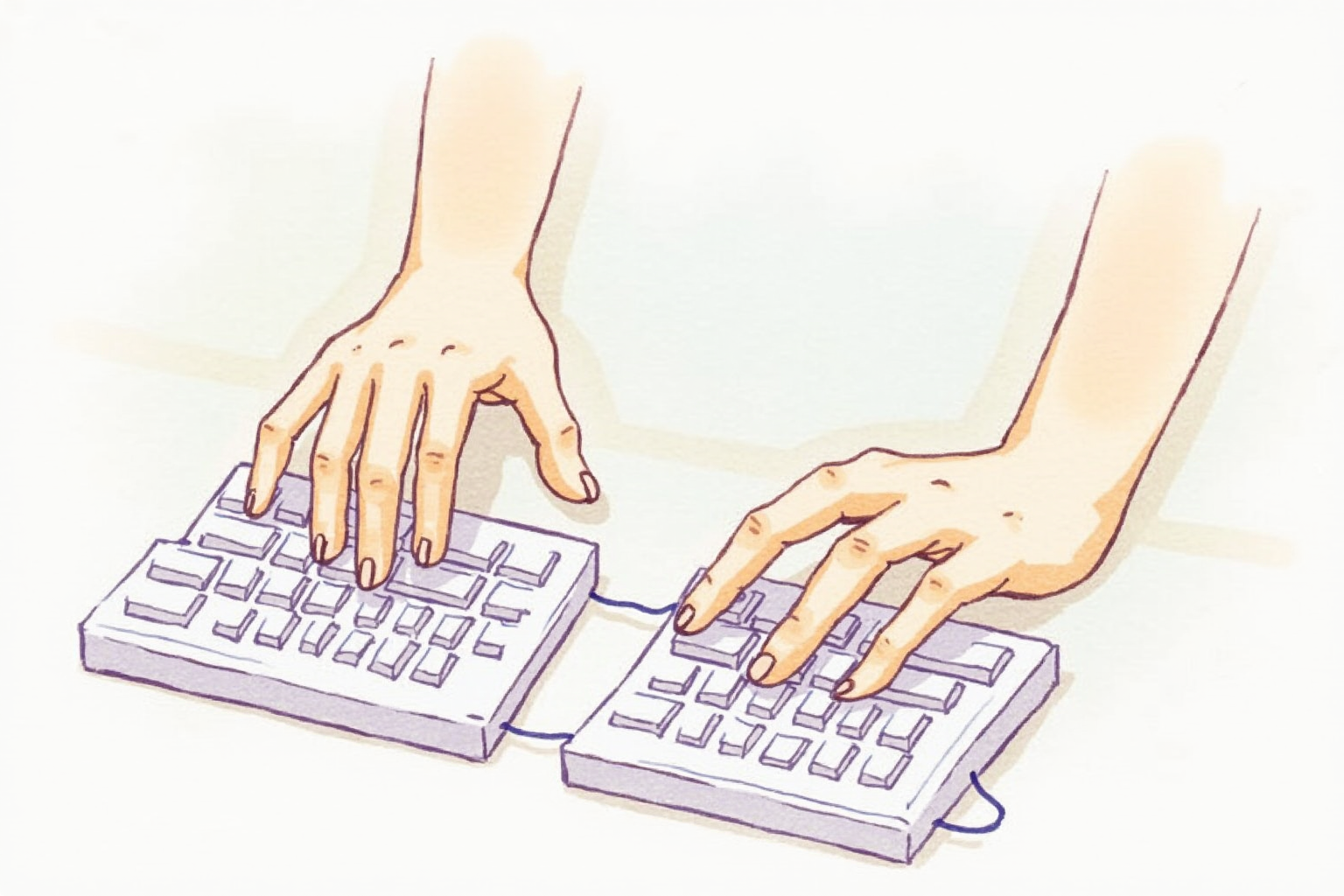
OSHA, CDC, and Cornell’s Human Factors and Ergonomics Lab all converge on three keyboard-related risk factors for repetitive strain: ulnar deviation (wrists bent outward toward pinky), pronation (palms facing down), and excessive lateral travel to reach modifier and arrow keys.
Split keyboards address all three. The two halves separate to shoulder width — eliminating ulnar deviation. Tenting tilts each half inward — reducing pronation. Thumb clusters move common modifiers (Ctrl, Alt, Enter, Backspace, Space) to the strongest finger — reducing lateral travel.
The trade-off is the learning curve. Splitting alone is fast to adapt (1-2 days). The columnar key layout — keys arranged in straight up-down columns rather than staggered — typically takes 2-4 weeks for typing speed to fully recover. Some users do not adapt; the dropout rate among first-time split-keyboard buyers is meaningfully high.
Concave wells vs flat ortholinear
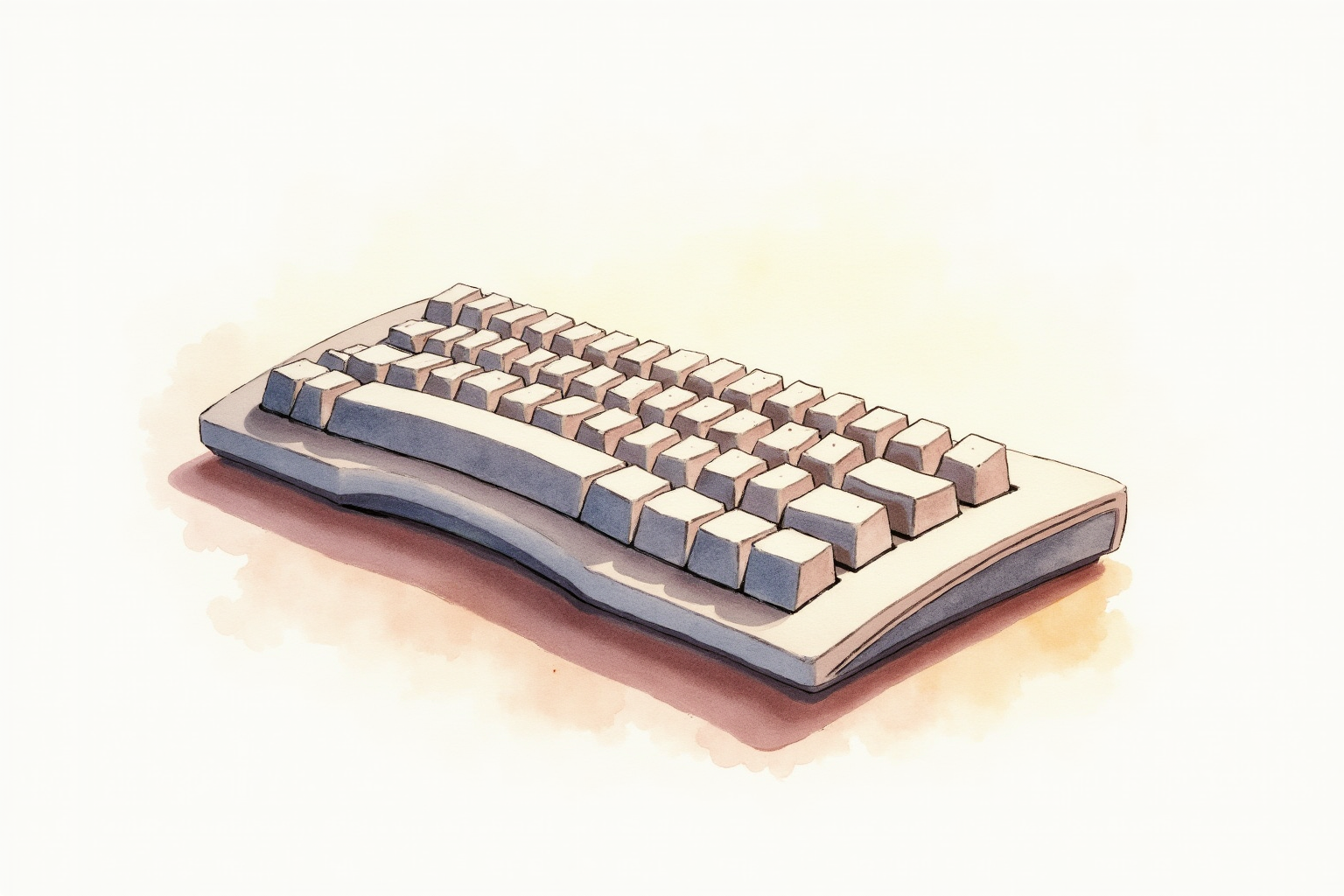
The Kinesis Advantage line uses concave keywells — each half of the keyboard curves down so finger reach matches finger length naturally. Index fingers reach a deeper key well; ring and pinky fingers reach a shallower one. The result is less lateral hand movement overall.
Moonlander and Ergodox EZ use flat ortholinear key layouts — keys are in straight columns at a single plane. Each finger still travels columnar (up-down only), but without the natural-curve well that Kinesis provides.
For users with strong RSI symptoms or large hands, Kinesis’s concave wells provide the biggest reduction in finger travel. For users prioritizing flexibility (different sitting positions, switching between desks, custom tenting angles), the flat ortholinear designs win on adjustability.
Tenting angle
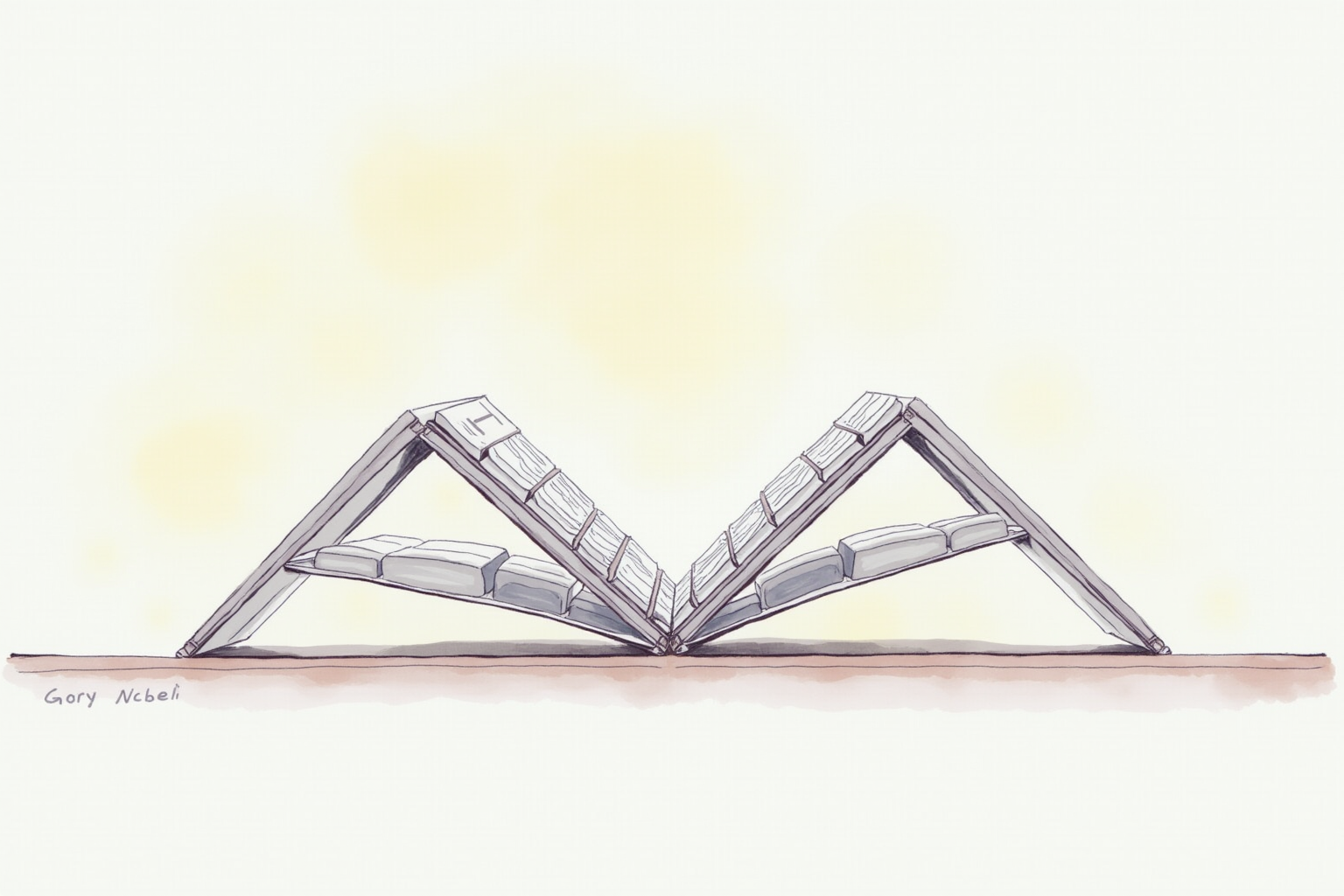
Most ergonomic keyboards offer some form of tenting — tilting each half so the inner edge sits higher than the outer edge, rotating the wrist toward a neutral position.
| Brand | Tenting Mechanism |
|---|---|
| Kinesis Advantage 360 | Fixed angle (concave well design) |
| ZSA Moonlander | Adjustable thumb cluster + outer foot tenting |
| Ergodox EZ | Adjustable tenting feet (0-30 degrees) |
For users not certain of optimal tenting, the Moonlander or Ergodox adjustable mechanisms allow experimentation. Once dialed in, most users settle on 15-25 degree tenting and rarely change it.
QMK firmware and programmability

All three brands ship with QMK firmware — an open-source keyboard programming system. QMK supports:
- Multiple programmable layers (think Function key on a laptop, but unlimited)
- Tap-hold keys (tap for letter, hold for modifier)
- Macros and custom shortcuts
- Per-key RGB lighting (where hardware supports)
ZSA’s Oryx is a browser-based configurator for Moonlander and Ergodox — drag-and-drop layout design, no command-line tools needed. Kinesis Advantage uses a similar configurator (SmartSet). Setting up a customized layer (e.g., a programming layer with brackets and symbols on the home row) takes 1-2 hours initially and saves typing time afterward.
The investment in customization pays back over years of use. Programmers, writers, and full-time typists routinely report that their Kinesis or Moonlander layout becomes part of their workflow such that switching to a standard keyboard feels foreign.
Top picks by use case
Kinesis Advantage 360 Pro (Wireless)
Price · $500-580 — premium concave-well pick
+ Pros
- · Concave keywells minimize finger travel and pronation
- · Wireless Bluetooth + USB-C dongle options
- · Long-established brand with 30+ year ergonomic keyboard history
− Cons
- · Highest price in the category
- · Fixed concave well — cannot adjust shape if it does not suit your hand
ZSA Moonlander Mark I
Price · $365-400 — adjustable flat split pick
+ Pros
- · Adjustable tenting and thumb cluster positioning
- · Open-source QMK firmware + Oryx browser configurator
- · Per-key RGB and full keycap customization
− Cons
- · Flat ortholinear lacks concave-well finger travel benefit
- · Wired-only — no wireless option
Ergodox EZ Glow
Price · $325-365 — original split ortholinear
+ Pros
- · Original split ortholinear design with long community support
- · Adjustable tenting feet (0-30 degrees)
- · Lower price than Moonlander while maintaining similar feature set
− Cons
- · Less premium build quality than Moonlander (older platform)
- · Wired-only and slightly bulkier than newer designs
The buyer’s path
For users with active RSI symptoms or extreme typing volume (8+ hours daily), the Kinesis Advantage 360 Pro is the strongest single recommendation. The concave wells provide the most ergonomic benefit per dollar spent.
For users without symptoms but interested in long-term RSI prevention plus heavy customization, the ZSA Moonlander is the modern flexible pick. The adjustable tenting and Oryx configurator make it the most forgiving learning platform.
For budget-conscious split-keyboard adoption, the Ergodox EZ at the slightly lower price point is the practical entry. Same QMK firmware, similar split design, just an older platform.
Avoid no-name split keyboards under $150. The QMK firmware support is often missing, the build quality varies, and the long-term keycap and key switch replacement parts are unreliable. Split ergonomic keyboards are 5-10 year purchases; buy from brands with established support ecosystems.
Combine the split keyboard with a vertical mouse and an adjustable monitor arm, and the full ergonomic workstation reaches reasonable completeness for prevention-focused home offices.