Break Reminder Software for WFH — Tested in 2026
Break reminder apps and pomodoro tools compared for desk workers — what produces actual healthier work patterns vs what users disable after a week.
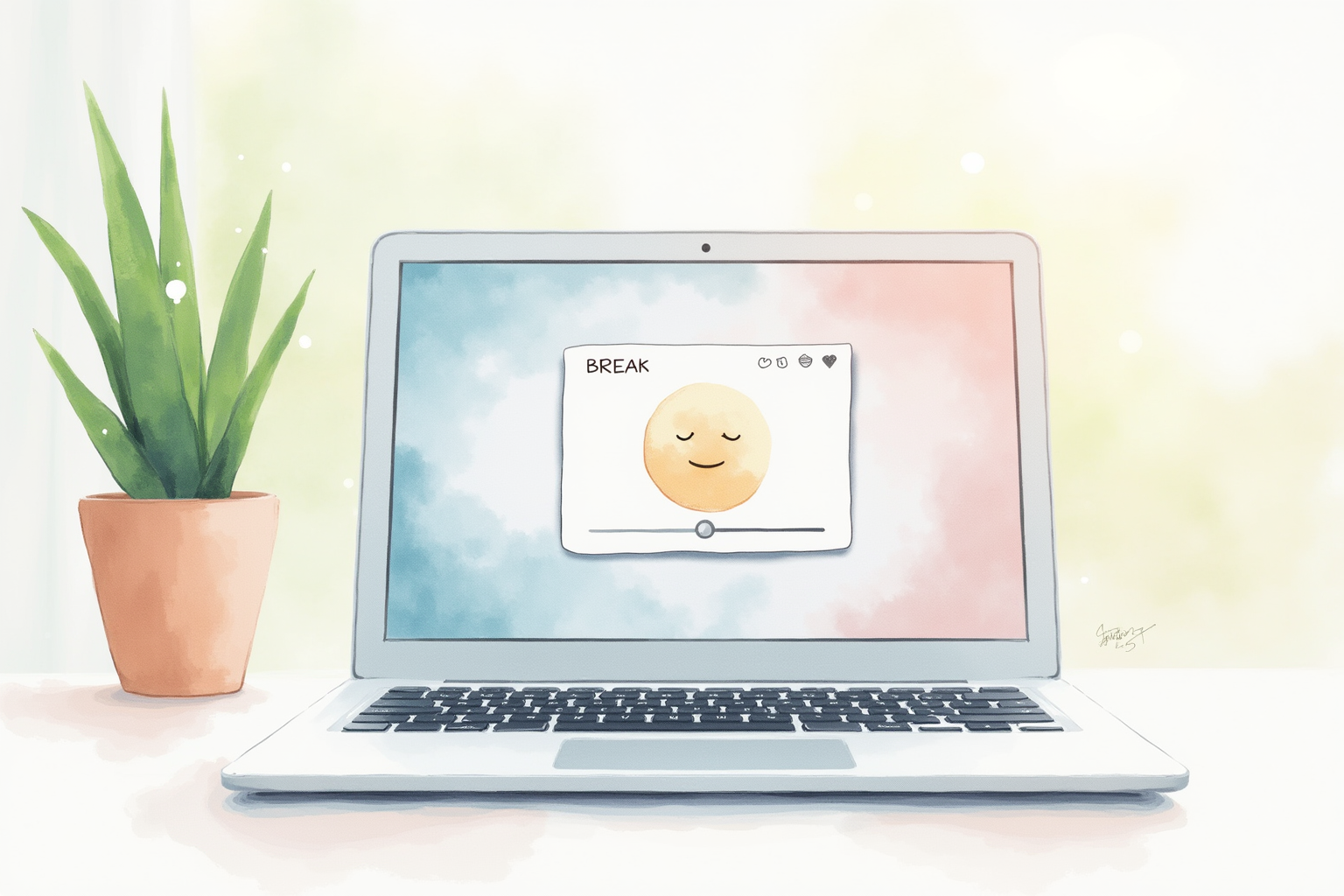
Break reminder software is one of the most-installed, most-abandoned categories in productivity tools. Users download an app, set it up enthusiastically on day one, dismiss notifications increasingly through week one, and silently uninstall it by week three. The pattern is well-documented and applies to roughly 70% of break reminder installations.
The 30% who stick with it report meaningful improvements: less eye strain, less neck and shoulder tension, less afternoon fatigue, better sustained focus through the workday. The difference between the 30% who benefit and the 70% who quit is mostly about app selection and configuration — aggressive enough to force compliance, flexible enough to coexist with deep work, and sustainable enough to run for months rather than days.
This article compares the leading break reminder apps and identifies the configuration patterns that produce lasting behavior change vs the ones that get dismissed.
- Why most break reminder apps get dismissed within a week
- The 20-20-20 rule and the pomodoro technique compared
- Forcing screen lock vs gentle notification — which produces behavior change
- Combining deep work blocks with micro-break apps
- Top picks across free, paid, and platform-specific options
Why most break apps fail
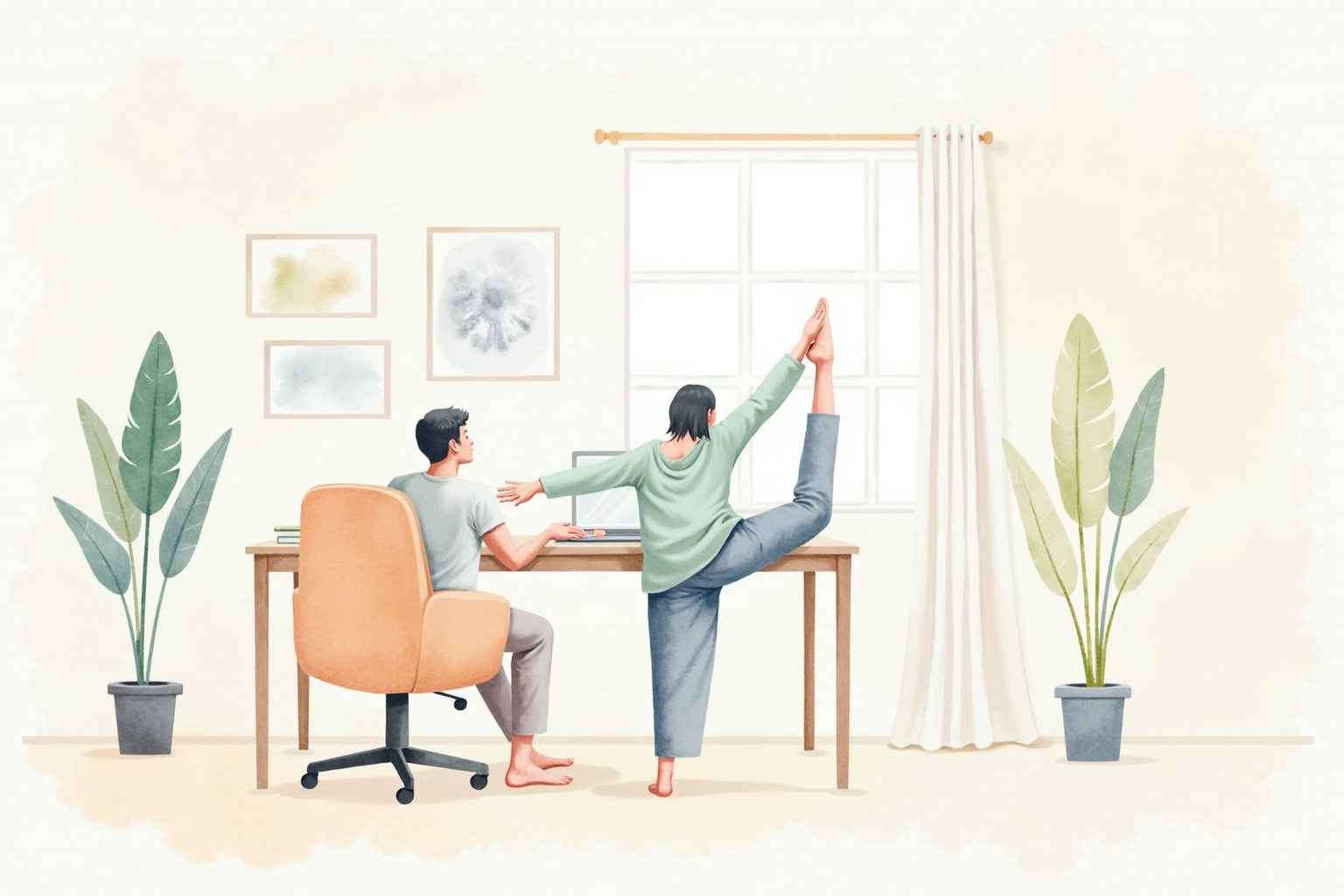
The dismissal habit forms quickly. When a notification appears, the user can click it away in 0.5 seconds — usually faster than the time it takes to actually consider whether they need the break. After a week of dismissals, the click-to-dismiss reflex is automatic. The app is still installed but no longer producing behavior change.
The effective break reminder apps work around this by removing the dismiss option for at least part of the break. Stretchly locks the screen for a configurable duration (10-30 seconds for micro-breaks, 3-5 minutes for longer breaks). Workrave in strict mode disables keyboard and mouse during the break window. The user is forced to actually pause the work flow.
This sounds aggressive but produces lasting behavior change in a way that gentle notifications do not. Users who initially resist the forced break usually report after 1-2 weeks that the interruption became valuable — the break window forces a brief mental reset that improves the work that follows.
The 20-20-20 rule mechanics

The American Optometric Association’s 20-20-20 rule prescribes: every 20 minutes, look at something 20 feet away for 20 seconds. The mechanism is physiological: the ciliary muscle inside the eye contracts to focus on near objects (under 6 feet) and relaxes when focusing on distant ones. Sustained near focus over 30-60 minutes produces ciliary muscle fatigue that contributes to the cluster of symptoms called “digital eye strain.”
Compliance with the 20-20-20 rule without software prompting is consistently low — most users forget the schedule by mid-morning. Break reminder apps that include 20-20-20 mode (Stretchly, Eye Pro, Time Out) automate the prompting and dramatically improve compliance. The 20-second pause is short enough to fit between active tasks and long enough for the ciliary muscle to relax.
For glasses-wearing users with prescription correction for distance, the 20-20-20 rule produces especially measurable improvement because the distant focus mode is the rest mode the eye is configured for. For users with intermediate or progressive lenses, the gaze-up to a wall clock or window 20 feet away is the right behavior.
Pomodoro vs micro-breaks

The two techniques target different goals.
Pomodoro (25 minutes work + 5 minutes break, recurring) targets sustained focus and prevents the typical mid-task drift into distraction. The technique was developed by Francesco Cirillo in the late 1980s for academic study and has been widely adopted in knowledge work. The benefit is concentration; the break itself is short enough to interrupt the work but not productive enough to constitute meaningful rest.
Micro-breaks (10-30 seconds every 20-30 minutes) target physical comfort — eye strain, postural tension, sustained-position fatigue. The benefit is ergonomic; the break does not interrupt focus enough to derail deep work but does interrupt the sustained body position that produces strain.
These goals are compatible. Many users run a pomodoro timer (Forest, Be Focused, Focus Keeper) for focus blocks plus a separate micro-break app (Stretchly, Time Out) for ergonomic prompts. The combination is more demanding to manage than either alone but produces both productivity and physical-comfort benefits when configured carefully.
Combining deep work blocks with micro-breaks
The configuration that sustains compliance over months looks roughly like:
Routine work hours: Aggressive micro-break defaults (Stretchly with screen lock, 20-second break every 20 minutes, 5-minute break every 60 minutes). The user cannot bypass the breaks without manually pausing the app.
Scheduled deep work blocks: 90-minute focus blocks with the app paused or set to focus-mode override. Coffee breaks, lunch, and end-of-day naturally provide the longer breaks during these intervals.
End of workday: All break reminders off (the work day is over; reminders during personal time produce annoyance without benefit).
The pattern requires intentional schedule management — adding “deep work block” calendar events that trigger the focus override, then unmuting the reminders during routine work. Apps that integrate with calendar (Time Out Pro on Mac, BreakTimer with calendar plugin) automate this; apps without integration require manual mode switching.
Top picks across budgets
Stretchly (Free, Cross-Platform Open Source)
Price · Free — best overall pick
+ Pros
- · Free and open source — no subscription, no ads, no data collection
- · Cross-platform — Windows, macOS, Linux from the same codebase
- · Configurable schedule with mandatory or optional break modes
− Cons
- · UI is functional rather than polished
- · Limited integration with productivity apps and calendar
Price, availability, and ratings can change; verify details on the retailer page before buying.
Time Out for Mac (Premium Native App)
Price · $20 one-time — best Mac-only pick
+ Pros
- · Native macOS UI with smooth animations and polish
- · Multi-monitor support and per-display break customization
- · One-time purchase, no subscription
− Cons
- · Mac-only — no Windows or Linux version
- · Premium price vs the free Stretchly alternative
Price, availability, and ratings can change; verify details on the retailer page before buying.
Forest App (Pomodoro + Tree Gamification)
Price · Free or $4 paid — best gamified pomodoro
+ Pros
- · Plant a virtual tree during each pomodoro — leave the app, tree dies
- · Gamified focus blocks with growing forest visualization over weeks
- · Mobile and desktop versions sync to track total focus time
− Cons
- · Focus pomodoro only — does not include micro-break ergonomic prompts
- · Real-tree partnership feature adds ethical appeal but is supplementary
Price, availability, and ratings can change; verify details on the retailer page before buying.
The buying decision
For most home-office users, the free Stretchly is the right starting point. The functionality is complete, the cross-platform support means setup on home and work devices is identical, and the open-source nature means no ad-tracking or subscription pressure. Try it for 2-3 weeks at default settings; if the dismissal habit forms, increase the break enforcement.
For Mac-only users who want native UI polish and multi-monitor support, the $20 one-time purchase for Time Out is reasonable. The premium tier ($60 one-time for Time Out Plus) adds calendar integration and advanced customization that most users do not need but power users appreciate.
For users whose primary problem is focus rather than ergonomic comfort, Forest at $4 is the right tool. The gamified pomodoro produces measurable focus improvement and the planted-tree visualization is a surprisingly effective motivator. Pair with a separate micro-break app for ergonomic coverage.
Avoid break reminder apps that gather usage data and sell it to third parties. Several free apps in the category fund themselves through advertising and behavior tracking; the privacy cost is not worth the convenience compared to the open-source Stretchly. Verify the app’s privacy policy before installation.
The break reminder is a habit-formation tool, not a magic productivity hack. The first 2-3 weeks involve adjusting to the interruption pattern; the subsequent months are when the physical and cognitive benefits compound. Stick with the app long enough to develop the habit before judging whether it is worth keeping.
A consistent break pattern over months produces meaningful improvement in eye strain, postural comfort, and sustained focus through the workday. The investment is minimal; the compound benefit is worth the brief adjustment period.