Vertical Mice 2026 — Logitech MX Vertical vs Anker vs Evoluent Compared
Handshake-grip vertical mouse comparison on tilt angle, DPI accuracy, button layout, and wrist-pain reduction across Logitech MX Vertical, Anker, and Evoluent VerticalMouse.
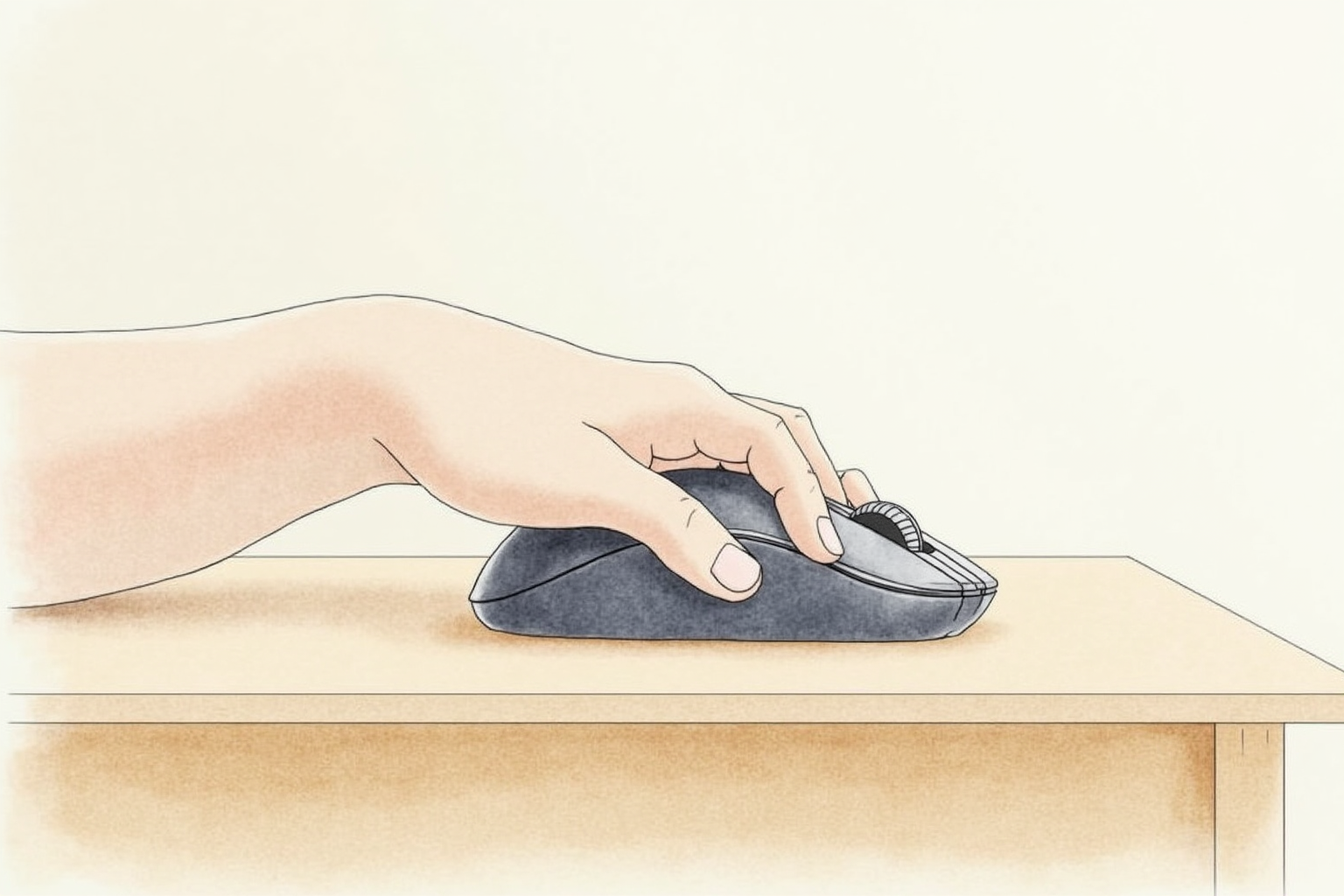
The standard horizontal mouse design assumes a wrist position that the human forearm was not built to maintain for 8 hours per day. After decades of computer-related repetitive strain reports, the vertical mouse emerged as a practical alternative — the same pointing functionality, but with the wrist held in a neutral handshake position rather than rotated palm-down.
This article compares the three brands that own most of the U.S. ergonomic mouse market — Logitech MX Vertical, Anker, and Evoluent VerticalMouse — on the criteria that actually determine whether the switch reduces wrist strain: tilt angle, build quality, software customization, and the daily-use experience after the adjustment period.
- Why pronation matters and what vertical mice change
- Tilt angles compared (57° vs 50-60° vs steeper)
- DPI accuracy and button customization
- Adjustment period and what to expect
- Top picks by hand size and budget
Why pronation matters

The forearm has two bones — radius and ulna — that pivot around each other when you rotate your palm. Palm down (pronation) is the unnatural position; neutral handshake (thumb up) is the relaxed default. Standard mice force eight hours of pronation, which compresses the median nerve, reduces blood flow, and tightens forearm flexor muscles.
OSHA and Cornell ergonomics research both point to neutral wrist position as the practical mitigation. Vertical mice rotate the hand from full pronation (180°) to roughly 57° tilt — much closer to neutral. Trackballs offer another path (no wrist motion at all), but lose the precision of mouse pointing for some tasks.
The benefit is most apparent for users who already have early symptoms — wrist tingling at end of day, forearm fatigue, tightness in the thumb-side palm. For asymptomatic users, vertical mice are still a sensible prevention measure but the benefit is harder to feel.
Tilt angle comparison

The practical tilt angle range for vertical mice is roughly 50-70 degrees:
- Logitech MX Vertical — 57°
- Evoluent VerticalMouse 4 — 50-60° depending on model
- Anker 2.4GHz Vertical Ergonomic — 60°
- More extreme verticals (70-80°) exist but few users find them practical
The 57° Logitech sweet spot has become the de facto industry standard. Steeper tilts feel awkward; flatter tilts (40° or less) lose much of the ergonomic benefit.
Build quality and DPI accuracy

For office productivity (Word, browser, email, light Photoshop), DPI accuracy is rarely a limitation on any major-brand vertical mouse. The standard 800-1600 DPI range works fine.
Build quality differences:
- Logitech MX Vertical — premium build, rubberized grip, MagSpeed scroll wheel
- Evoluent VerticalMouse 4 — solid plastic body, professional design, separately-mounted thumb button
- Anker 2.4GHz Vertical Ergonomic — entry-level build at significantly lower price point, plastic that feels lighter but functional
For users who care about feel and long-term durability, the Logitech MX Vertical is the premium pick. For budget vertical mice that work fine, Anker covers the basics at one-fourth the price.
Software customization

Logitech Options+ (for MX Vertical) allows per-button remapping, app-specific button profiles, and the smooth/click toggle for the scroll wheel. The software is mature and well-supported on Mac, Windows, and Linux.
Evoluent Mouse Manager offers similar customization but the software interface feels dated compared to Logitech’s. Functionality is comparable.
Anker mice typically work as plug-and-play HID devices without software. Customization is limited to OS-level mouse settings.
For users who want extensive button mapping (browser back/forward, app-specific macros), the Logitech ecosystem is the most polished.
Adjustment period
Most users report an adjustment of 3-7 days. Click accuracy is noticeably reduced for the first 1-2 days; cursor placement requires conscious attention. By day 4-5, muscle memory adapts and accuracy returns to baseline.
Some users do not adapt. The dropout rate is small but real — perhaps 5-10% based on Wirecutter and CNET review comments. For users with very small hands, the Logitech MX Vertical can feel oversized; Evoluent offers a smaller variant.
Top picks by use case
Logitech MX Vertical Ergonomic Mouse
Price · $100-130 — best overall pick
+ Pros
- · 57° tilt — industry-standard sweet spot
- · Logitech Options+ for full button customization
- · Wireless Bluetooth + Logitech Bolt receiver + wired charging
− Cons
- · Premium pricing vs budget alternatives
- · Single-size body — small-handed users may find it large
Price, availability, and ratings can change; verify details on the retailer page before buying.
Evoluent VerticalMouse 4
Price · $100-130 — long-established ergonomic specialist
+ Pros
- · Multiple sizes (Small, Regular, Large) for hand-size matching
- · Right-hand AND left-hand variants available
- · Solid build with separated thumb button placement
− Cons
- · Evoluent Mouse Manager software less polished than Logitech
- · Lower DPI range than competitive office mice
Price, availability, and ratings can change; verify details on the retailer page before buying.
Anker 2.4GHz Wireless Vertical Ergonomic Mouse
Price · $25-35 — budget pick
+ Pros
- · Significantly cheaper than premium alternatives
- · 60° tilt — similar ergonomic benefit
- · Five buttons including thumb-side back/forward
− Cons
- · No customization software — OS-level mouse settings only
- · Build quality lighter than premium picks
Price, availability, and ratings can change; verify details on the retailer page before buying.
The buyer’s path
For most users adopting their first ergonomic mouse, the Logitech MX Vertical is the strongest single recommendation. The 57° tilt is right, the build is premium, the customization software is mature. The $100-130 price reflects a 5-7 year tool, not a disposable gadget.
For users with specific hand-size needs (very small or very large), the Evoluent VerticalMouse 4 in the appropriate size variant is the practical pick. The brand’s specialty is ergonomic mice, and the size options matter for fit-sensitive users.
For users testing the ergonomic mouse concept without major investment, the Anker at $25-35 is the right tier. If it works and you stick with it after a month, upgrade to Logitech MX Vertical for the long-term ergonomic stack.
Avoid no-name vertical mice at the $10-15 tier. The DPI accuracy is poor, the wireless reliability is unpredictable, and the warranty support is essentially nonexistent. Even at the budget tier, Anker brand reliability is worth the small premium.
Pair the vertical mouse with a split ergonomic keyboard and a properly-positioned monitor, and the workstation prevention stack reaches the baseline that CDC and Cornell ergonomics research support.