Secure Remote Work Travel Kit: Wi-Fi, MFA, Privacy, and Backup Rules
A practical secure remote work travel kit for hotels and coworking spaces: device hardening, MFA, VPN, privacy screens, hotspots, and incident rules.
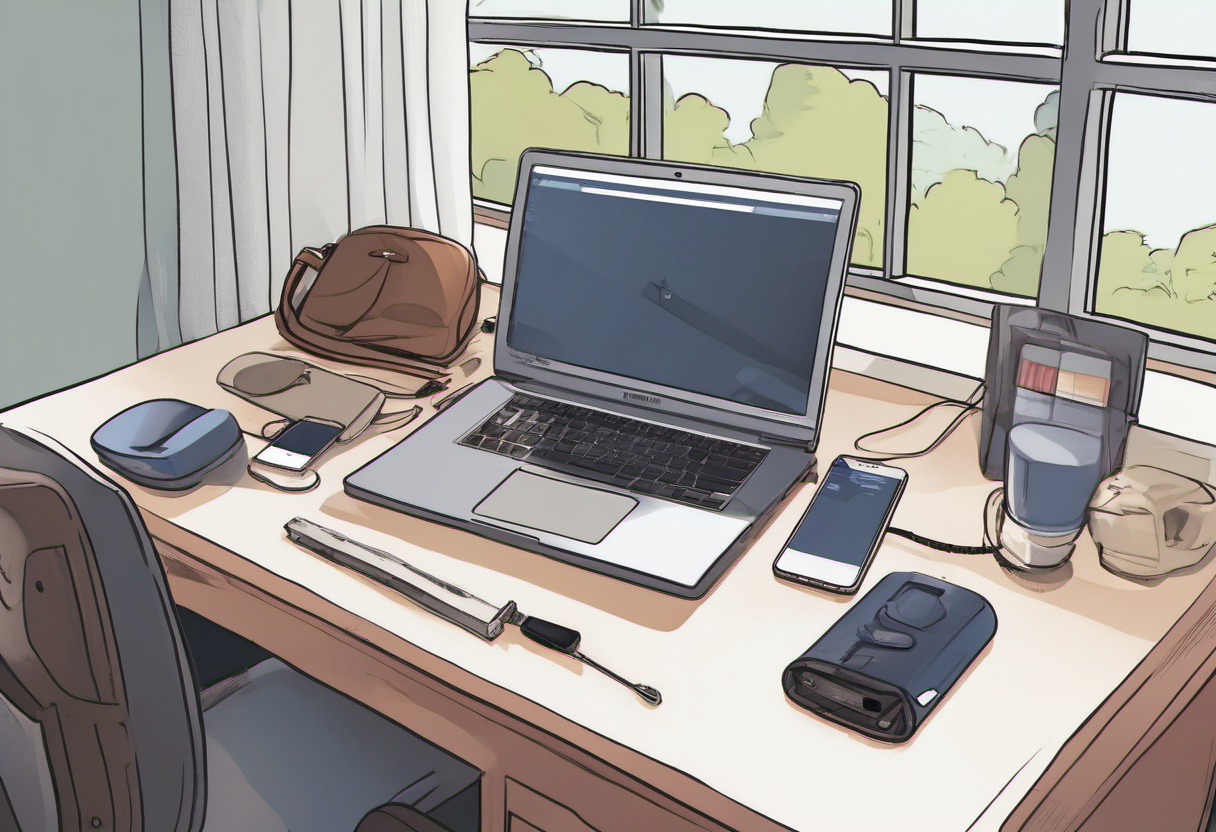
Remote work from hotels, coworking spaces, client offices, and family homes creates a different risk profile than a controlled home office. The danger is not only public Wi-Fi. It is rushed logins, shoulder surfing, lost devices, weak hotspot plans, unpatched laptops, overshared screens, and unclear company rules about personal equipment. A secure remote work travel kit should be small enough to use every trip and disciplined enough to reduce real incidents. This guide turns security advice into a packing list, setup sequence, and daily operating routine.
Separate travel risks from home-office risks
At home, the worker usually controls the router, desk, storage, power, and privacy. On the road, every layer is less predictable. A hotel network may be shared with hundreds of guests. A coworking booth may expose calls to nearby strangers. A client site may block VPN traffic. Airport work may happen while tired, rushed, and surrounded by cameras. The kit should therefore solve three jobs: protect accounts, protect the device, and protect the session when the environment is hostile.
Do not over-focus on a single magic product. A VPN can protect traffic on untrusted networks, but it does not fix phishing, weak passwords, a stolen unlocked laptop, or a screen visible to the person behind you. A privacy screen can reduce shoulder surfing, but it does not protect files if the disk is unencrypted. A travel router can make network setup cleaner, but it must be patched and configured correctly. Security comes from layered habits that are actually used.
Before travel, write the policy questions down. Are personal laptops allowed? Is local file storage allowed? Must work use managed VPN, zero trust access, or device posture checks? Are client files allowed on removable drives? What is the reporting rule if a laptop, phone, or hardware key is lost? Clear answers prevent improvisation at the worst time.

Pack account protection first
The highest-value items are not gadgets; they are account controls. Use a password manager with a strong primary password, passkeys or phishing-resistant MFA where available, and a hardware security key for the accounts that would cause the most damage if compromised. Email, password manager, company identity, cloud storage, domain registrar, banking, and developer accounts deserve extra attention. The travel kit should include at least one backup authentication method that is stored separately from the primary laptop bag.
Avoid relying only on SMS when traveling. SIM problems, roaming delays, number-transfer fraud, and lost phones can turn SMS into both a security and availability weakness. Authenticator apps are better, but hardware-backed methods are stronger for high-value accounts. If your organization uses managed identity, enroll devices and keys before the trip; enrollment from a hotel lobby is exactly the workflow attackers hope you will rush.
Emergency access should be documented without exposing secrets. Keep support numbers, device serial numbers, and lockout steps in a secure note or printed sheet. Do not write recovery codes on a sticky note inside the laptop sleeve. If you carry printed backup codes, seal them and store them separately from the device, then replace them after use.
Harden the laptop and phone before departure
Patch operating systems, browsers, VPN clients, password managers, collaboration tools, and firmware before leaving. Enable full-disk encryption, automatic screen lock, biometric unlock with a strong fallback, remote-find features, and a short lock timeout. Remove local files that are not needed for the trip. If possible, use cloud access with least privilege rather than carrying a folder of sensitive exports.
A travel profile can reduce mistakes. Create browser profiles for work and personal use, disable unnecessary extensions, sign out of nonessential accounts, and pre-load bookmarks for official portals so you are less likely to click a phishing result. Confirm that the VPN or zero trust client connects from a mobile hotspot before you rely on it. Download offline materials only when policy allows it, and delete them after the trip.
Phones deserve the same discipline. A phone may hold MFA prompts, email, files, and payment apps. Use a strong passcode, current OS, encrypted backups, and notification privacy on the lock screen. Consider whether sensitive message previews should appear while the phone sits on a meeting table.
Use networks intentionally, not automatically
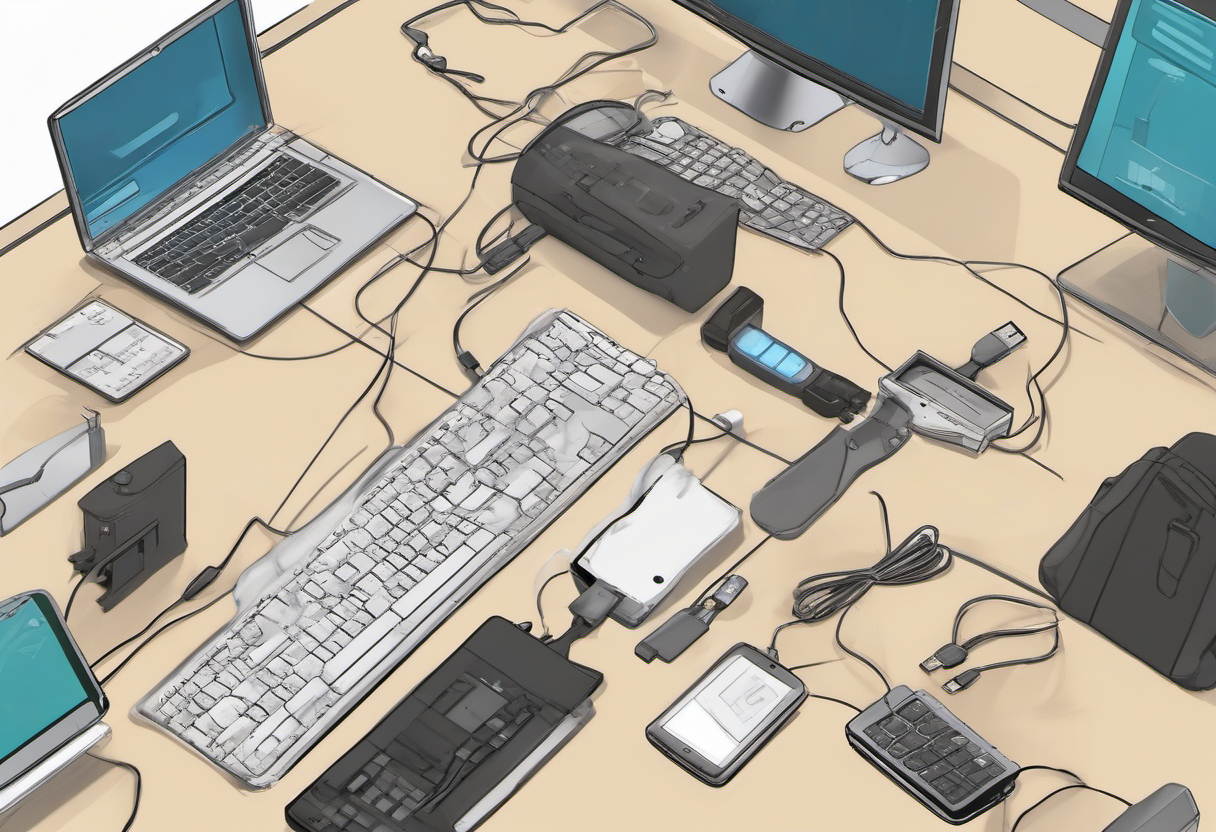
Treat public Wi-Fi as a convenience layer, not a trusted office network. Prefer a personal hotspot for high-risk work when signal and data limits allow. If you use hotel or airport Wi-Fi, verify the network name with staff or signage, avoid lookalike names, and disable auto-join for networks you no longer need. Use HTTPS, managed VPN or zero trust access, and company-approved DNS protections where available.
A compact travel router can help when a hotel allows one device or when you want consistent device settings, but it is not automatically safer. Change default passwords, update firmware, disable administration from the WAN side, and know how to reset it. If the router becomes another neglected device, skip it and use a simpler hotspot plan.
Never approve unexpected MFA prompts just because you are trying to connect quickly. Travel is when fatigue makes prompt bombing more effective. If a sign-in attempt appears that you did not initiate, deny it, change the password if needed, and report according to policy.

Protect the meeting and the data
Security also includes what other people can see and hear. Use a privacy screen when working in public. Choose seats with your back to a wall when reviewing sensitive material. Use headphones for calls. Blur backgrounds only after removing sensitive whiteboards, mail, badges, and family documents from camera view. If a client or employer prohibits public work on certain data, respect that limit rather than trying to hide the screen better.
Have a power and connectivity fallback. A small charger, cable kit, power bank allowed by airline rules, and tested hotspot plan can prevent the risky behavior that happens during panic: joining unknown networks, using a stranger’s charger, emailing files to personal accounts, or delaying incident reports. A travel kit is successful when it makes the secure path the easy path.
After returning, revoke temporary access that is no longer needed, delete local trip files, update the password manager notes, and report any suspicious prompts, lost items, or unusual device behavior. The post-trip review is what turns one trip’s lessons into the next trip’s safer routine.
A field-tested packing and setup checklist
Pack the kit by function rather than by gadget category. The account-protection pouch should include a primary hardware security key, a backup key stored separately, and printed emergency instructions sealed in a way that shows tampering. The connectivity pouch should include the charger, short Ethernet cable if useful, hotspot or travel router if policy allows it, and the cables that have actually been tested with the laptop. The privacy layer should include headphones, a webcam cover or camera setting discipline, and a privacy screen for flights, trains, and coworking benches.
Before leaving, run a ten-minute rehearsal from a non-home network. Connect through the hotspot, sign in to the password manager, authenticate to work apps, join a test meeting, verify audio, and open the files needed for the first day. This catches expired VPN certificates, missing browser profiles, forgotten charger wattage, and MFA prompts that require a device left at home. A travel kit that has not been rehearsed is only a collection of objects.
During the trip, make a start-of-day security habit. Join only the network you intend to use, confirm the VPN or zero trust client state, clear the desk before screen sharing, close personal tabs, and lock the device whenever you stand up. End the day by backing up allowed work, signing out of shared displays, and putting the security key back in its assigned pocket. These small rituals reduce mistakes caused by fatigue.
For managers, the kit should be supported by policy. Workers should not have to guess whether a client file can be opened in a hotel lobby or whether a personal hotspot expense is reimbursable. Provide a short travel security standard, approve the required tools, and create a reporting path for lost devices or suspicious sign-ins. Security that depends on private heroics fails when the worker is tired, late, or trying not to disappoint a client.
What to leave behind
A secure travel kit is also defined by what does not travel. Leave unneeded client archives, personal tax records, old exports, and unused administrator tools off the laptop. Remove browser extensions that are not required for the trip. If a clean loaner or managed travel laptop is available for high-risk destinations, use it. The less sensitive material on the device, the less damage a theft or border inspection mistake can cause.
Decide how you will handle printing, scanning, and USB devices before the need appears. Public printers and unknown USB drives are rarely worth the risk for sensitive work. If documents must be printed, use approved services and delete files afterward. If a client hands you a USB drive, treat it as untrusted until scanned through an approved process. The safest travel workflow is one where awkward decisions have already been made in calm conditions.