Remote Work Noise Control Plan: Call Fatigue, Hearing Safety, and Focus Without Overbuying
A practical 2026 remote-work plan for noise control, call fatigue, hearing-safe volume habits, room echo, and meeting norms.
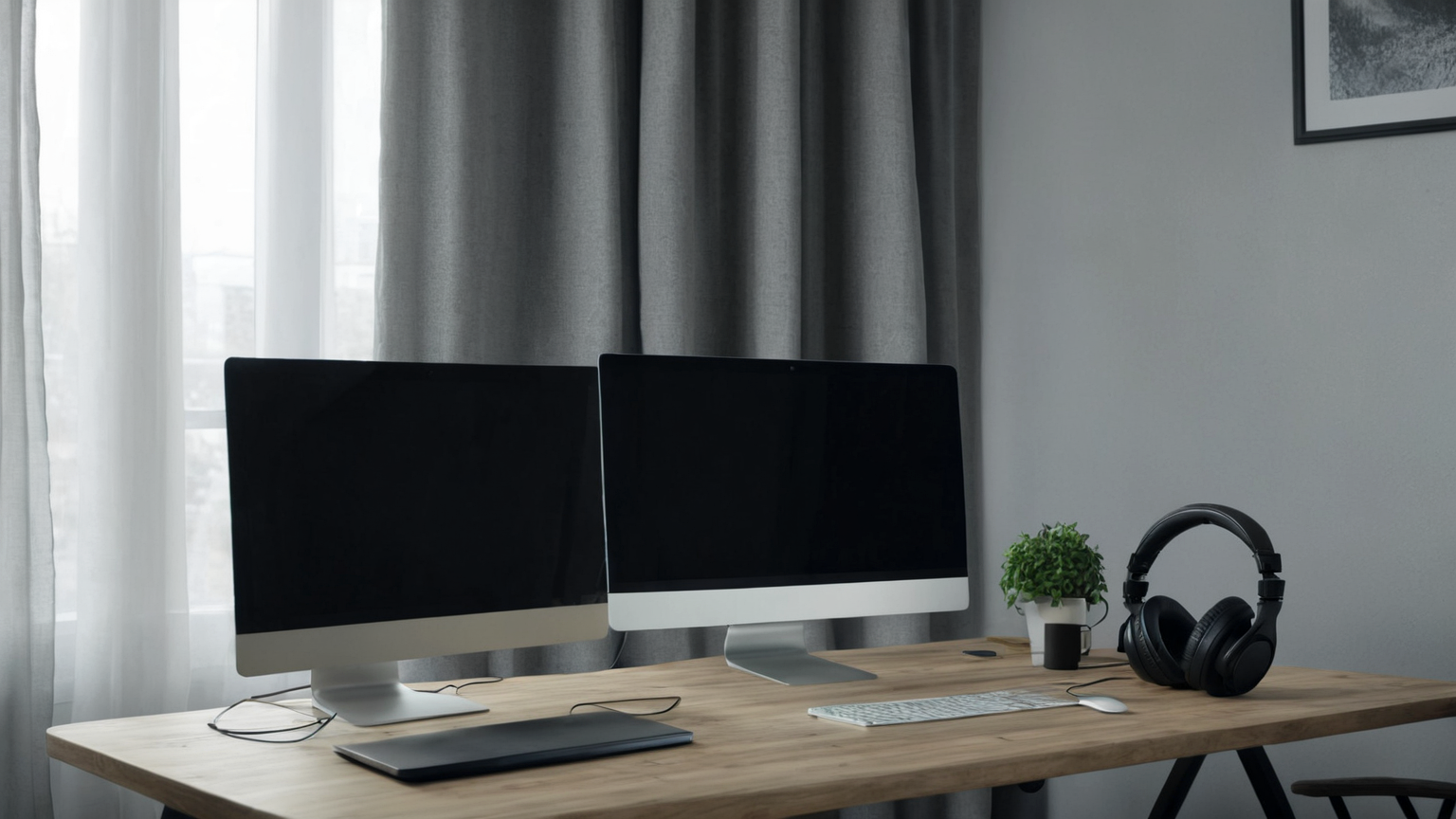
This guide is current as of 2026-06-11. It is remote-work education for reducing noise, call fatigue, and unsafe listening habits; it is not medical advice for hearing loss or a replacement for workplace accommodations.
Quick decision table
| Situation | Best first move | Avoid | Proof the plan is working |
|---|---|---|---|
| Calls sound harsh | Lower baseline volume and test captions | Turning headphones up all day | Meetings remain intelligible at moderate volume |
| Coworkers hear noise | Move mic closer and test suppression | Buying gear before a test recording | A private recording has less room echo |
| Home is temporarily noisy | Use shorter calls and written follow-up | Forcing live attendance for status updates | Decisions survive in notes |
| Focus keeps breaking | Add soft surfaces and meeting blocks | Treating headphones as the only fix | Fewer context switches appear on calendar |
Remote work noise problems usually get solved with one expensive purchase: stronger headphones. That can help, but it misses the real system. Call fatigue, home distractions, unsafe listening volume, poor meeting norms, and untreated room echo all interact. This June 2026 guide helps readers reduce noise exposure and regain focus without turning a home office into a recording studio or wearing sealed headphones all day.
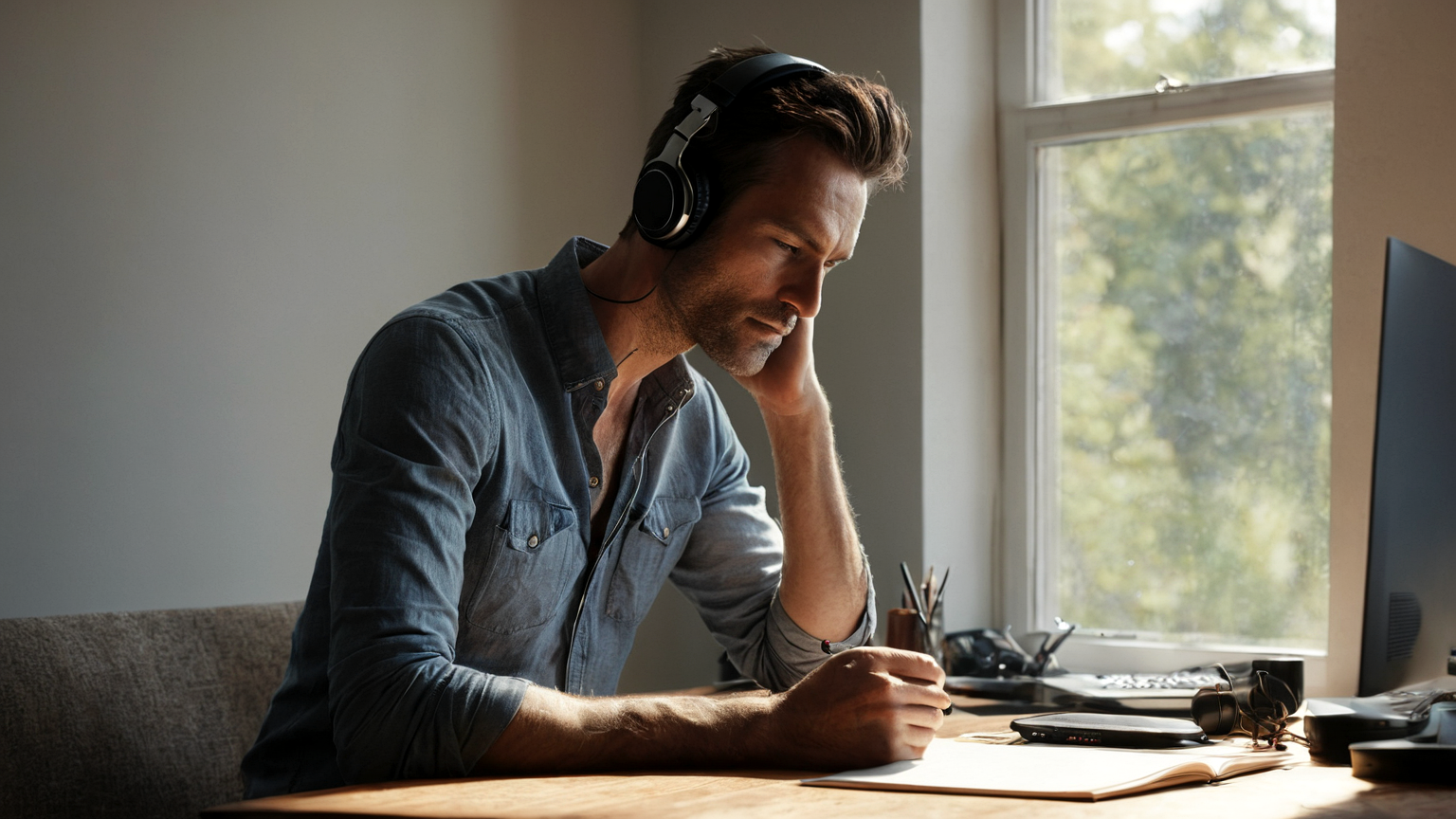
The first audit is behavioral, not technical. List which sounds actually break work: neighbor construction, family transitions, pets, kitchen noise, traffic, HVAC, meeting chatter, or your own voice bouncing off a hard room. Then separate two goals: making it easier for others to hear you and protecting your own attention. A microphone fix does not automatically reduce your listening fatigue, and stronger noise cancellation does not fix a meeting culture that schedules every decision live.
Step-by-step checklist
- Identify the loudest recurring source: room echo, keyboard noise, HVAC, street noise, or meeting volume.
- Lower headphone volume and enable platform noise suppression before buying new gear.
- Move the microphone closer to the voice and farther from hard reflective surfaces.
- Add breaks after long meeting blocks and rotate audio-only work when possible.
- Escalate to workplace, medical, or hearing guidance if ringing, pain, or fatigue persists.
- Document the setup that works so travel days and shared spaces can reuse it.
Protect hearing by setting a comfortable baseline volume and avoiding the habit of raising volume every time the environment becomes distracting. Noise-canceling headphones can reduce the urge to turn audio up, but they should not be used as a license for very long uninterrupted calls. Build breaks into meeting blocks, alternate ears when appropriate, and use captions or written follow-ups when a call is informational rather than interactive.
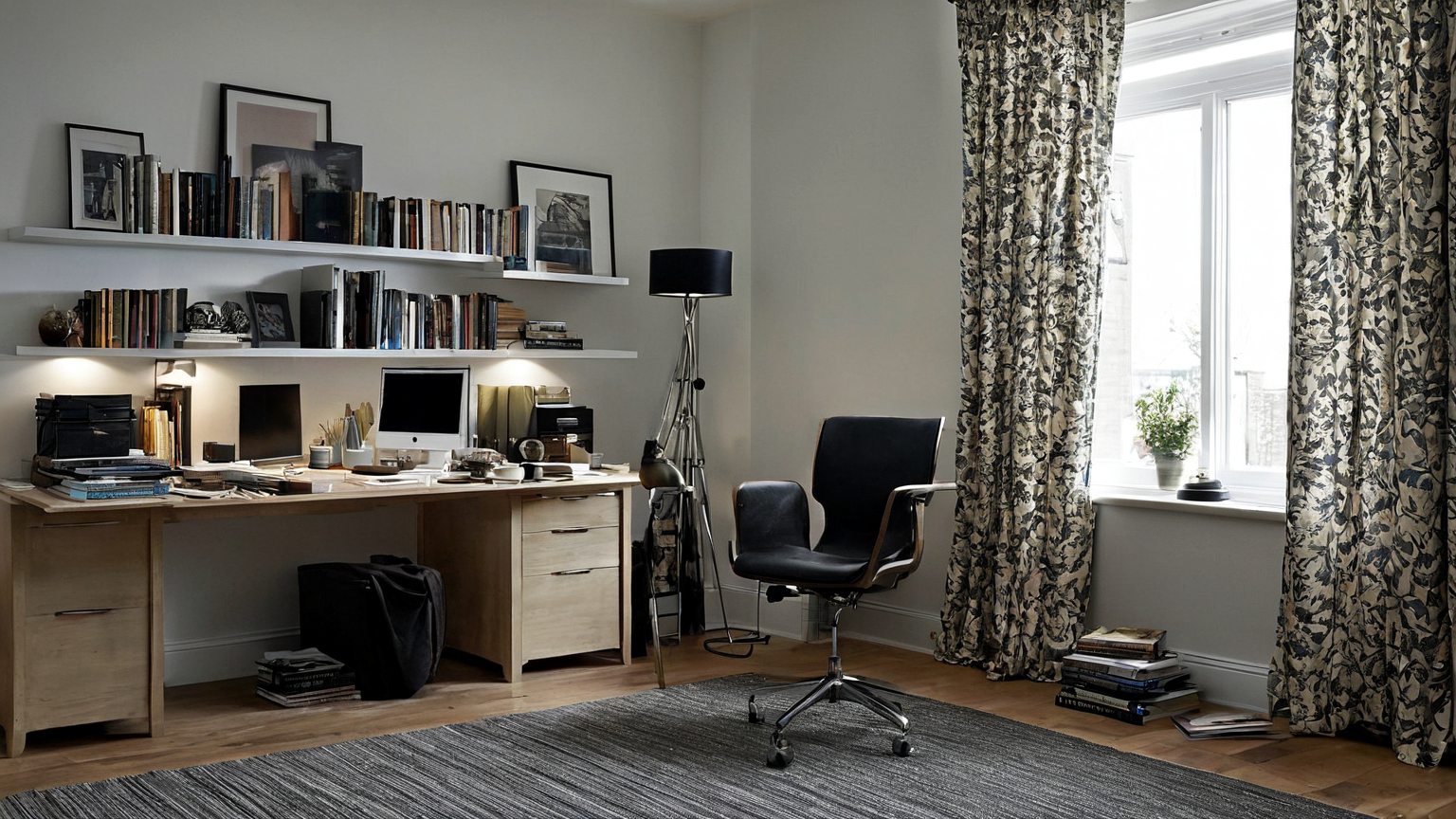
Room changes often outperform gadget upgrades. Add soft surfaces where they are already useful: a rug under the chair, curtains, a bookshelf, a fabric pinboard, or acoustic panels where reflections are worst. Do not block vents, overload shelves above the desk, or create a cluttered video background that makes work harder. The aim is a calmer sound field, not a perfect studio.
Common mistakes to avoid
| Mistake | Why it weakens the plan | Safer replacement |
|---|---|---|
| Buying stronger headphones first | More isolation can encourage unsafe volume | Fix room noise and meeting settings first |
| Ignoring call length | Fatigue comes from exposure as well as loudness | Schedule quiet blocks and recovery time |
| Placing the mic near fans or keyboards | Noise suppression cannot remove every source | Move the mic and reduce local noise |
| Using one setup for every room | Travel, coworking, and home acoustics differ | Keep a portable test checklist |
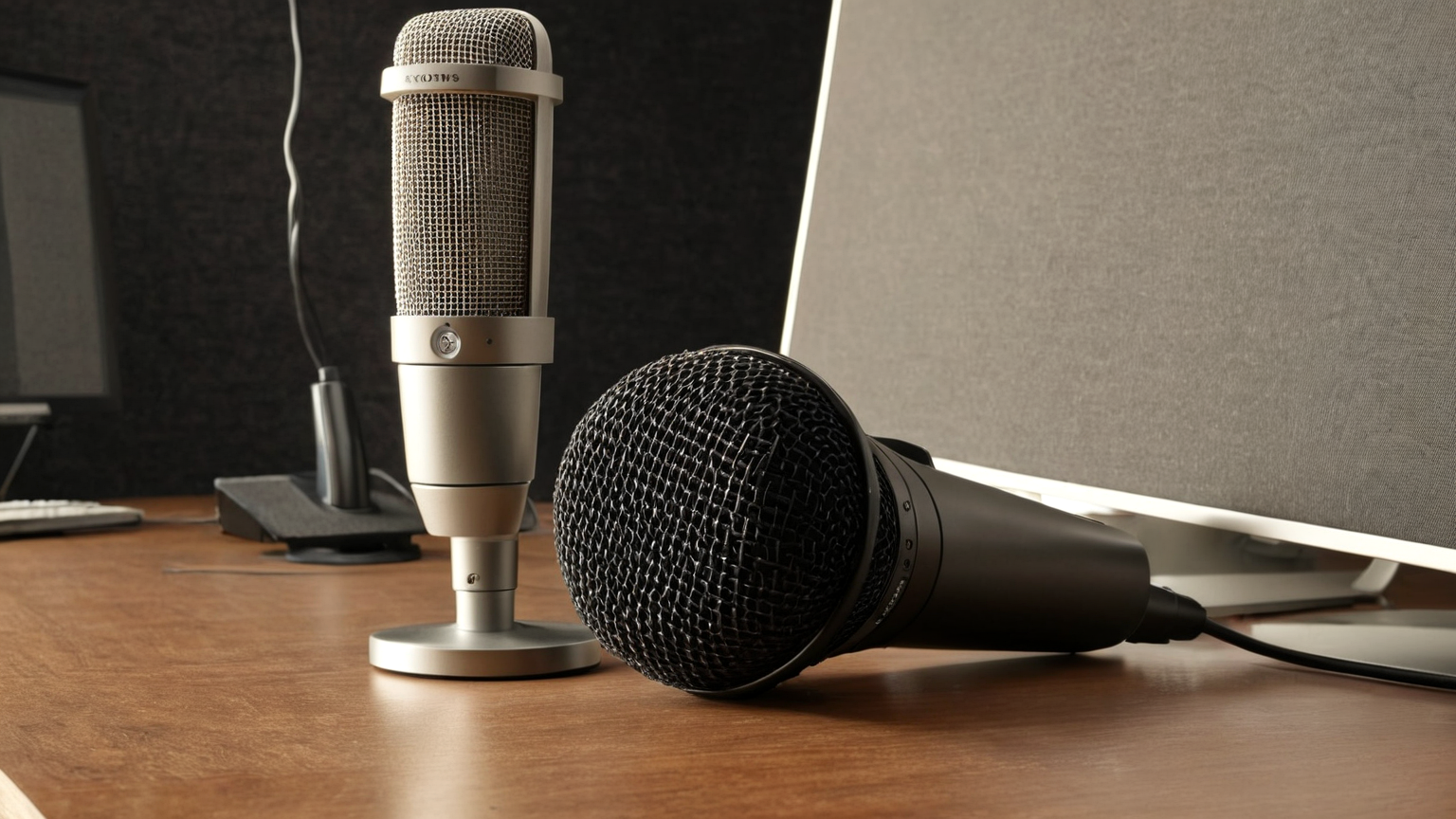
For microphones, use the shortest reliable path: keep the mic close enough, reduce keyboard impact, mute when not speaking, and test built-in noise suppression before buying more hardware. A boom mic, directional USB microphone, or headset may help, but only after you know whether the problem is room echo, distance, fan noise, or speaking level. Record a private test sentence and listen back at normal volume.
Team norms matter. If every meeting requires camera, headphones, and instant response, people become fatigued even in quiet rooms. Move status updates to written channels, reserve live calls for decisions or relationship-sensitive topics, and define when cameras are optional. When someone works from a noisy temporary space, written agendas and summaries reduce the pressure to hear every word perfectly in real time.
Create a three-tier plan: normal focus, noisy household hour, and unavoidable disruption. Normal focus may use open speakers at low volume; noisy hours may use closed headphones, captions, and shorter call blocks; disruption may require rescheduling, coworking, or asynchronous work. This avoids treating every day as a crisis and makes the accommodation visible to managers.
AdSense-readiness note: the article is not a headphone buying list. It preserves helpful content by combining hearing safety, meeting design, room treatment, and practical troubleshooting before any product recommendation.
FAQ
Does this replace professional help?
No. It is a practical work-routine guide. Persistent ringing, pain, hearing changes, or accommodation questions should be discussed with a qualified clinician or employer process.
Why include so many official links?
AdSense-ready helpful content should let readers verify claims. Source links also reduce the chance that a stale social-media shortcut becomes the household plan.
What is the next improvement?
Turn the checklist into a recurring household review and link it from related posts so readers can move from awareness to action without searching the whole site.