Remote Work Device Inventory and Return Checklist for 2026
A remote-work checklist for tracking laptops, peripherals, accessories, local files, account access, shipping evidence, and privacy-safe return records.
Updated 2026-06-15. This is remote-work operations guidance, not legal or HR advice. Follow the employer, client, security, and asset-management policy that governs the device. This article is written for helpful-content and AdSense readiness: current source links, practical decision support, privacy-aware records, and no affiliate filler.
Device-return ownership decision table
| Item | Return/evidence action | Privacy boundary | Owner |
|---|---|---|---|
| Laptop or tablet | Confirm asset record and packing method | Do not post serial numbers broadly | IT or client asset owner |
| Charger/dock/headset | List included accessories | Avoid home-address photos | Worker plus manager |
| Local files | Follow retention/deletion policy | Do not expose client data in screenshots | Data owner |
| Tracking proof | Save in approved system | Redact address in casual updates | Operations owner |
Inventory before the last workday
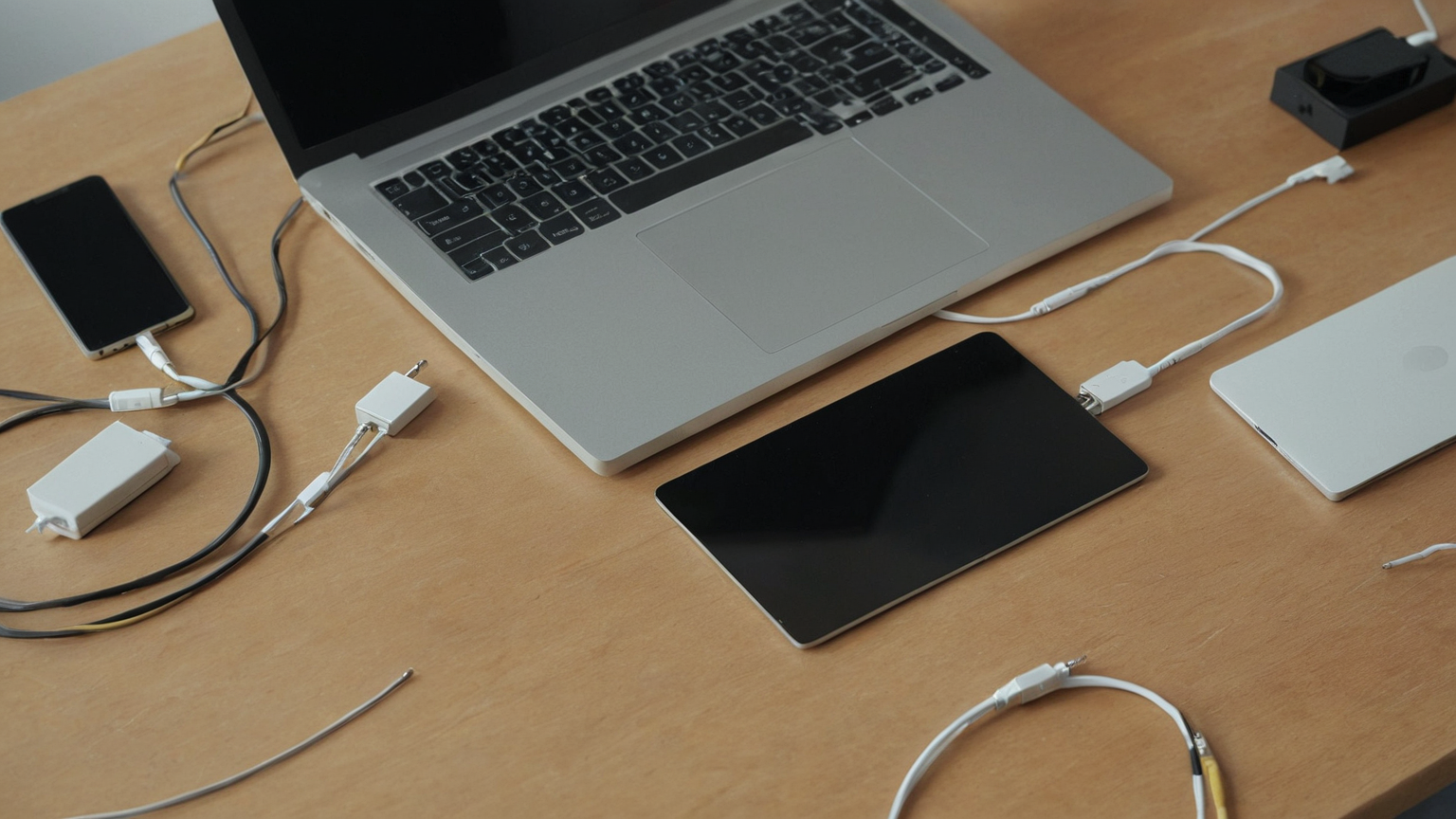
Remote offboarding goes better when devices and accessories are listed before access changes begin. Record only what the organization needs: asset type, condition, owner, location, required return date, and approved shipping path.
Separate equipment from access
A returned laptop does not automatically remove cloud access, and revoked access does not prove hardware was returned. Track devices, accounts, password vault entries, MFA methods, and shared storage as related but separate workstreams.

Asset-return note for the closeout record
- What changed today?
- Which source or policy should be checked before acting?
- Who owns the next step?
- What private information should stay out of shared notes?
Use privacy-safe evidence
Photos can help prove condition and packing, but avoid showing serial numbers, client names, personal documents, children, home addresses, or account screens in broad channels.
Plan the shipping handoff
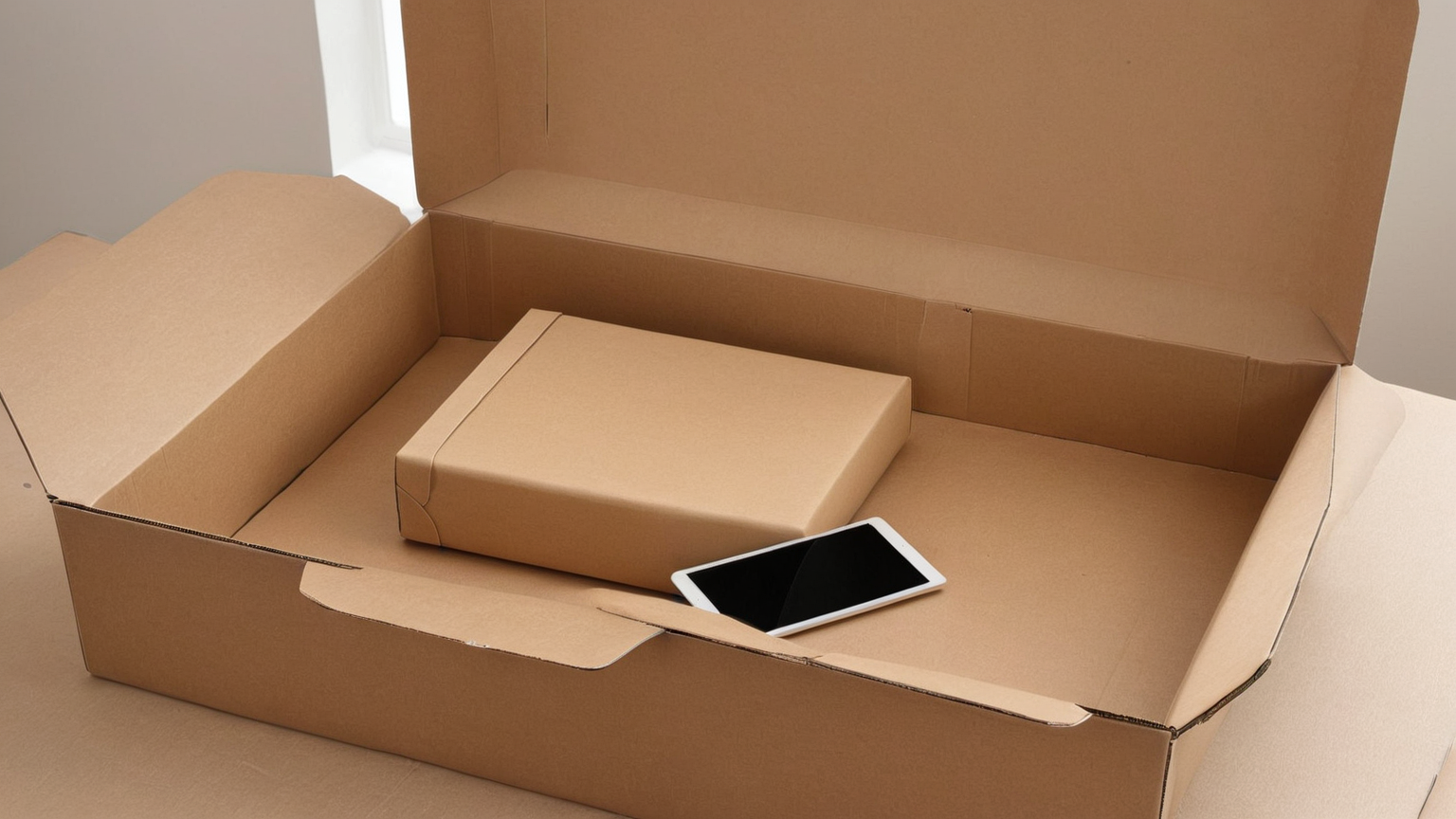
Use the organization-approved carrier, packaging, insurance, and label flow. Keep tracking evidence in the approved system and confirm who pays for accessories such as docks, chargers, and monitors.

Mistakes that cause return disputes
- Treating hardware return as proof that cloud access, password vault membership, and MFA methods were also closed.
- Sending serial numbers, home addresses, or client names through broad chat channels.
- Packing accessories without a dated inventory photo or approved tracking record.
- Wiping a managed laptop before the asset owner confirms the required return process.
Clean up local work copies deliberately
Follow employer or client policy for work files, browser profiles, certificates, VPN profiles, sync folders, and backups. Do not wipe managed devices unless the asset owner instructs you.

Close the loop after delivery
Confirm delivery, asset-system status, access revocation, and any remaining peripherals. A simple closeout note prevents later disputes and protects both the worker and the organization.
Practical checklist
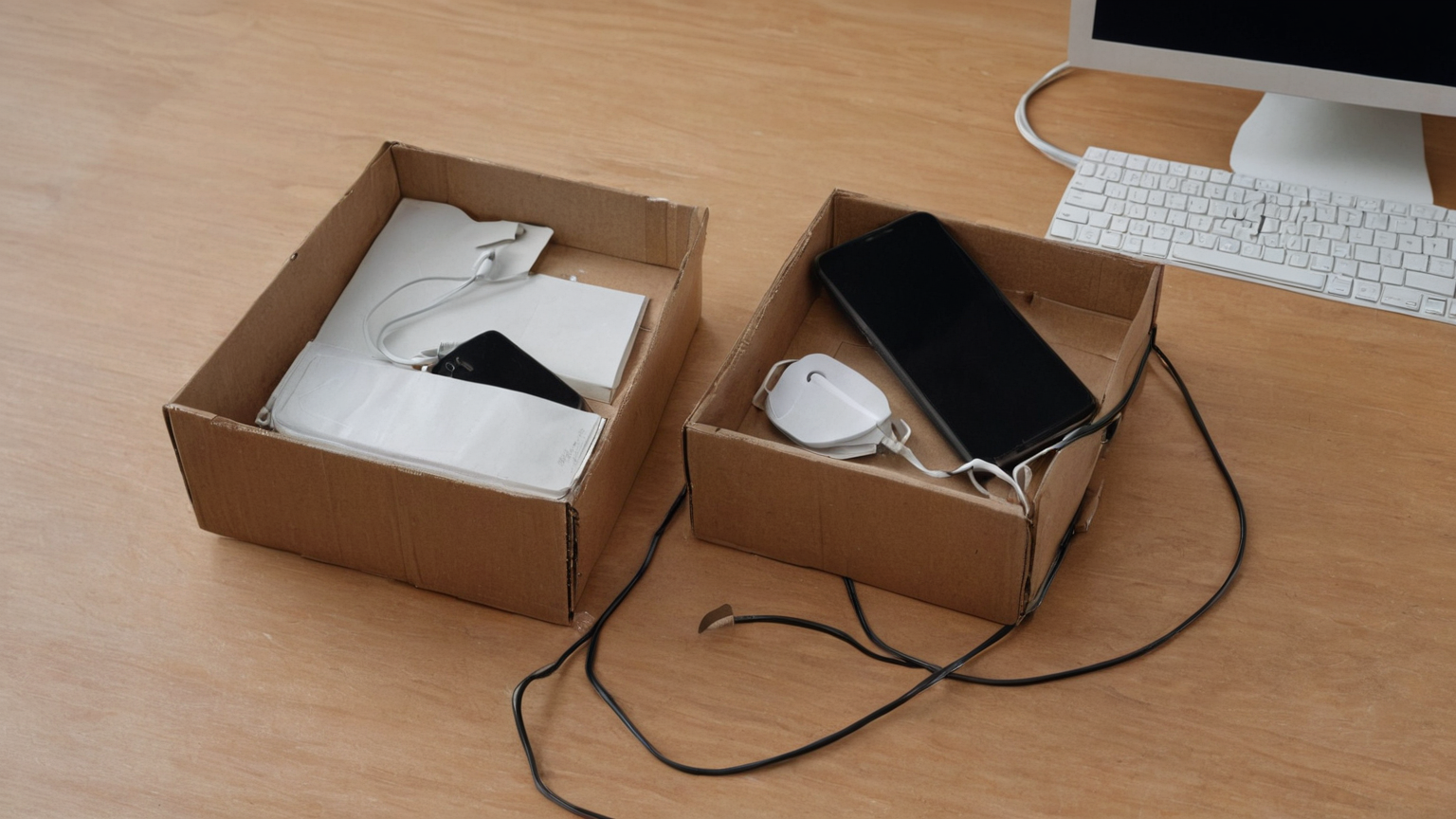
- List every device and accessory before access is removed.
- Confirm the approved shipping or drop-off path.
- Move tracking evidence into the official system, not a public chat.
- Separate account revocation from hardware return status.
- Write a short closeout note with unresolved exceptions.
Source note and trust boundary
The source list favors telework security, mobile-device, privacy, MFA, and secrets-management guidance. If the employer, client, asset owner, security administrator, or contract specifies a stricter return or evidence process, use that controlling workflow and keep the closeout note inside the approved system.
FAQ
Who owns the inventory?
Use the employer or client asset owner when one exists; freelancers should still keep a private, minimal inventory for returns and support.
Should serial numbers be shared in chat?
Avoid public or broad chat channels. Put sensitive identifiers only in the approved asset system or encrypted handoff.
What if a personal device was used?
Follow the contract and organization policy first, then separate work files, revoke access, and document what was removed without exposing personal data.
AdSense-readiness note
This post preserves the site quality baseline by adding a specific user problem, original tables and checklists, clear escalation boundaries, privacy-safe wording, descriptive source titles, and internal links to related guides rather than repeating generic boilerplate.