Collapsible Green Screen for Zoom and Streaming — Real Setup 2026
Collapsible green screens compared on chroma key quality, lighting requirements, storage size, and how they actually perform in a home office without studio space.

The case for a real green screen in a home office hinges on one question: how often do other people see your video call? If the answer is daily — sales calls, executive presentations, webinars, recorded video — the green screen produces a quality difference that becomes obvious within minutes of comparing. If video appears once or twice a week for quick standups, the AI virtual backgrounds in Zoom and Teams are sufficient.
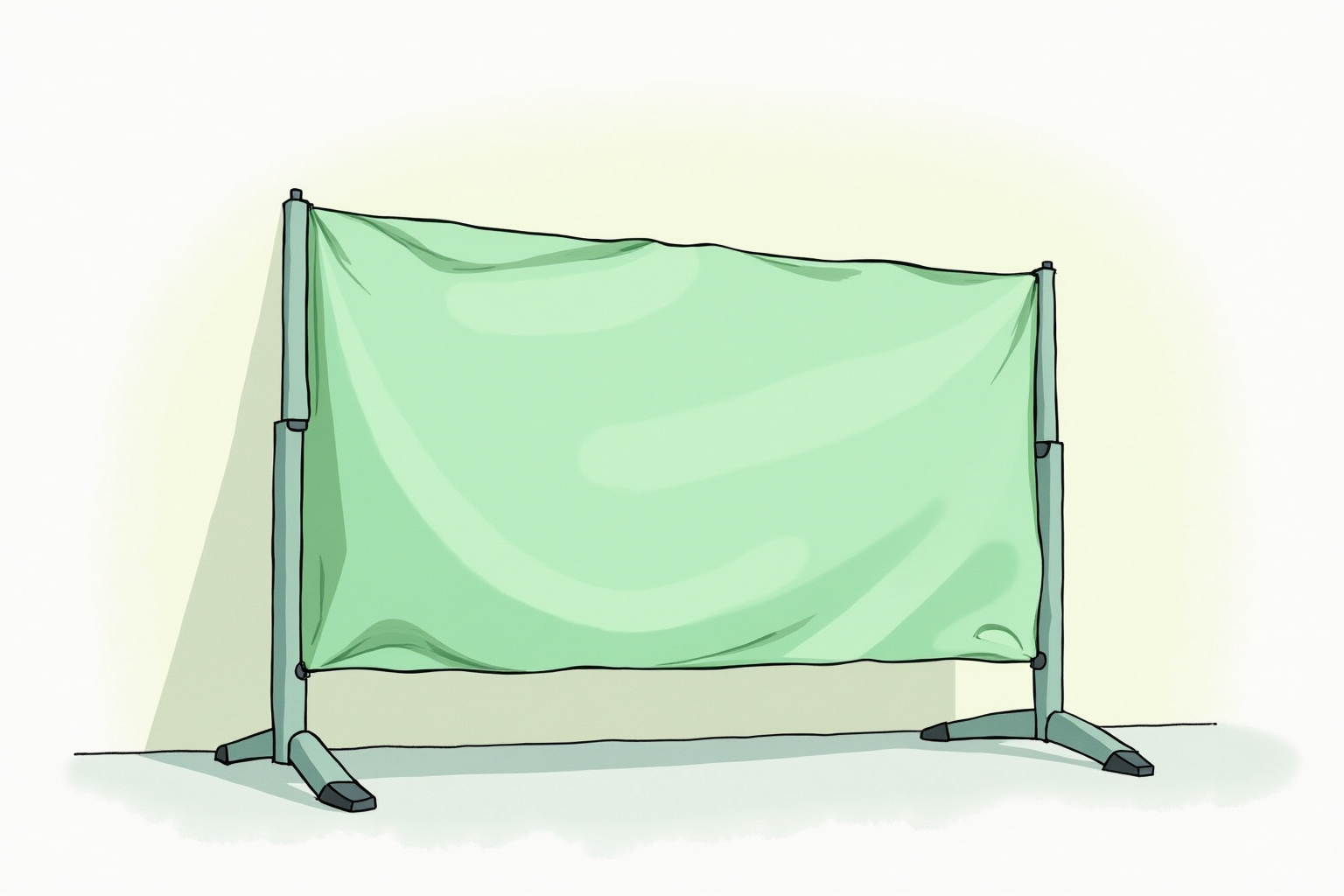
This article focuses on collapsible green screens — the desk-friendly category that pops up to 5x6 feet and folds down to a 22-inch case. They are the right answer for home offices that cannot dedicate a wall to permanent backdrop hardware. The two dominant brands, Elgato Green Screen and the Neewer X-frame series, are compared on chroma key quality, lighting requirements, storage footprint, and the practical setup steps that most reviews skip.
- Why AI virtual backgrounds still produce visible edge artifacts
- Lighting requirements specific to chroma key cutouts
- Positioning to avoid green spill on hair and skin
- Storage and setup time tradeoffs across major brands
- Top collapsible green screen picks for home offices
When a real green screen beats AI virtual backgrounds
Zoom, Microsoft Teams, and Google Meet all ship with AI virtual background detection that runs on the device GPU or CPU. The technology improved substantially between 2020 and 2024 — modern AI segmentation handles standard portrait poses well in even lighting. The remaining limitations show up in edge cases:
- Hair edges flicker when the AI loses track of fine strands against the room background. Bright lights behind the subject worsen this.
- Headphone cables and microphone arms intermittently disappear and reappear because the AI does not recognize them as part of the subject.
- Fingertips and hand gestures sometimes get cut off when hands move close to the face.
- Glasses frames and reflections confuse the segmentation in some models.
For recorded video that will be edited or watched closely, these artifacts read as cheap production. For live calls watched casually, they go unnoticed. The green screen eliminates them entirely because the chroma filter keys on color rather than guessing at silhouette boundaries.
Lighting the green screen — even light is everything
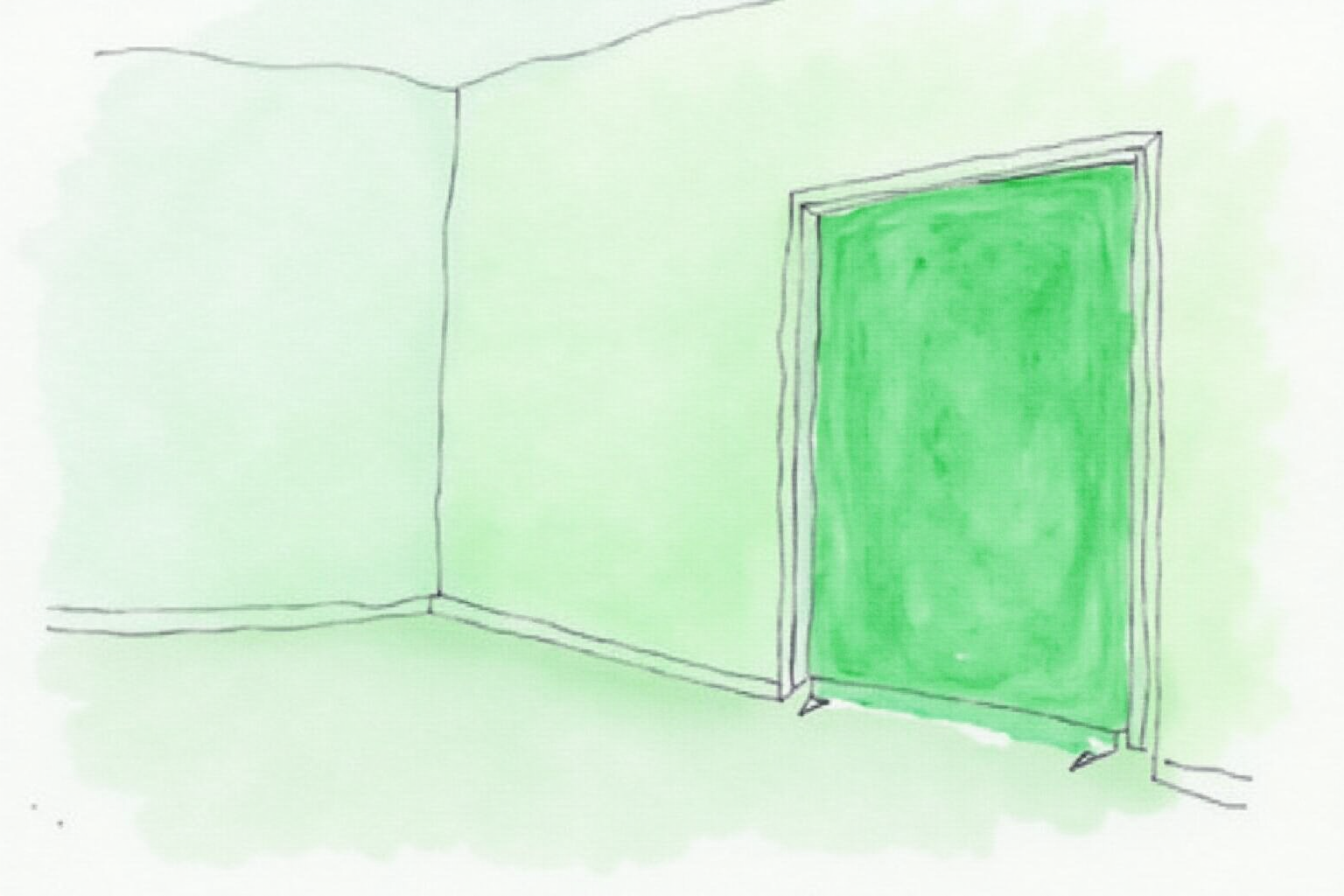
The chroma key filter isolates a single shade of green. The filter has tolerance for slight variations but breaks down on hot spots and shadows. Lighting the green screen evenly is the single most important variable for clean keying.
The professional setup uses two soft lights at 45-degree angles to the screen, positioned to overlap in the middle. The lights should be separate from the front key light on the subject — never the same light source. Inexpensive softbox kits (Neewer 2-pack at $80-120) work well; the goal is broad, soft light without harsh single-point bright zones.
For desks without space for two screen lights, ambient room lighting can work if it is bright and even. Walls reflecting light from windows or overhead fixtures provide passive fill. Avoid setups where direct sunlight hits the screen at an angle — the sunlit zone keys differently than the shaded zone and produces patchy cutouts.
Hot spots (small bright areas) are the most common chroma key failure. They typically come from a single overhead light or a window reflection on the screen surface. Diffuse, move, or block the offending source before adjusting chroma key settings.
Positioning — distance from screen to subject matters
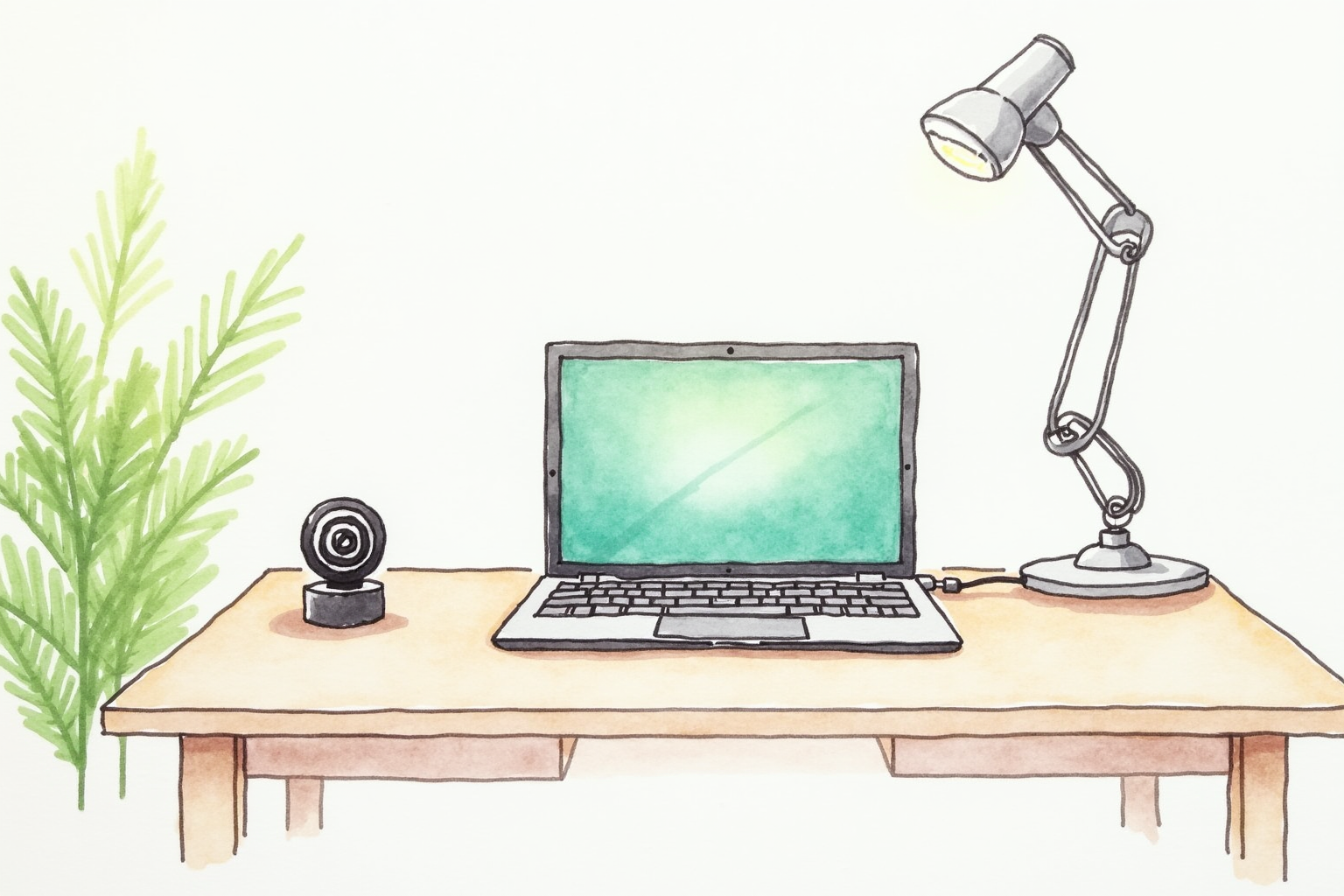
Stand or sit 3-4 feet in front of the green screen. The distance accomplishes two things:
- Reduces green light reflection onto your hair, ears, and shoulders (green spill). At zero distance, you become part of the green and the keyer cuts you out along with the background.
- Provides depth for separate lighting — the subject’s key light illuminates you without spilling onto the screen, and the screen lights stay on the screen without lighting you.
In small home offices where the desk-to-wall distance is under 4 feet, position the green screen behind the desk rather than between the desk and wall. The X-frame collapsible designs sit on small tripods, allowing precise placement.
Tilt the screen slightly off-vertical — 5-10 degrees forward at the top — to bounce reflected light sideways rather than forward into the camera. This further reduces spill onto the subject.
Storage footprint — the collapsible advantage
The collapsible green screen category solves the storage problem that prevents most home offices from using a real chroma backdrop. The Elgato Green Screen uses a pneumatic spring inside a tube — you press a button and the screen retracts into a 4x8 inch base. Setup takes 10 seconds; teardown takes 10 seconds.
The Neewer X-frame design uses a foldable X-shaped tripod with a stretched fabric panel. It takes 60 seconds to set up but folds flat for under-the-bed storage.
For daily-use setups, the Elgato pneumatic design wins on convenience — pressing a button and walking away beats unfolding an X-frame. For occasional use (weekly recorded video) where teardown means clearing the room, the X-frame is cheaper and easier to pack away.
Top picks for collapsible green screens
Elgato Green Screen (Pneumatic Pop-up)
Price · $150-180 — best convenience pick
+ Pros
- · Pneumatic pop-up — set up in 10 seconds, teardown in 10 seconds
- · Wrinkle-resistant chroma green fabric tensioned by the spring frame
- · Built-in base is heavy enough to stay put without anchoring
− Cons
- · 5x6 feet limits standing-shot framing — best for seated webcam
- · Premium price reflects the Elgato brand and pneumatic mechanism
Neewer X-frame Collapsible Green Screen (5x6 ft)
Price · $50-80 — best budget pick
+ Pros
- · X-frame design folds flat for storage under a bed or in a closet
- · Cheapest entry into real chroma key for home offices
- · Two-sided fabric (green/blue) covers more keying scenarios
− Cons
- · Setup takes 60-90 seconds vs Elgato's instant pop-up
- · Fabric wrinkles need to relax for a few minutes before clean keying
Webaround Big Shot 56-inch Webcam Backdrop
Price · $60-90 — chair-mounted alternative
+ Pros
- · Mounts to the back of an office chair — no floor space required
- · Travels with the chair if you move the desk
- · 56-inch diameter fits standard webcam seated framing
− Cons
- · Circular shape means small corners may show beyond the keyer
- · Cannot work for standing-up shots — chair-attached only
The buying decision
For daily-use home offices where the screen comes out before every call, the Elgato Green Screen at $150-180 is the right investment. The pneumatic pop-up converts a 30-second setup into a 10-second one, which makes the difference between using it every day and giving up after week three.
For occasional use (1-2 times per week for recorded video), the Neewer X-frame at $50-80 delivers the same keying quality for one-third the price. Spend the saved money on better screen lighting.
For tight home offices with no floor space for a separate green screen, the chair-mounted Webaround design solves the space problem at the cost of slightly smaller usable area and seated-only framing.
The lighting investment matters more than the brand. A $50 X-frame screen with $120 in soft lights produces better chroma key than a $180 Elgato screen with a single harsh overhead light. Budget at least the same amount for screen lighting as for the screen itself.
Once set up correctly, a real green screen handles edge cases that the AI virtual backgrounds still fumble — fine hair, headphones, hand gestures, glasses frames. For anyone whose calls are part of how they are evaluated professionally, the upgrade pays back quickly.