Remote Work Travel Security Checklist: Passkeys, VPN Rules, Hotspots, and Device Loss
A practical 2026 checklist for remote workers using passkeys, MFA, VPN rules, hotspots, backups, and device-loss drills while traveling.

Updated June 1, 2026. Remote work travel fails when convenience becomes the security policy. As of June 2026, the safer pattern is layered: phishing-resistant sign-in where available, a known network path, employer VPN rules, minimal local data, and a rehearsed lost-device response. This guide avoids fake app screens and focuses on decisions you can test before leaving home.
| Travel scenario | Safer default | Do not do this |
|---|---|---|
| Hotel Wi-Fi | Use hotspot or approved VPN path | Ignore browser or certificate warnings |
| Urgent approval | Move to a trusted connection or defer | Approve from a rushed public session |
| Passkey prompt fails | Use verified backup method | Reset from a link in email or chat |
| Coworking space | Blank screen when away, headset, privacy filter | Leave sessions open during breaks |
| Device missing | Report, lock/wipe, revoke sessions | Wait until the next business day |
Define the work you are allowed to do away from home
Before packing, separate work into green, yellow, and red tasks. Green tasks are safe on a travel setup, such as drafting offline notes. Yellow tasks need a trusted connection, VPN, or employer approval. Red tasks should wait, such as financial approvals, admin changes, or sensitive client exports. This prevents the hotel lobby from becoming an accidental security exception.

Use passkeys and MFA as a travel layer, not a magic shield
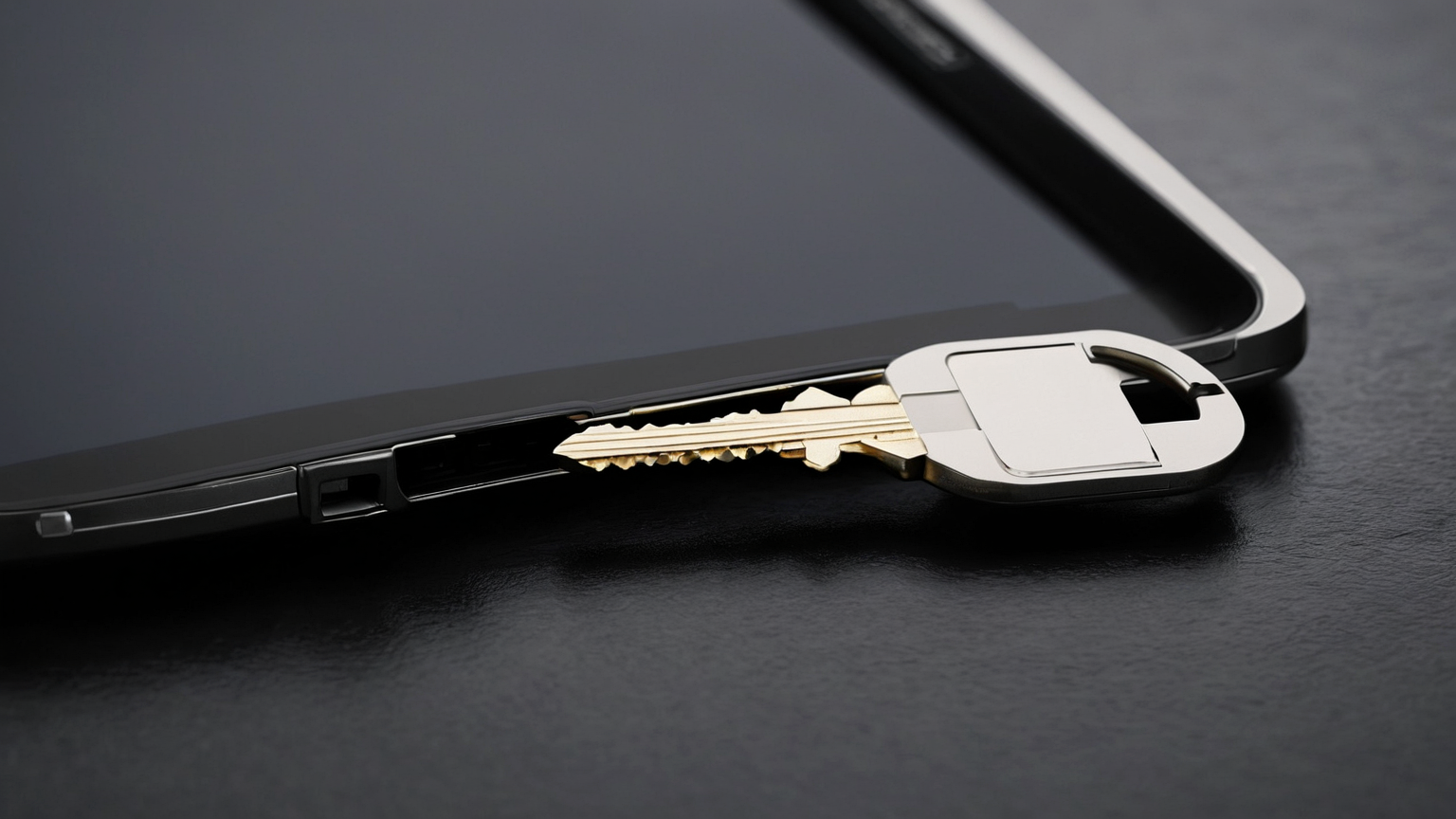
Passkeys reduce password phishing risk where services support them, but travel still needs backup sign-in, device unlock hygiene, and recovery planning. Carry a hardware key only if your organization permits it, keep a second method separate, and verify recovery codes before the trip. Never photograph recovery codes or store them in the same unlocked bag as the laptop.
Make network choices boring
Prefer a tested phone hotspot or trusted private connection over unknown public Wi-Fi. If public Wi-Fi is unavoidable, follow employer policy, avoid sensitive changes, verify VPN status if required, and do not accept certificate warnings. A VPN does not make a compromised device safe; it only changes part of the network path.

Reduce data on the device
Travel devices should contain only what the trip needs. Sync critical files before departure, confirm encrypted storage and screen lock, and avoid downloading bulk client data locally. Keep browser profiles separate and sign out of nonessential accounts. The best lost-device plan is one where the device does not hold unnecessary data.

Run a lost-device drill
Write the first 30 minutes: lock or wipe device, revoke sessions, notify employer, rotate affected credentials, preserve travel details, and file local reports if needed. Test where those controls live before the trip. A plan trapped inside the missing laptop is not a plan.
Decision checklist
- Passkeys/MFA and recovery methods were tested before travel.
- Employer VPN and data-handling rules are written down.
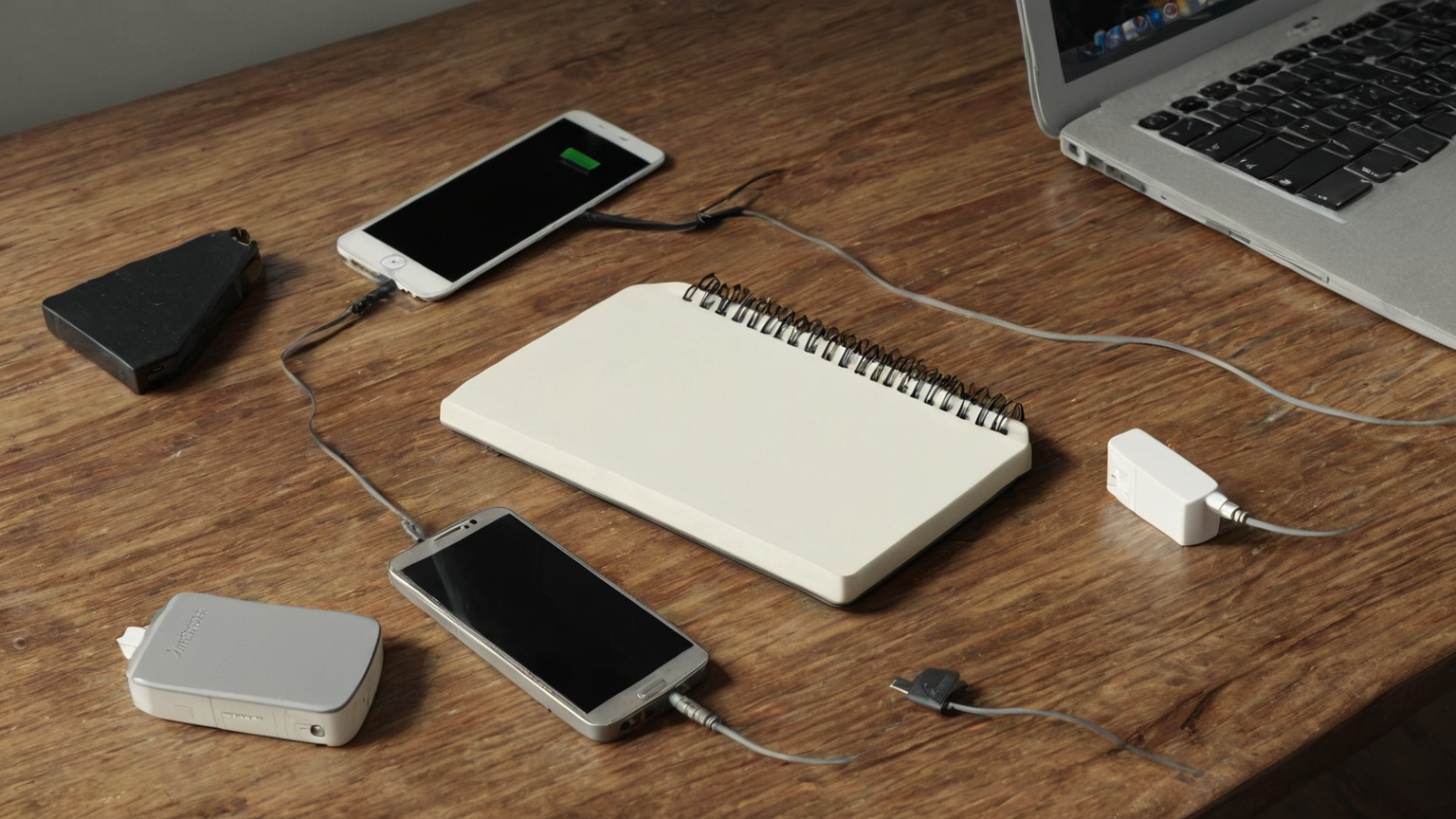
- Hotspot, charger, and offline files were tested from the real travel kit.
- Lost-device response contacts are reachable without the missing laptop.
- High-risk tasks have a defer-or-escalate rule.
Common mistakes to avoid
| Mistake | Why it fails | Better action |
|---|---|---|
| Testing passkeys only after leaving home | Recovery flows can require a second device, security key, or account prompt that is not available on the road | Test sign-in, recovery, and backup factors before travel day |
| Trusting any VPN icon | A VPN cannot fix phishing, malicious downloads, weak device locks, or a compromised account | Use VPN as one layer with passkeys, device updates, and hotspot discipline |
| Mixing client work with personal browsing | Sessions, downloads, and notifications can leak data or create audit problems | Use a dedicated browser profile and close sessions before switching networks |
| Forgetting a loss plan | A stolen phone or laptop becomes an account incident if remote lock and recovery are not ready | Pre-stage device tracking, recovery codes, and employer escalation contacts |
FAQ
Is this a substitute for employer security policy?
No. Employer, client, legal, and contractual requirements override a general travel checklist. Use this to prepare questions and reduce avoidable remote-work risk.
How often should I revisit the travel security setup?
Review it before every trip, after device or authenticator changes, after a password-manager migration, and whenever your employer changes VPN, passkey, or device-management rules.
What is the safest first step?
Test your most important work account with passkey sign-in and account recovery on the exact devices you plan to carry, then document the fallback path offline.