Leather vs Felt Desk Mats — 2026 Compared for Daily Use
Leather and felt desk mats compared for home offices — material durability, cleaning, mouse precision, and the daily-use considerations that decide which mat is right.

The desk mat is the home office equivalent of a quality rug under the dining table — functionally optional, but transformative for how the space looks and feels. A bare laminate or wood desk reads as a workspace under construction; the same desk with a quality leather or wool felt mat reads as a curated personal space. The aesthetic upgrade is the headline reason most people buy a desk mat; the supplementary benefits — surface protection, warmer touch, slight noise dampening — are useful but secondary.
This article compares the two dominant material categories for premium desk mats: full-grain leather and wool felt. Both are durable, both look distinctive, and both age well with daily use. The choice depends on aesthetic preference, maintenance tolerance, and the specific desk environment.
- Leather vs wool felt — durability and aesthetic comparison
- Mouse precision and keyboard typing experience
- Cleaning and maintenance over years of daily use
- Sizing for different desk widths and work styles
- Top picks across $40-200 budget range
Leather vs wool felt — the material trade-offs
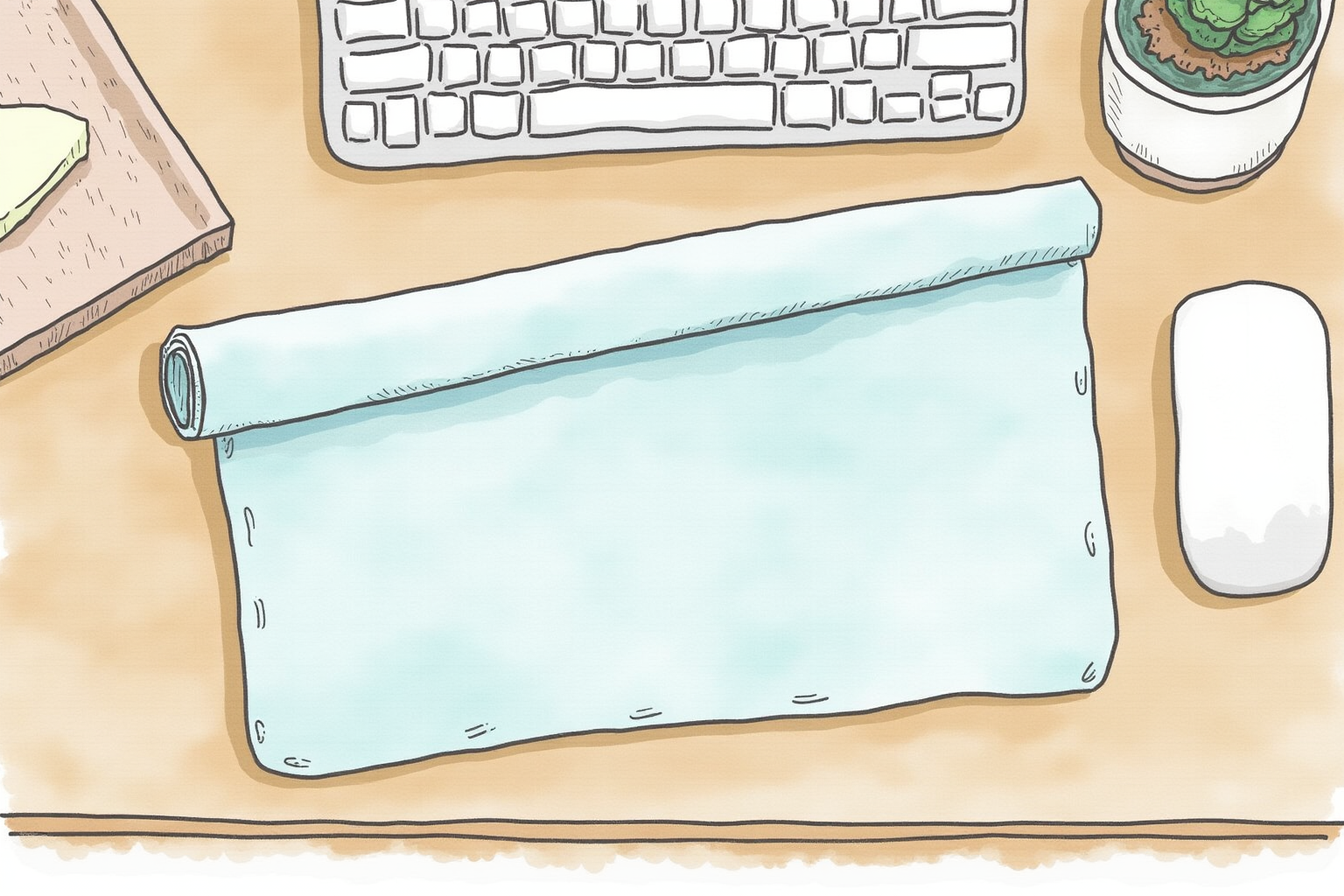
The two material categories have different aesthetics, maintenance profiles, and aging characteristics.
Full-grain leather is the surface most associated with premium desk mats. Companies like Orbitkey, Grovemade, and Nuovo Pelle use cowhide leather (vegetable-tanned or chrome-tanned) that develops a patina over years. The surface starts smooth and slightly cool to touch; over 12-24 months of daily use, it softens, develops use-marks where the wrist rests, and takes on a richer color. The aging is part of the appeal — the mat becomes more personal-looking with time.
Wool felt is the textile counterpart. Companies like Grovemade, Made of Tomorrow, and Brunelleschi use industrial-grade wool felt (typically 3-5mm thick) that feels warm to touch and quieter under typing and mouse use. The material does not develop patina the way leather does — it stays mostly the same appearance for 3-5 years, then shows mild compression and lint pickup. Wool felt is more forgiving of spills (water beads up briefly before absorbing) but stains can set permanently.
PU/vegan leather is the budget alternative. Plastic-coated fabric mats look like leather initially but peel within 18-24 months of daily use. Recommended only for short-term or display purposes; full-grain leather lasts 3-5x longer at moderate price premium.
Cork composite is a niche third category. The surface is harder than felt, softer than leather, and naturally water-resistant. Looks distinctive but has fewer premium-brand options than leather or wool felt.
For most home offices, the choice comes down to leather (premium look, develops character, easier maintenance) vs wool felt (warmer touch, quieter, slightly less maintenance-intensive but lint-attracting).
Mouse precision and keyboard typing
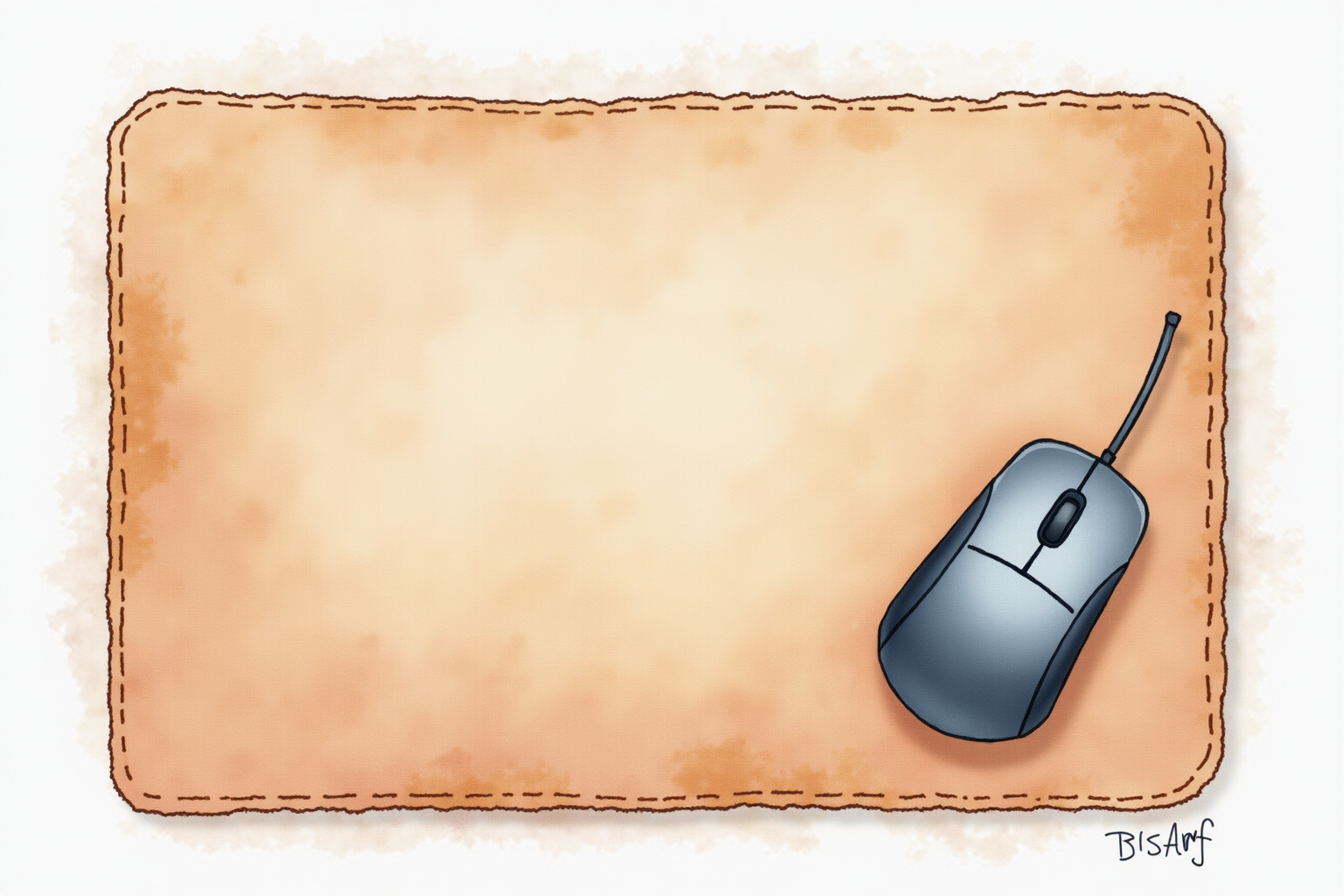
Both materials work well for general office mouse tracking. Optical mice (Logitech MX Master, Apple Magic Mouse, Razer Pro Click) and laser mice (Logitech G502 lineage, Razer Basilisk) track reliably on full-grain leather and on wool felt above 3mm thickness.
The slight differences:
Leather: smooth glide produces fast cursor movement at low effort. Mouse skates (the small Teflon pads on the mouse base) glide effortlessly. Some users find leather too slippery for precision work; this is more a matter of preference than function.
Wool felt: slightly more friction than leather. The mouse moves with more controlled feel — useful for users who want deliberate cursor placement. Some absorbent felt surfaces (typically below $30 cheap felt) can produce tracking glitches with certain optical sensors; quality wool felt (Grovemade, Made of Tomorrow) does not have this issue.
For gaming or precision graphic work (Photoshop, Illustrator, CAD), dedicated gaming mouse pads (Razer Goliathus, Logitech G640) track better than general-purpose desk mats. Many users have a small gaming mouse pad layered on top of the desk mat for specific tasks.
For typing, both materials produce roughly the same experience. The mat absorbs slight keyboard vibration and reduces the loud clack of mechanical keyboards on bare wood/laminate desks. Mechanical keyboard users particularly appreciate the noise dampening — keys sound more substantial and less metallic.
Cleaning and maintenance
Leather:
- Wipe spills immediately with a clean dry cloth, then damp microfiber
- Weekly: wipe with damp microfiber to remove dust and fingerprint oils
- Quarterly: apply leather conditioner (a small amount, evenly distributed)
- Annual: deeper clean with leather-specific cleaner if needed
- Lifespan with this care: 5-10+ years
Wool felt:
- Vacuum with hand vacuum or soft brush weekly to remove loose lint and dust
- Spot-clean spills with mild soap and damp cloth
- Avoid soaking the felt — water spreads and produces watermarks
- Lifespan: 3-7 years before noticeable compression marks
PU/vegan leather:
- Wipe with damp cloth
- No conditioner needed (and conditioning won’t help)
- Lifespan: 18-30 months before peeling starts
The maintenance investment is modest in all cases. Leather requires the most attention but pays back with the longest lifespan.
Sizing for different desks

The most useful sizes for home offices:
Medium (32x18 inches): covers keyboard, mouse, and a small accessory area. Fits most 48-60 inch wide desks comfortably. The most popular size purchase.
Large (36x18-20 inches): extends the mouse zone wider — useful for ultrawide monitor setups where the mouse travels further to reach screen edges. Fits 60-72 inch desks.
Extra-large (48-60 inches wide x 24+ inches deep): covers most of the desk surface, including the area beneath the monitor stand or laptop. Adds the most aesthetic impact at the cost of more material. Best for premium desk setups where the mat is part of the design.
Small (24x14 inches): covers keyboard + mouse only. Useful for tight desks or as a layered mouse zone over a larger primary mat. Less common for primary mat purchase.
For multi-monitor or laptop + external monitor setups, the medium or large size is the right balance — large enough to function under the work zone, small enough to leave reasonable desk edge clearance.
Top picks across budgets
Orbitkey Desk Mat (Vegetable-Tanned Leather)
Price · $100-150 — best leather pick
+ Pros
- · Premium vegetable-tanned full-grain leather develops patina over years
- · Hidden cable management slot on one side for organized routing
- · Available in medium (28x16) and large (37x17) sizes
− Cons
- · Premium price reflects material quality and Orbitkey brand
- · Initial 'new leather' look takes 6-12 months to develop character
Price, availability, and ratings can change; verify details on the retailer page before buying.
Grovemade Wool Felt Desk Pad
Price · $80-130 — best wool felt pick
+ Pros
- · Industrial-grade wool felt with quality stitched edges
- · Available in multiple sizes (small, medium, large, XL)
- · Subtle gray, navy, and natural color options match most desk aesthetics
− Cons
- · Wool attracts pet hair and lint — more cleaning needed in households with pets
- · Compression marks accumulate under heavy items (monitor stand, mug)
Price, availability, and ratings can change; verify details on the retailer page before buying.
Anhome PU Leather Desk Mat (Budget Pick)
Price · $25-45 — budget pick for trial use
+ Pros
- · Lowest entry cost into the desk mat category
- · Variety of color and size options
- · Easy to wipe clean with damp cloth
− Cons
- · PU leather typically peels and cracks within 2-3 years
- · Does not develop patina or improve with age like full-grain leather
Price, availability, and ratings can change; verify details on the retailer page before buying.
The buying decision
For premium home offices where the desk mat is part of the aesthetic investment, the Orbitkey leather desk mat at $100-150 is the right choice. The vegetable-tanned leather ages into a richer character over the years, the hidden cable slot adds functional value, and the brand’s quality reputation matches the price.
For warmer, quieter daily-use surfaces, the Grovemade wool felt at $80-130 produces a different aesthetic — softer, more textile-feeling than leather. The wool wears well over 5-7 years, the color options blend with most desk decor, and the maintenance is mostly just vacuuming.
For budget-conscious setups or trial use, the Anhome PU leather mat at $25-45 covers the basic functionality (surface protection, slight cushioning, aesthetic upgrade) at one-third the price. The 2-3 year lifespan limits long-term value, but the entry cost is low enough to justify trying the desk mat concept.
Avoid extreme budget mats under $15 — material quality and edge stitching fail quickly. The $25-45 tier is where reasonable PU leather and basic felt deliver acceptable quality.
The desk mat is one of the highest-impact-per-dollar home office upgrades. The transformation of the desk’s appearance is immediate and noticeable; the daily-use benefits (warmer touch, quieter typing, surface protection) compound over years. For most home offices, the right answer is leather or wool felt in the $80-150 range — the material lasts 5+ years and the workspace improves visibly from day one.