Desk Lighting — Lux Levels, Color Temperature, and Glare Per IES and Cornell Research
IES illuminance guidelines, Cornell vision research on color temperature, and what 500 vs 1000 lux at the desk surface actually feels like for office work.

Desk lighting is the most-overlooked home office variable. People obsess over chairs and monitors but accept whatever overhead light came with the room. Per Cornell Vision Research and IES standards, typical residential overhead lighting provides only 100-200 lux at the desk surface — well below the 500+ lux threshold for sustained office work. This article walks through what the data says about lux levels, color temperature, glare, and the practical fixes that transform home office lighting.
The TL;DR: aim for 500+ lux at the desk surface during work. Use 4000K color temperature for daytime productivity (or adjustable). Position lights to side of monitor, never behind. A monitor light bar (BenQ Screen Bar) is the highest-impact upgrade for typical home office desks.
For complementary home office content, see ergonomic chair data and monitor size and refresh rate data.
What is lux, and how much do you need?
Lux measures illuminance — light per unit area on a surface. IES Recommended Practice for Offices:
| Activity | Recommended lux at work surface |
|---|---|
| General office (computer + occasional reading) | 300-500 lux |
| Detailed reading, writing, drafting | 500-1000 lux |
| Fine inspection (lab, technical) | 1000-2000 lux |
| Casual circulation (hallways, common areas) | 100-200 lux |
For most home office work (computer + email + documents), 500 lux at the desk surface is the practical target.
What this looks like in real spaces:
| Light source | Typical lux at desk |
|---|---|
| Direct sunlight at desk (window) | 5,000-50,000+ lux |
| Indirect daylight from window | 500-2,000 lux |
| Bright office overhead | 300-500 lux |
| Typical residential overhead bulb | 100-200 lux |
| Single old incandescent ceiling fixture | 50-100 lux |
| Candle (for context) | 10-15 lux |
The gap between residential overhead lighting (100-200 lux) and the office target (500+ lux) is why so many home offices feel dimmer than corporate offices despite seeming “well-lit.” A task lamp closes the gap.

Color temperature
Color temperature in Kelvin (K) describes light’s color quality:
| Kelvin | Look | Best use |
|---|---|---|
| 2700K | Warm yellow-white | Living rooms, evening lounging, bedrooms |
| 3000K | Soft warm white | Living rooms, dining |
| 3500K | Neutral warm | Versatile residential |
| 4000K | Cool white | Office work, kitchens, productivity |
| 5000K | Daylight | Garages, color-critical work |
| 5500-6500K | Cool daylight | Hospitals, retail, photo studios |
For office productivity:
- Daytime work (9 AM - 4 PM): 4000-5000K (cool white to daylight). Promotes alertness.
- Evening work (after sunset): 2700-3000K (warm). Supports natural circadian rhythm and better sleep.
- All-day fixed lamp: 4000K is the best single-temperature compromise.
Modern adjustable lamps (BenQ Screen Bar Halo, Dyson Lightcycle, smart bulbs) shift color temperature throughout the day. Worth the premium if you do significant evening work and want sleep-supportive lighting.
CRI — color rendering index
CRI measures how accurately a light source renders colors compared to natural sunlight. Sun = 100; high-quality LEDs = 90+; cheap LEDs = 70-80.
Why it matters:
- Office work: CRI 80+ is fine for typical reading and computer use
- Color-critical work (design, photo, video): CRI 90+ recommended
- Healthcare, medical: CRI 95+ standards
Most quality desk lamps in 2024 hit CRI 90+. Cheap LED bulbs often quote CRI 80 — adequate but worth the upgrade for daily-use desk lighting.
Glare — what causes it and how to fix
Glare on the screen reduces visibility and causes eye strain. Sources:
Behind the user (window or bright wall)
- Reflected on screen as bright spots
- Solution: position desk so windows are perpendicular (to the side), not behind. Curtains/blinds to manage as needed.
Above (overhead ceiling fixture)
- Reflected from screen surface, bright spots near top of screen
- Solution: use indirect or diffused overhead lighting. Position fixture not directly above screen.
In front of user (desk lamp angled wrong)
- Direct glare from lamp into eyes, plus reflection on screen
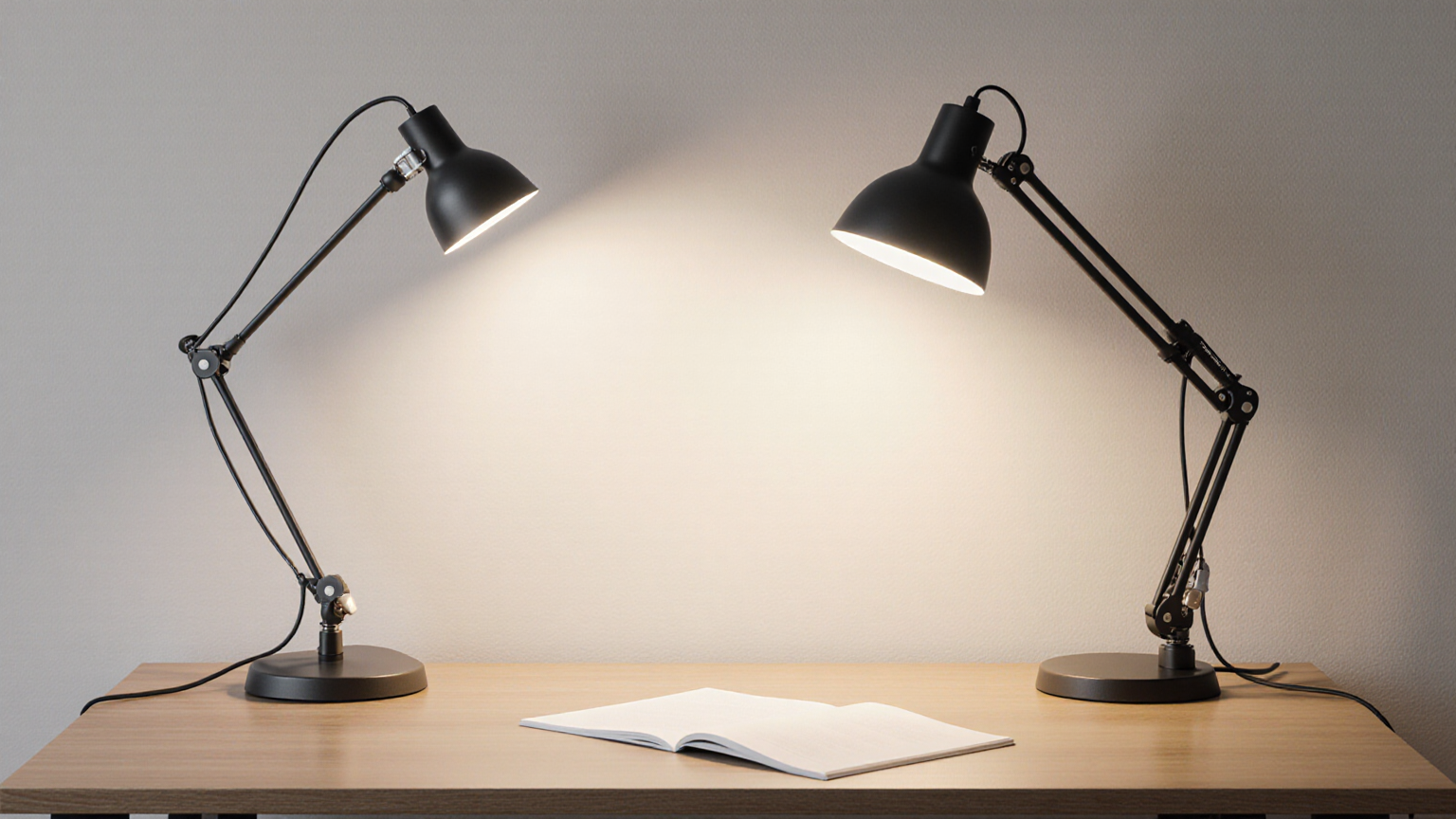
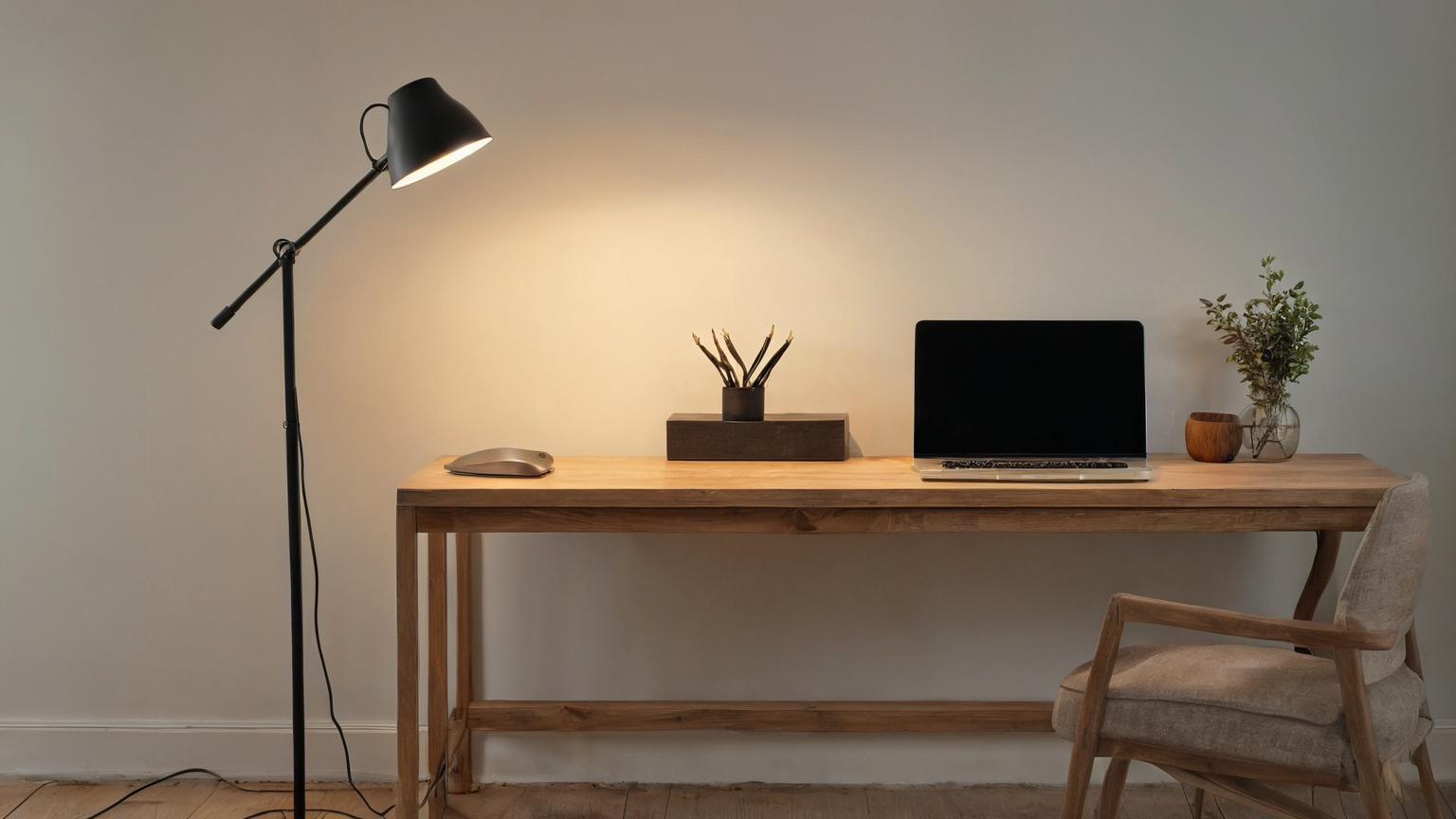
- Solution: position desk lamp to the side, never behind the screen. Angle light at the work surface (papers, keyboard), not at the screen.
Best practice
- Side lighting (left side for right-handed users so writing hand doesn’t shadow paper)
- Indirect overhead via lamp shades or diffused fixtures
- Anti-glare screen protector for severe cases (most modern matte monitors don’t need this)
Top picks
Monitor light bar — best single upgrade
BenQ Screen Bar Halo ($169-189)
- Mounted on top of monitor, directs light onto desk
- Adjustable color temperature (2700-6500K)
- Auto-brightness sensor adjusts to ambient
- Wireless remote (rotating dial, included)
- No screen glare (light angles down)
- Wirecutter top pick
BenQ Screen Bar ($109)
- Same concept, simpler controls (buttons on bar, not remote)
- Adjustable color temperature
- Wirecutter “best value” pick
- Excellent for the price
Quntis Monitor Light Bar ($45-65)
- Budget option
- Solid build, decent CRI
- Less elegant than BenQ but functional
- Good if BenQ feels overpriced
Traditional desk lamps
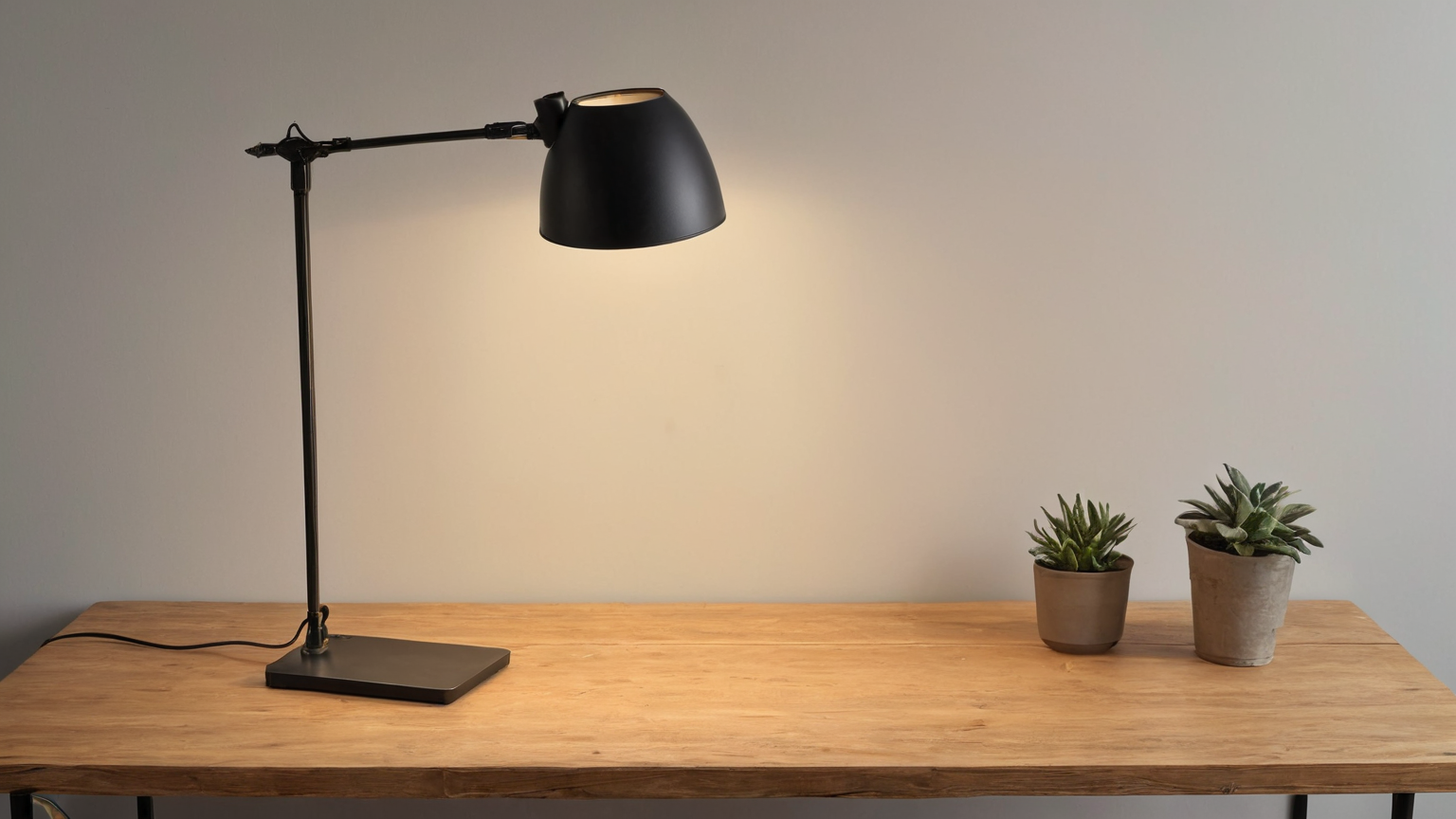
BenQ E-Reading LED Lamp ($150-200)
- Wide, even light spread
- Adjustable color temperature
- USB charging port
- Designed for reading and computer work
TaoTronics LED Desk Lamp ($40-80)
- Solid budget pick
- Touch controls, multiple brightness levels
- Reasonable color temperature options
- Wirecutter budget recommendation
Dyson Lightcycle Morph ($600-800)
- Premium tier
- Tracks circadian rhythm automatically
- Best color rendering and color temperature accuracy
- Massive overspend for typical use; valid for color-critical workflows
Daylight Slimline 3 ($150-250)
- Specifically for color-critical work
- High CRI (95+)
- Used by designers, artists, hobbyists
- Better than typical desk lamp for color accuracy
Smart bulb overhead
Philips Hue White Ambiance E26 ($25-35 per bulb)
- Adjustable color temperature 2200-6500K
- Schedules and automations (cool morning, warm evening)
- Pairs with circadian routines
- See home office lighting glare setup for a broader workstation lighting plan
Wyze Color Bulb ($14-18)
- Budget alternative
- Color temperature adjustable
- Less robust app/integration than Hue
- Solid for simple needs
Setup recommendations
Minimum viable office lighting
- Replace overhead bulb with quality 4000K LED (CRI 80+)
- Add desk lamp (BenQ Screen Bar Halo at premium, $109 BenQ Screen Bar at value)
- Position desk perpendicular to windows
- Manage windows with blinds/curtains
Cost: $30 bulb + $109-189 lamp = $140-220.
Premium office lighting
- Smart bulb overhead (Hue White Ambiance with daily schedule)
- BenQ Screen Bar Halo (auto-adjusting)
- Optional: SAD/full-spectrum lamp for windowless offices (Verilux HappyLight)
Cost: ~$200-400.
Color-critical lighting (designer, photo editor)
- High-CRI overhead (95+)
- Daylight Slimline 3 desk lamp
- Color-accurate monitor (separate from this post)
Cost: ~$400-600 for lighting alone.

Circadian considerations
Per Harvard Sleep Medicine research, light exposure timing affects circadian rhythm:
Morning (waking - 10 AM)
- Bright cool light (5000K+) signals “wake mode”
- Window exposure within 30 minutes of waking sets circadian rhythm
- Daytime office should be 4000-5000K
Midday (10 AM - 4 PM)
- Continue cool 4000-5000K lighting
- Bright is fine; alertness benefit
Late afternoon (4-7 PM)
- Begin transition toward warmer tones (3000-3500K)
- Avoid bright overhead at this point
Evening (after 7 PM)
- Warm 2700K or below
- Reduce bright screens close to bedtime
- Most monitors have “night mode” that warms color temperature in evening
For dedicated office workers with regular schedules, an adjustable desk lamp + smart bulb overhead enable seamless circadian-friendly lighting throughout the day.
Eye strain mitigation
Per AOA and Mayo Clinic Computer Vision Syndrome guidance, lighting choices that help:
- Adequate brightness — 500+ lux at desk
- No direct glare — proper light positioning
- Brightness matching — monitor brightness similar to ambient (don’t have a bright monitor in dim room)
- Reduce blue light at night — warm bulbs evening, monitor night mode
- Take breaks — 20-20-20 rule (every 20 minutes look at something 20 feet away for 20 seconds)
Lighting alone won’t fix eye strain caused by other factors (wrong viewing distance, dry eye, uncorrected vision) — but proper lighting is necessary baseline.
Common mistakes
Single overhead light only
Most home offices have one ceiling light and call it done. Result: 100-200 lux, glare on screen, shadows on the desk. Almost always need to add task lighting.
Lamp behind the screen
Direct lamp light into your eyes, glare on screen. Always position lamps to the side or use a monitor-mounted light bar.
Wrong color temperature
Warm 2700K lamps in office work environment cause sleepiness during day. Cool 6000K lamps in evening environment delay sleep onset.
Insufficient diffusion
Bare LED bulbs without shade or diffuser cause glare and uneven illumination. Use shades, diffusers, or indirect lighting.
”Smart” bulbs but no schedule
Smart bulbs without schedules are just expensive regular bulbs. Set up morning cool / evening warm transitions to capture the value.
Bottom line
For most home office workers:
- Upgrade overhead bulb to 4000K LED with CRI 80+
- Add a desk lamp or monitor light bar — the BenQ Screen Bar at $109 transforms typical home desk lighting
- Position desk perpendicular to windows — manages glare passively
- Lights to the side of monitor, never behind
- Color temperature transitions — cool daytime (4000-5000K), warm evening (2700K)
Total budget: $140-220 for meaningful upgrade; $300-400 for premium adjustable circadian-friendly setup.
For complementary home office content, see ergonomic chair data and monitor size and refresh rate data.
Desk lights that hit the research lux targets
Independent illuminance testing puts three products consistently at the top for office-grade lighting (300-500 lux at desk surface) without screen glare or color cast issues.
BenQ ScreenBar Plus Monitor Light
Price · $120-160 — clips on top of monitor, zero desk footprint
+ Pros
- · Auto-dim based on ambient light sensor
- · Asymmetric light pattern aims at desk surface, not screen
- · Wired remote for color temp + brightness — no app required
− Cons
- · Original Plus model uses included puck remote (battery type AAA)
- · Fits monitors 1-3 cm thick — measure first
Paid affiliate link. Price, availability, and ratings can change; verify details on the retailer page before buying.
TaoTronics LED Desk Lamp (TT-DL13 / DL19)
Price · $30-60 — value pick with great spec sheet
+ Pros
- · 5 brightness levels x 7 color temps = wide adjustment range
- · USB port for phone charging at the base
- · Memory function remembers last setting (rare at this price)
− Cons
- · Plastic build vs metal premium picks
- · 1-year warranty (shorter than BenQ)
Paid affiliate link. Price, availability, and ratings can change; verify details on the retailer page before buying.
Philips Hue White Ambiance Smart Bulb (Starter Kit)
Price · $60-100 — for smart-home integration
+ Pros
- · Tunable white from warm to cool — match circadian-friendly schedule
- · Works with HomeKit, Alexa, Google — no separate hub needed for 1-2 bulbs
- · Routines automate brightness throughout the workday
− Cons
- · Per-bulb cost higher than basic LED bulbs
- · Requires Hue Bridge for advanced routines (additional purchase)
Paid affiliate link. Price, availability, and ratings can change; verify details on the retailer page before buying.
The BenQ ScreenBar Plus is the most space-efficient solution. Pair with a wall-mounted Hue setup if you want full circadian-friendly lighting control across the workday.