Cable Management Under Desk — 2026 Real Setup Guide
Cable management trays, raceways, and ties compared for home office desks — what actually keeps the cables hidden long-term vs the systems that fall apart after a month.
The cable mess under the desk is the home office’s most common visual eyesore. Power cables for monitor, computer, lamp, and chargers tangle with HDMI, USB-C, ethernet, and audio cables into a knot that traps dust and migrates across the floor. The problem looks bigger than the solution — most people assume cable management is a major project requiring custom installation. In practice, $30-50 in components and a 90-minute Saturday afternoon transforms the situation.
This article walks through the practical components — trays, raceways, ties, and mounted power strips — and the specific routing approach that produces a clean look that survives daily use. The conclusion is that the right hardware matters less than the routing discipline; the system has to accommodate routine cable changes without rebuilding from scratch.
- The three component categories — ties, trays, and raceways
- Routing approach that handles power, data, and peripheral cables together
- Why Velcro reusable ties beat zip ties for home office use
- Power strip mounting options that hide the strip and surge protection
- Top picks across $30-150 budget range
The three component categories
A complete cable management setup uses three component types working together:
Cable ties — Velcro One-Wrap, JOBY Wraptor, or generic reusable Velcro straps. These bundle multiple cables along their length, replacing the loose individual cables with a single neat bundle. Velcro is preferable to zip ties because cables can be added or removed without cutting.
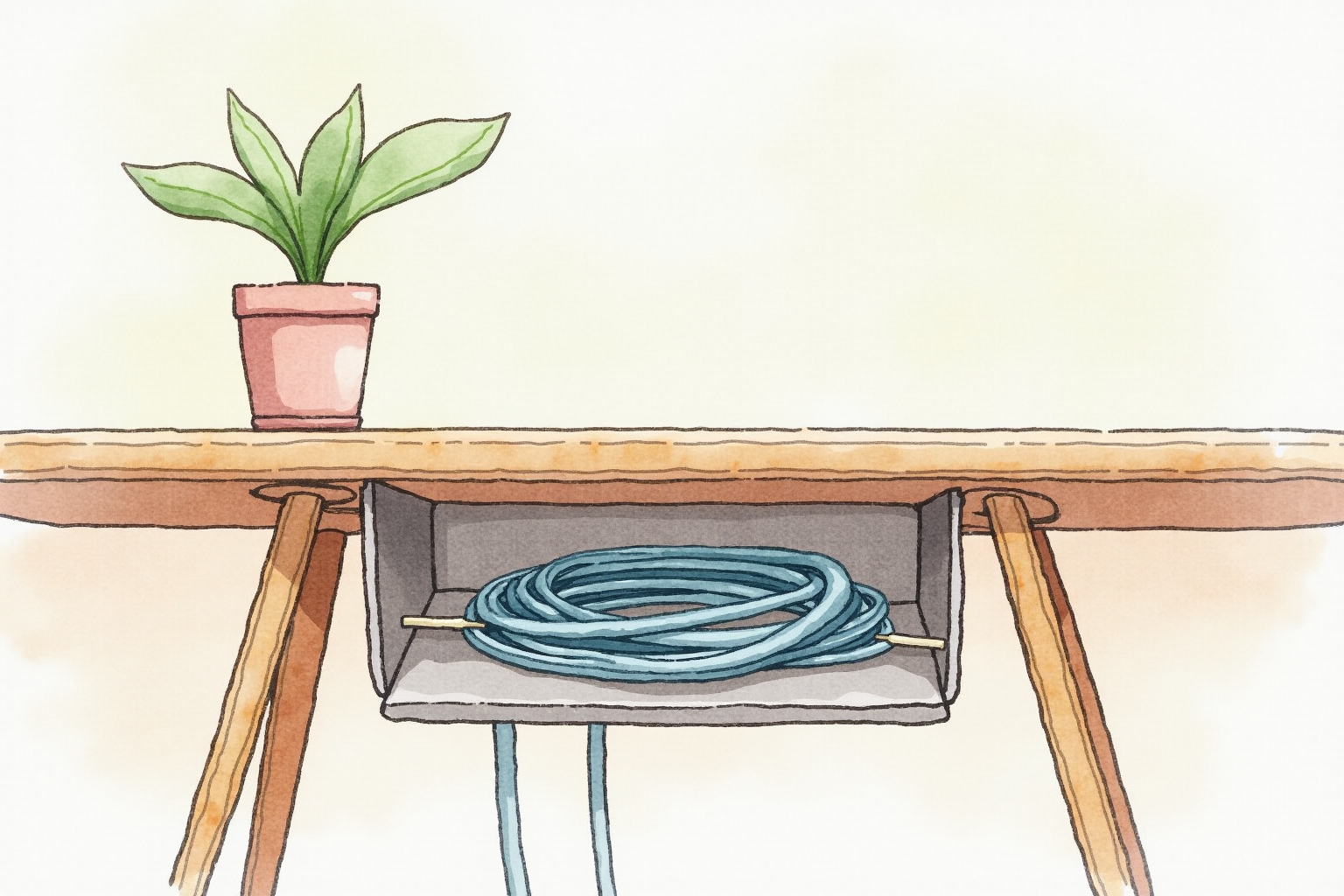
Under-desk trays — wire-mesh baskets that mount to the underside of the desk via screws or clamps. These hold the power strip and the bulk of cable lengths so they sit cleanly underneath rather than dangling. The IKEA SIGNUM, J Channel under-desk trays, and Stand Up Desk Store cable kit are the dominant options.
Cable raceways — channel covers that mount along walls, baseboards, and the back vertical surface of desks. These hide cables that have to travel a distance (from the wall outlet to the desk, or from the desk to a wall-mounted monitor). J Channel raceways, IKEA SIGNUM (different from the tray), and generic cord covers are the dominant options.
Most home offices need all three: ties to bundle cables together, a tray to hold the bundle and power strip under the desk, and raceways to route cables along walls. Skipping any one of these leaves a partial solution that looks half-finished.
The routing approach

The routing pattern that works for most desk setups:
Start with the power strip. Mount a 6-8 outlet power strip with surge protection to the under-desk tray. This becomes the single power hub. Plug in everything that needs power: monitor(s), computer/dock, lamp, phone charger, speaker, anything else. Do not run individual power cables to the wall outlet; everything goes to the strip.
The wall connection. Run a single power cable from the strip to the wall outlet. This is the only floor-running cable in the setup. Route it along the baseboard via raceway if it has to cross open floor.
Data cables from devices to the dock or computer. Monitor HDMI/DisplayPort, USB cables for keyboard/mouse, ethernet, etc. Route these from each device down the back of the desk, through the tray, and into the dock or computer. Bundle them with Velcro ties along their length.
Surface cables. Only the cables that must reach the user’s hands appear on the desk surface — keyboard, mouse, laptop charging cable (if not on a dock), and any USB cables for occasional peripherals. Keep these short and route them along the rear edge of the desk to a single drop point.
The result: a clean desk surface with at most 1-3 visible cables, all cables routed underneath, and a single wall connection that is itself routed through baseboard raceway.
Velcro ties vs zip ties
Zip ties cost $5 for a hundred and work for one-time setups. The problem: adding any new cable or replacing any existing cable requires cutting the tie and starting over. For home office setups that change every 6-12 months (new monitor, new dock, new peripheral), zip ties are inefficient.
Velcro One-Wrap ties cost $10-15 for 50 reusable straps. Each strap can be opened and closed dozens of times without losing grip. Adding a new cable to an existing bundle is a 30-second operation: open the strap, add the cable, close the strap.
The premium upgrade is JOBY Wraptor or similar branded Velcro ties with reinforced loops and color coding. These are useful for power users with many cables (audio engineering, multi-monitor video setups) where labeling and durability justify the higher cost. For most home offices, generic Velcro One-Wrap is enough.
Mounted power strips — the convenience upgrade

A floor-sitting power strip works but collects dust, gets kicked, and looks cluttered. A mounted power strip eliminates these problems. Two mounting approaches:
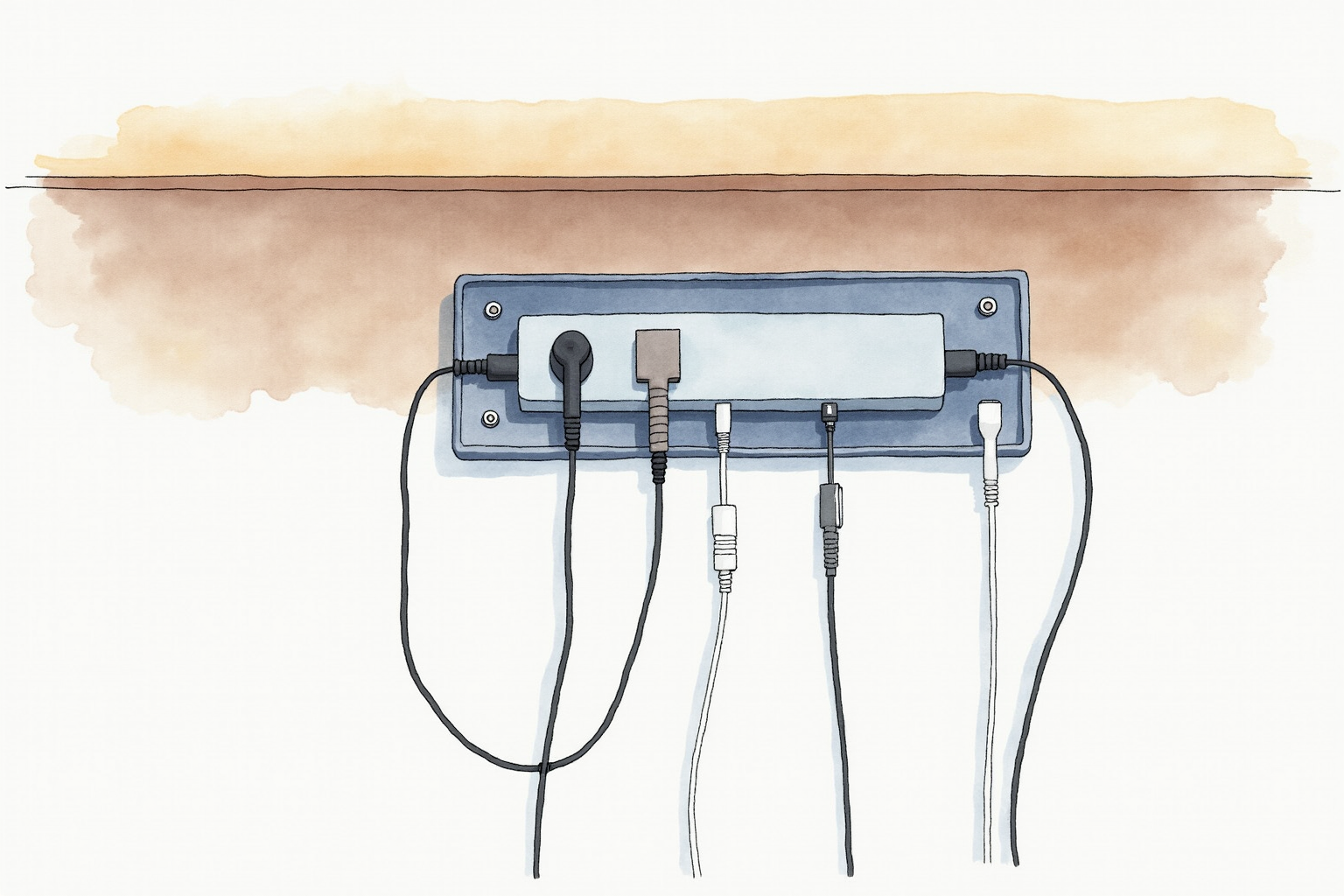
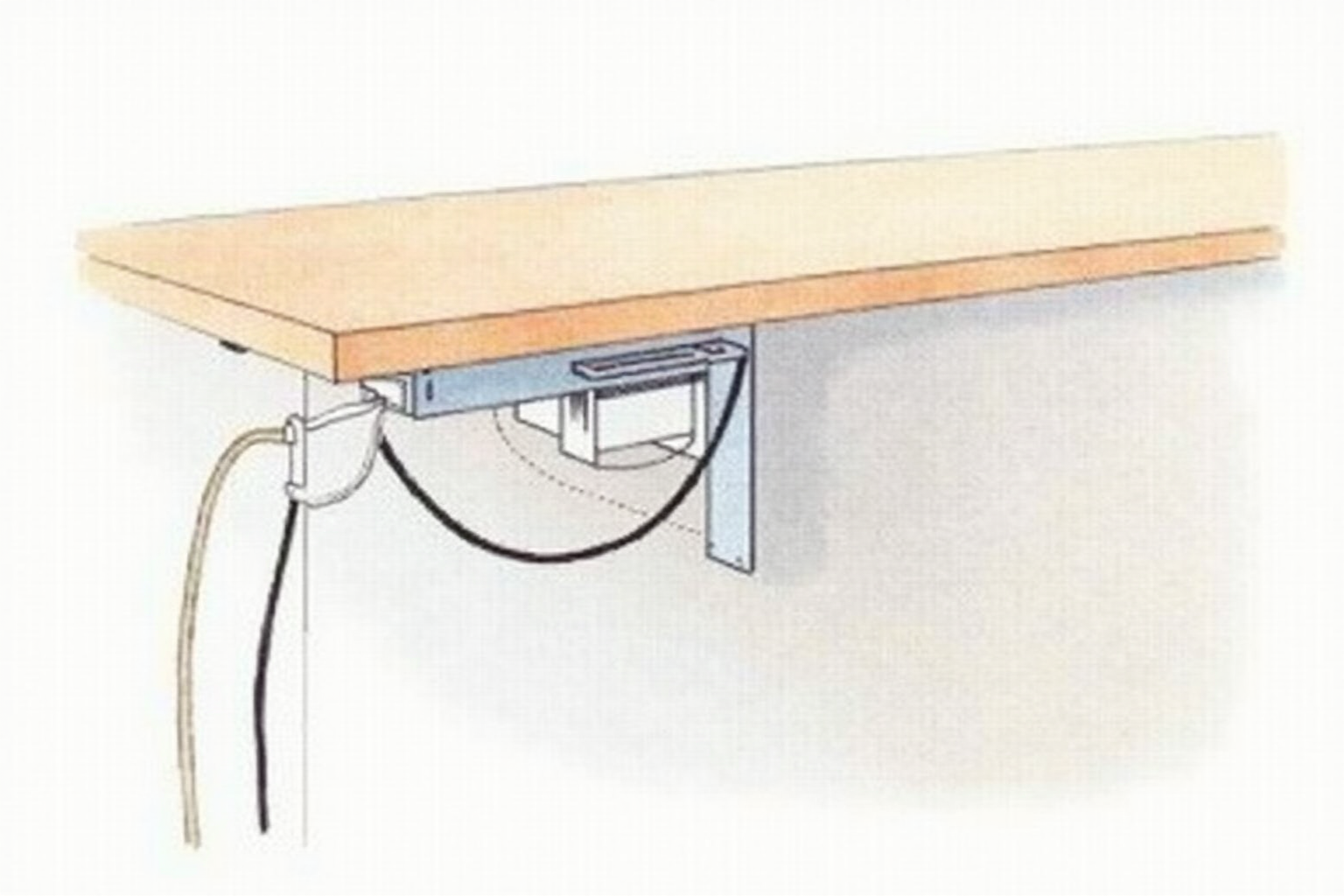
Under-desk mount: power strip screws or clamps to the underside of the desk, between the desk surface and the tray. This puts the outlets at a height that is reachable but invisible from above. The CyberPower CSP-806U and APC SurgeArrest provide built-in mounting brackets.
Tray-integrated: the under-desk tray includes a power strip section. The Stand Up Desk Store cable kit and similar all-in-one solutions bundle both. This is the cleanest look but limits you to the included power strip’s outlet count.
For surge protection, look for joule ratings of 1000+ and current ratings of 15A. Built-in USB-C charging ports (the strip provides USB-C power directly without an adapter) are common at this price point and eliminate one more wall wart.
Top picks across budgets
Velcro One-Wrap Reusable Cable Ties (50-pack)
Price · $10-18 — best tie pick
+ Pros
- · Reusable across many cable changes without cutting and replacing
- · Works on power, data, audio, and ethernet cables in the same bundle
- · 50-pack covers complete home office routing with extras for future changes
− Cons
- · Slightly more expensive than zip ties initially
- · Velcro can attract lint and dust over years of use
Price, availability, and ratings can change; verify details on the retailer page before buying.
J Channel Cable Raceway Under-Desk Tray (Steel Mesh)
Price · $25-45 — best tray pick
+ Pros
- · Mounts to underside of desk with included clamps — no drilling required
- · Steel mesh design supports power strip plus multiple cable bundles
- · Adjustable to fit different desk widths (30-60 inches typical range)
− Cons
- · Initial installation requires lying on the floor under the desk
- · Mesh allows light dust accumulation visible from below
Price, availability, and ratings can change; verify details on the retailer page before buying.
CyberPower CSP-806U Under-Desk Mountable Surge Protector
Price · $30-50 — best power strip pick
+ Pros
- · Built-in mounting bracket for under-desk installation
- · 6 outlets plus USB-A and USB-C charging ports
- · 1080 joule surge protection rating for desk electronics
− Cons
- · USB-C output is 18W — sufficient for phones but not laptop charging
- · Cord length is 6 feet — verify reach to wall outlet before purchase
Price, availability, and ratings can change; verify details on the retailer page before buying.
The buying decision
For a complete first-time setup, the right combination is Velcro One-Wrap ties ($15), J Channel mesh tray ($30), and CyberPower CSP-806U power strip ($35). Total: $80, enough for any standard home office.
For upgraded setups with wall-routed cables, add J Channel or IKEA SIGNUM raceway along the baseboard at $15-25 per 4-foot section. Most home offices need 2-3 sections to cover the wall run from desk to outlet.
For premium setups, the all-in-one cable management kits (Stand Up Desk Store complete kit, Brateck cable management system) bundle tray, power strip, and raceways for $120-200. These produce a more cohesive look at higher cost than buying components separately.
Avoid budget no-name trays under $15 — the mounting hardware fails within 6-12 months as cables sag and weight accumulates. The $25-40 mid-range trays use sturdier steel and better mounting brackets that last for years.
The transformation from cable chaos to clean setup is one of the most visible improvements you can make to a home office. The cost is modest, the time investment is one afternoon, and the daily-life improvement compounds — every time you sit down at the desk and see a clean surface, the workspace feels more professional.